Prompt Seen Ready-to-Copy AI Prompts for ChatGPT & Gemini
Prompt Seen is a free website offering ready-to-copy AI prompts for ChatGPT and Gemini, covering trending photo edits, portraits, festival looks, and couple photography styles. Every prompt is tested, free to use with no sign-up, and updated regularly to match whatever trend is currently going viral on Instagram and TikTok.
If you’re searching for Gemini and ChatGPT prompts, or ready-to-copy viral AI photo prompts, you’re in the right place.
AI Photo Prompts People Are Copying Today
Every ready-to-copy photo prompt on Prompt Seen, refreshed as new trends land.
 Anime Prompt
Turn your photo into a playful Crayon Shinchan-style anime character edit, ready to copy and generate.
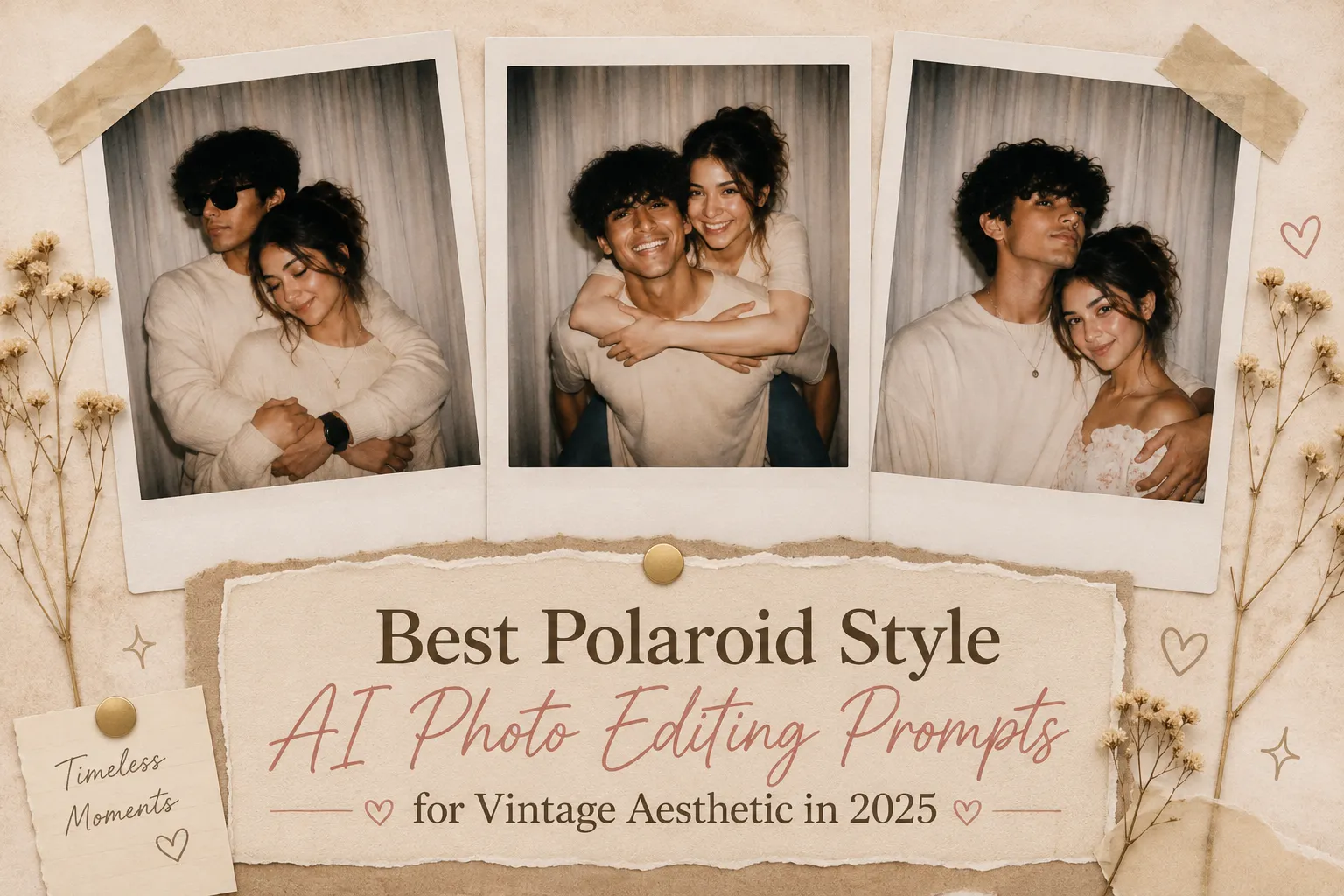 Trending Prompt
Classic instant-camera Polaroid frames with warm faded tones and a nostalgic finish, ready to copy.
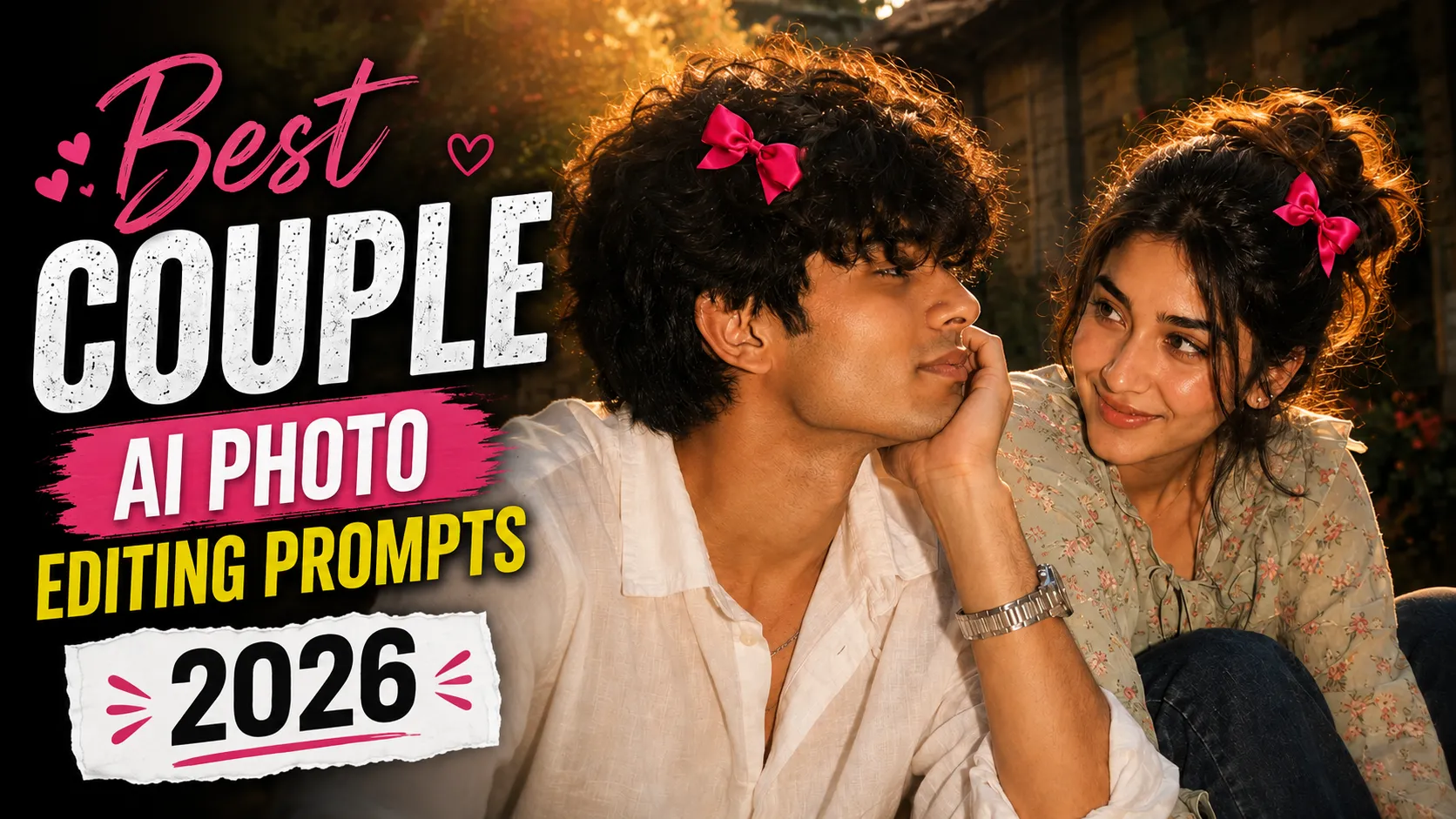 Couple Prompt
Romantic, editorial-style couple portraits with soft lighting and cinematic color grading, ready to copy.
 Festival Prompt
Festive Indian lehenga portrait styling with rich colors and traditional aesthetic detailing, ready to copy.
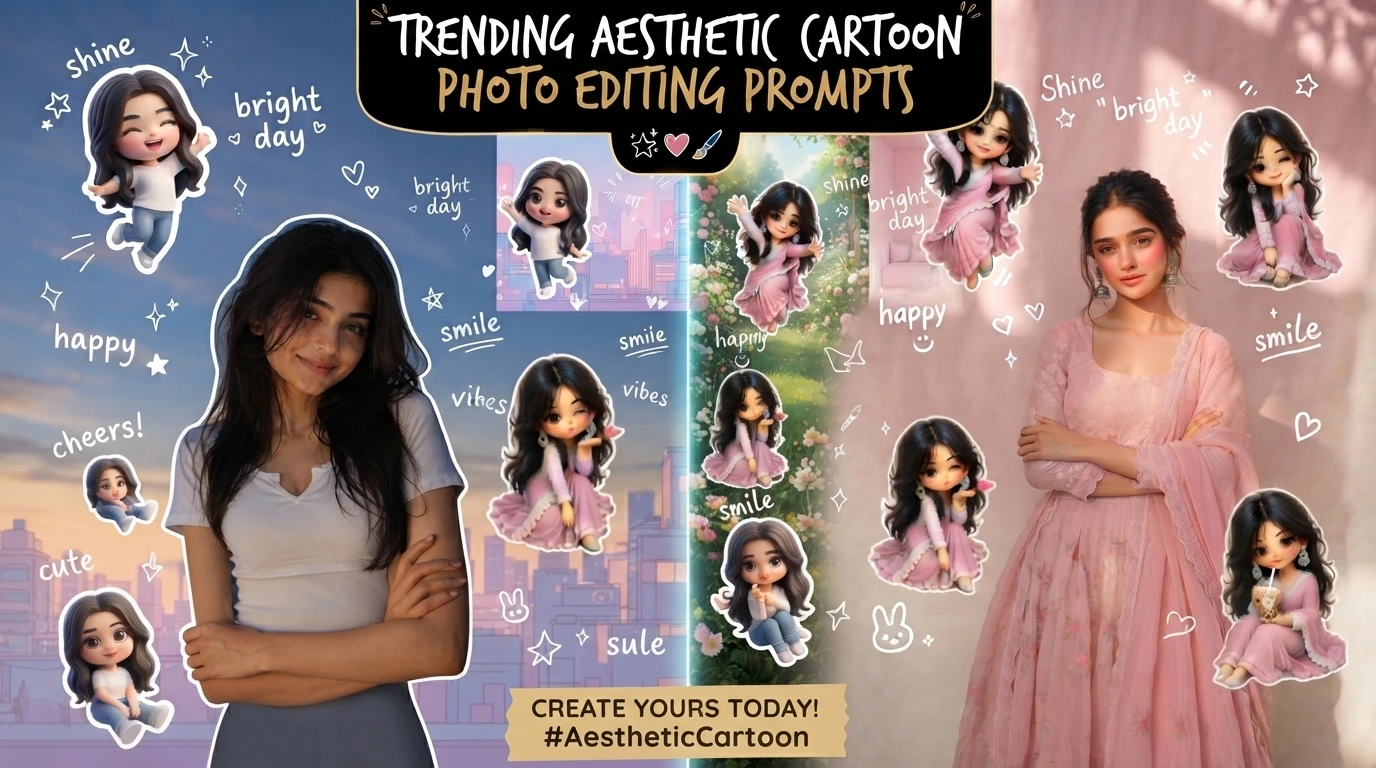 Trending Prompt
Turn your photo into a chibi-style cartoon edit with playful stickers and a soft aesthetic finish, ready to copy.
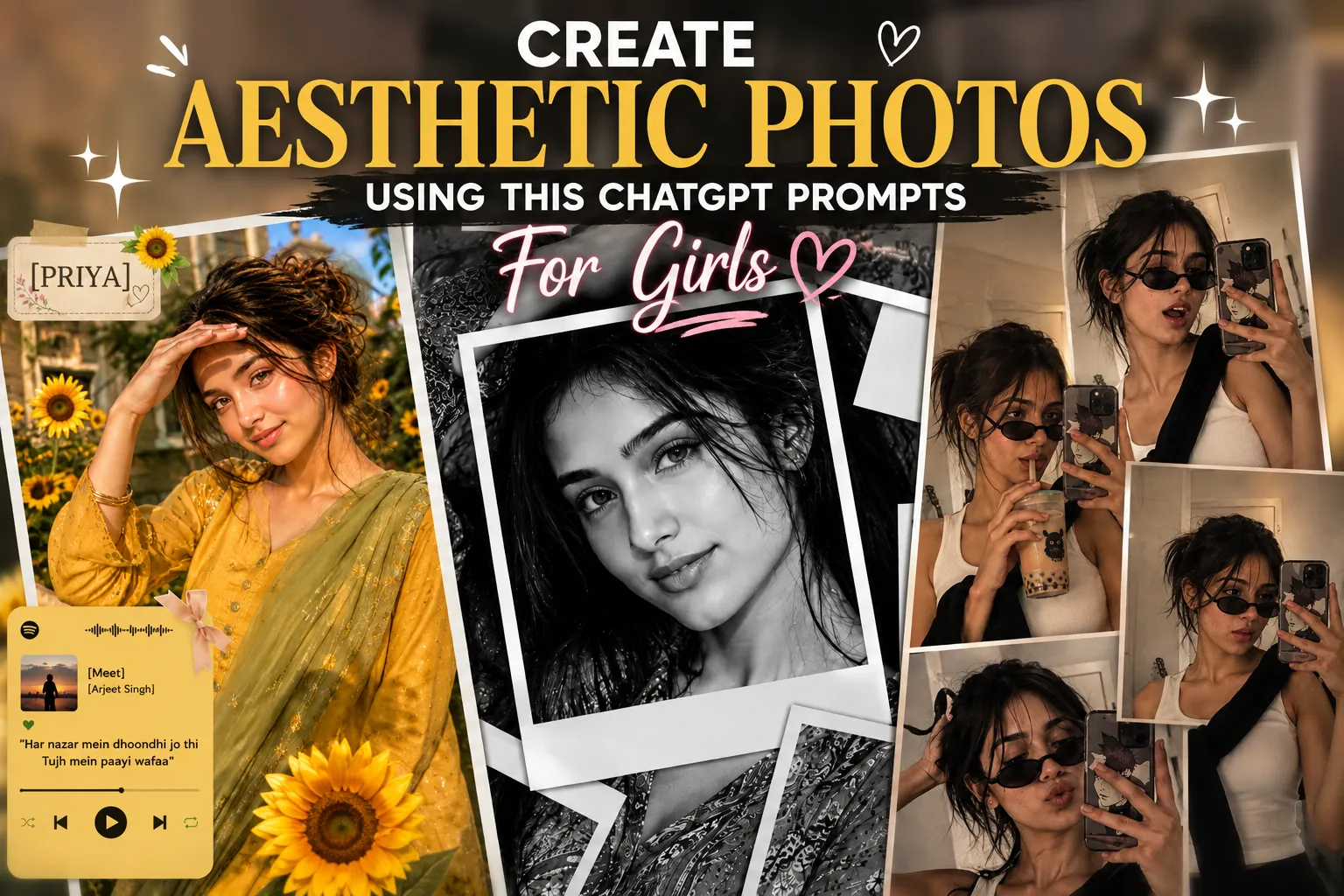 ChatGPT Prompt
Mirror selfie collage, sunflower golden hour, and black-and-white Polaroid looks, three prompts ready to copy.
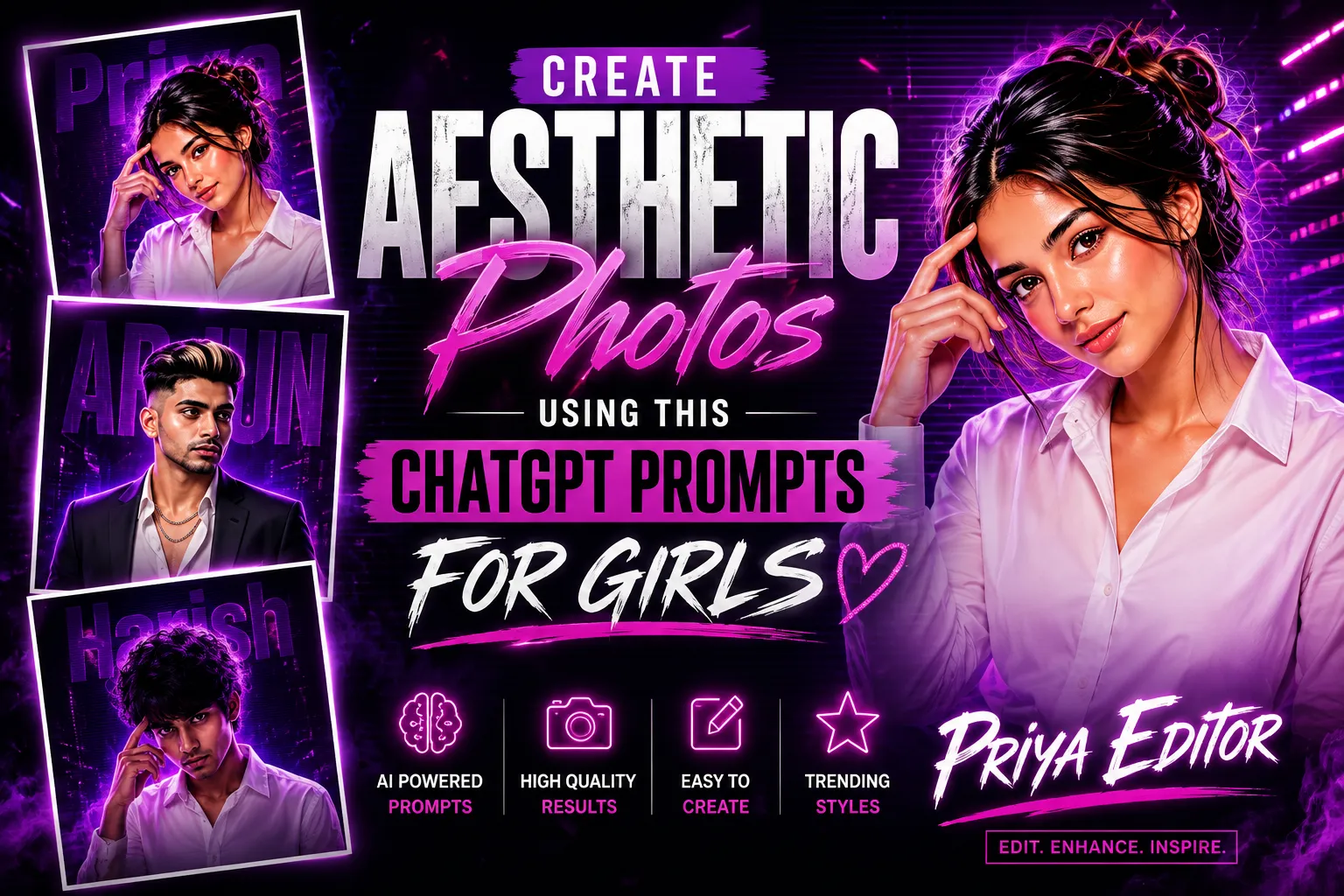 Trending Prompt
Neon purple and magenta circular DP looks with a glowing custom name signature, ready to copy.
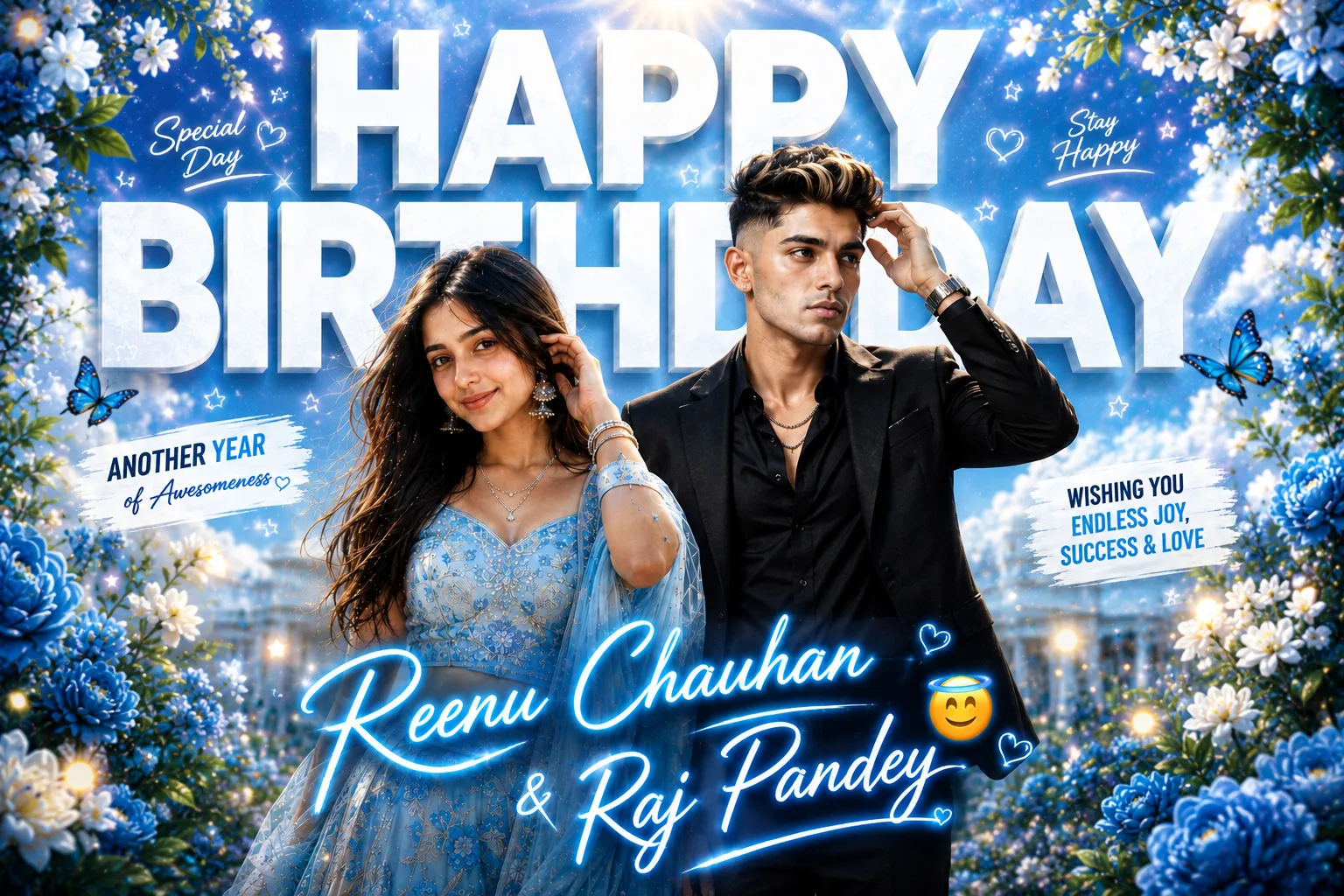 ChatGPT Prompt
Dreamy cinematic Happy Birthday posters with a custom name signature, for boys and girls, ready to copy.
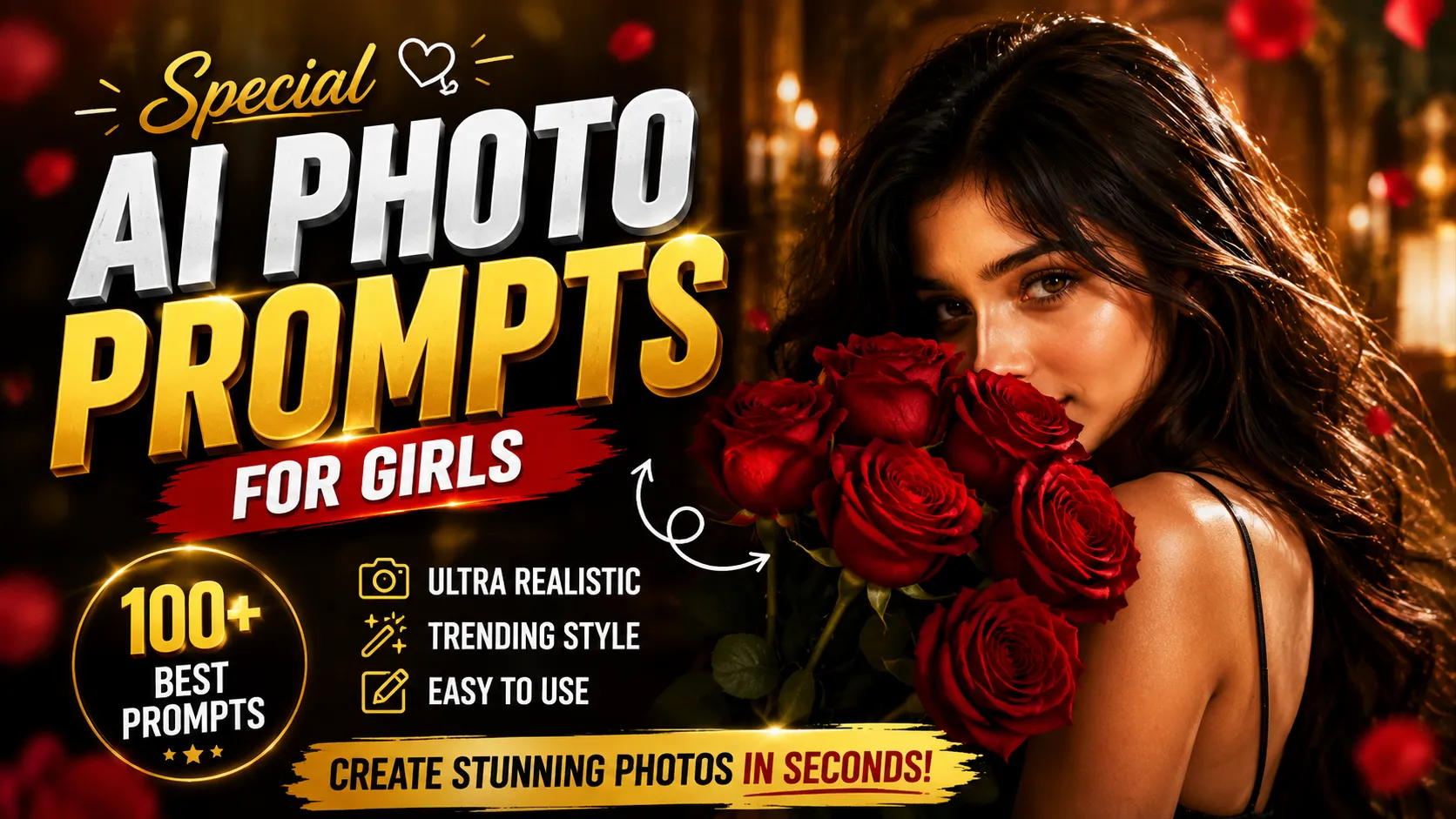 Gemini Prompt
A soft, dreamy aesthetic wallpaper-style photo prompt for girls, ready to copy and generate in seconds.
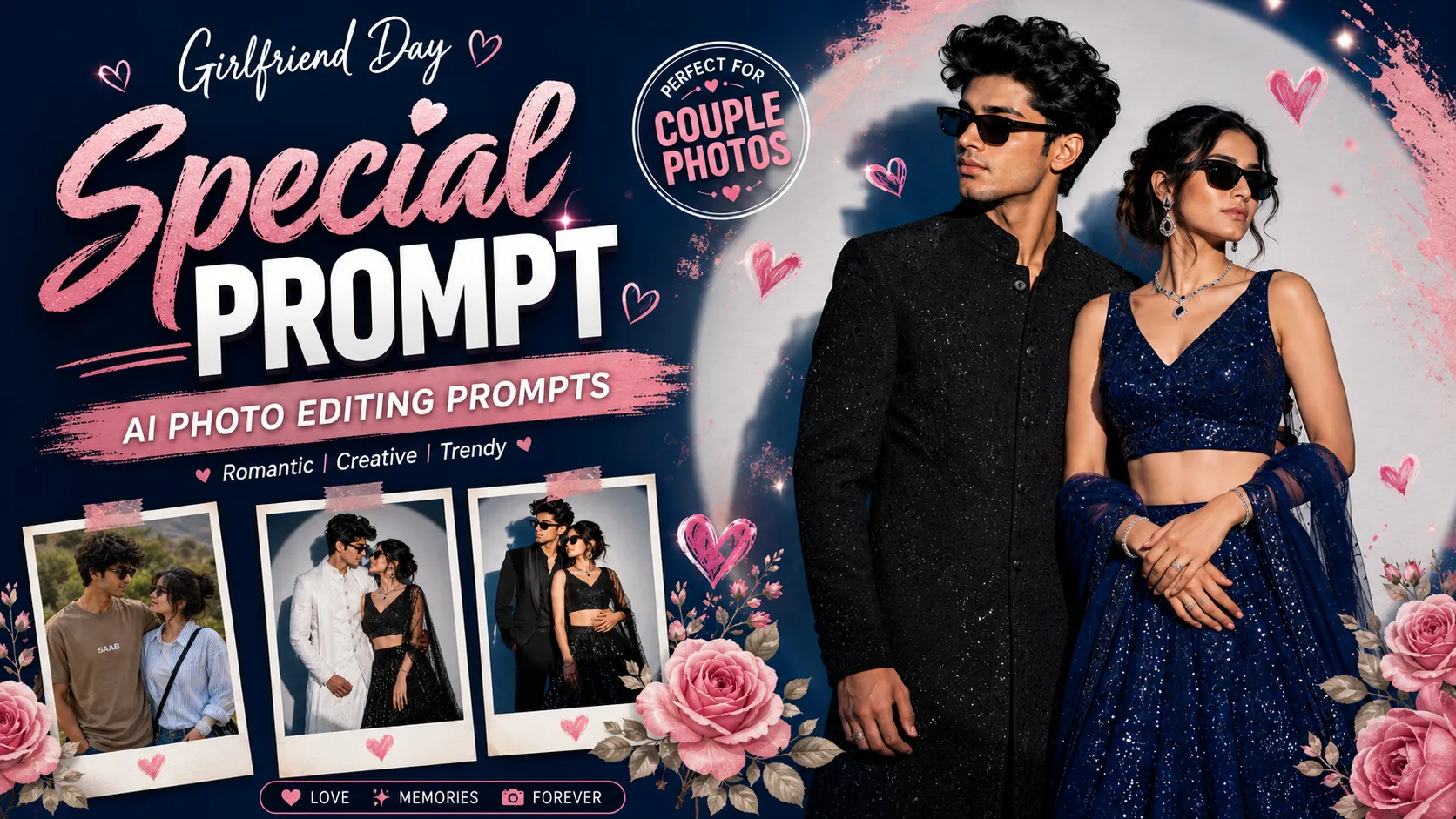 Festival Prompt
Warm, celebratory Friendship Day photo prompts with a soft romantic-couple styling, ready to copy.
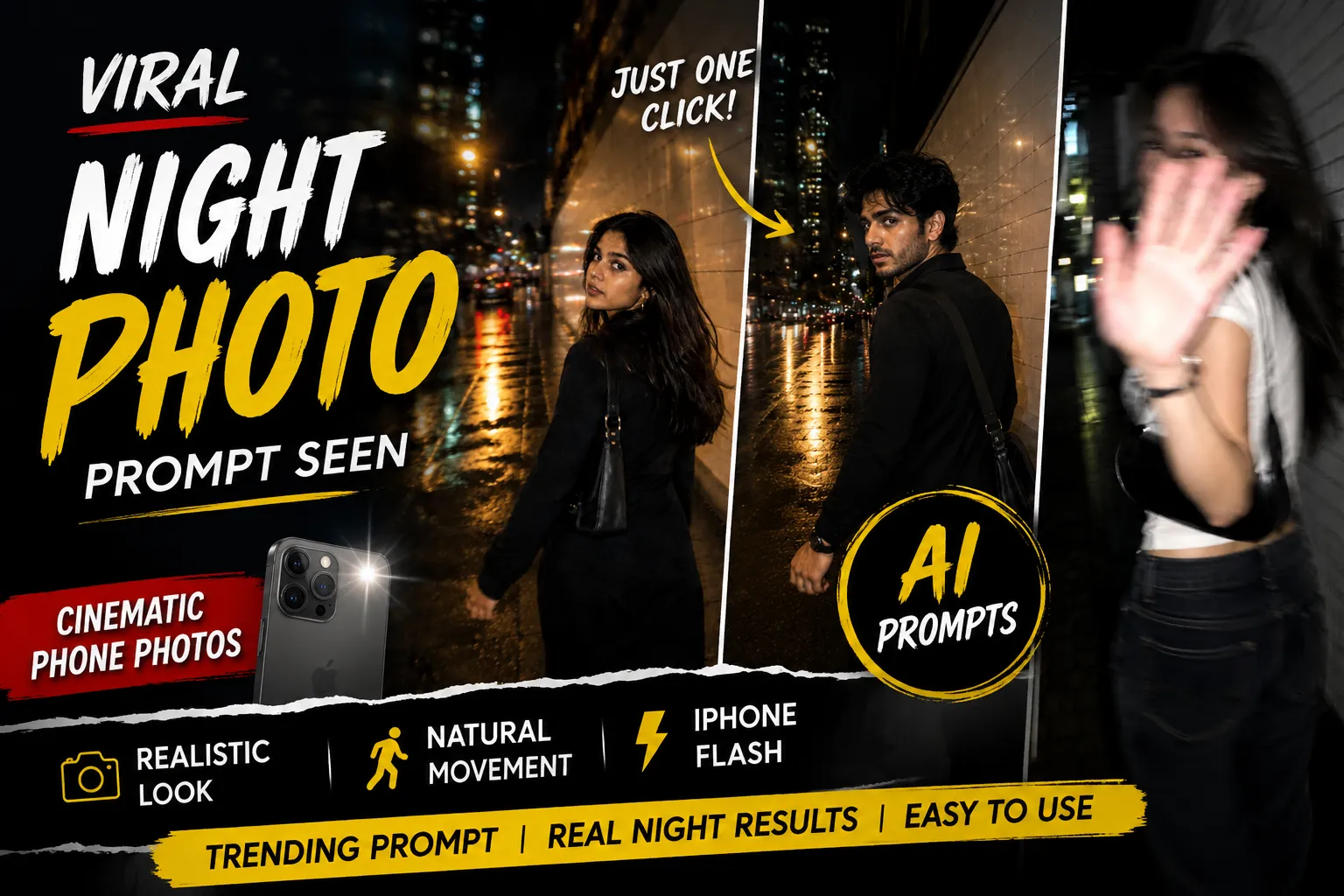 Trending Prompt
Candid flash-lit night shots with motion blur, walking-away and look-back poses, ready to copy for ChatGPT & Gemini.
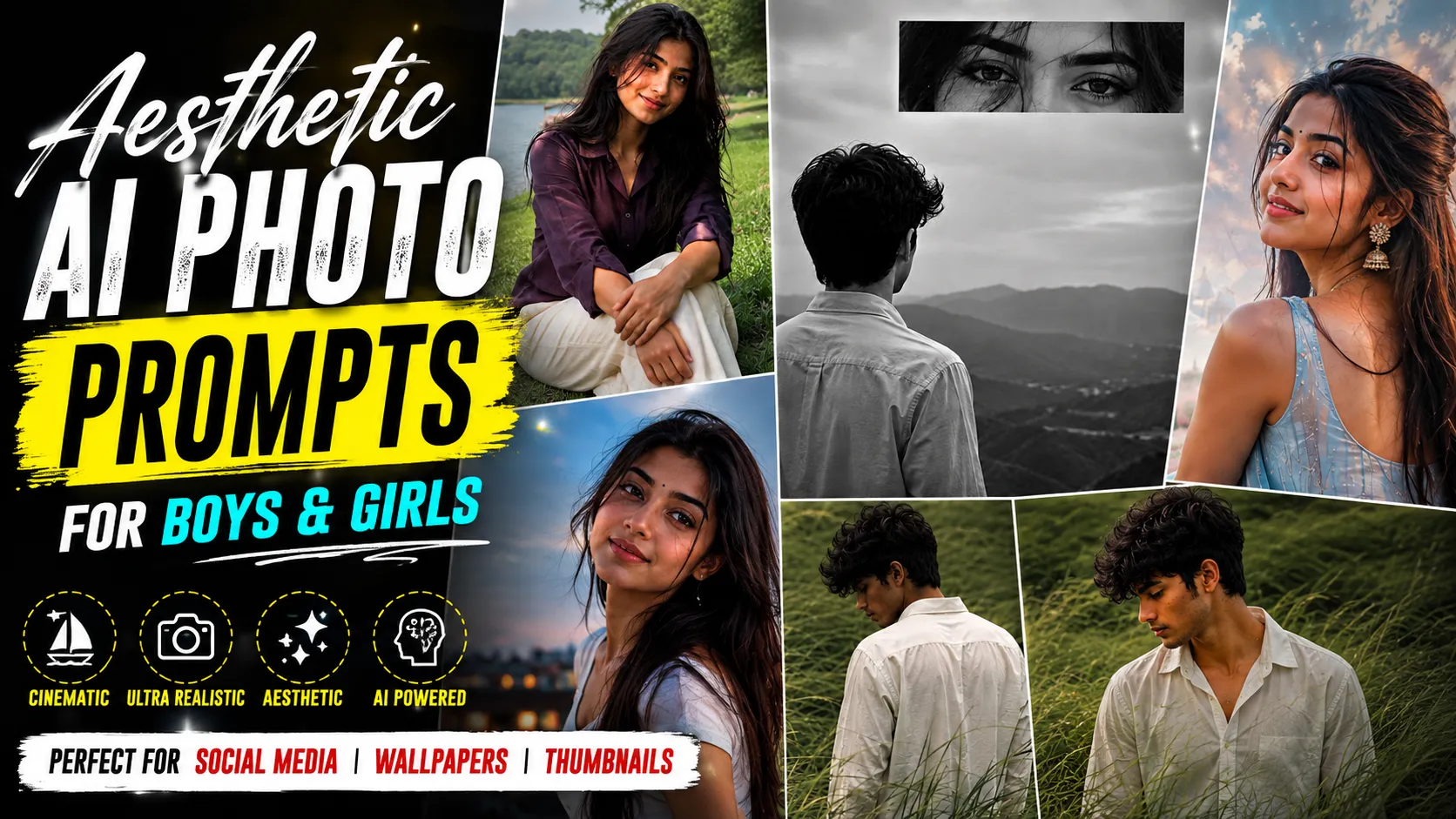 Trending Prompt
Windswept grass fields, blue hour editorials, and monochrome portraits, six cinematic prompts ready to copy.
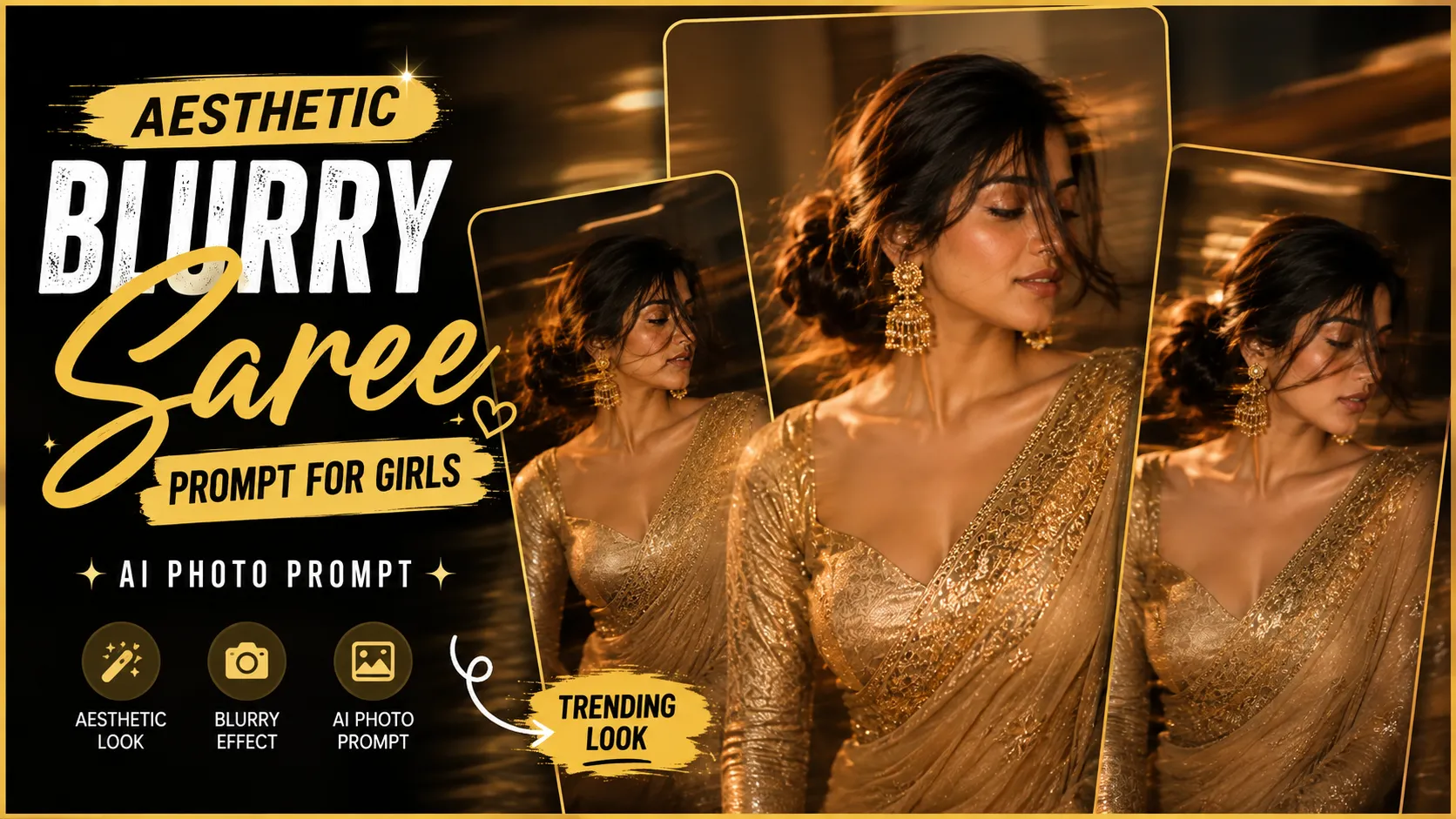 ChatGPT Prompt
A golden zari saree portrait with intentional motion blur and a dreamy, editorial mood, ready to copy.
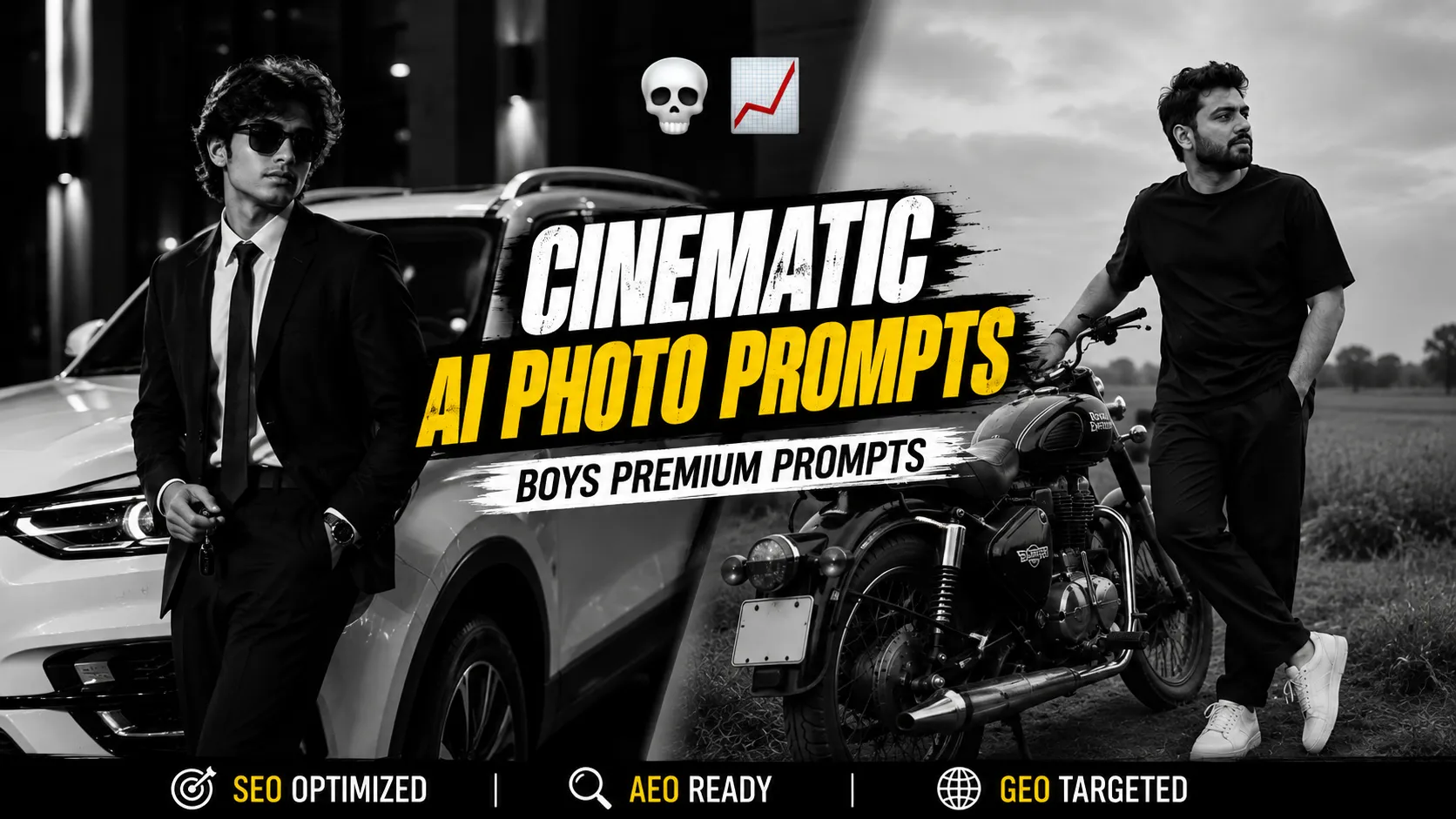 Gemini Prompt
Premium, high-contrast black-and-white boy portrait prompts with a cinematic editorial mood, ready to copy.
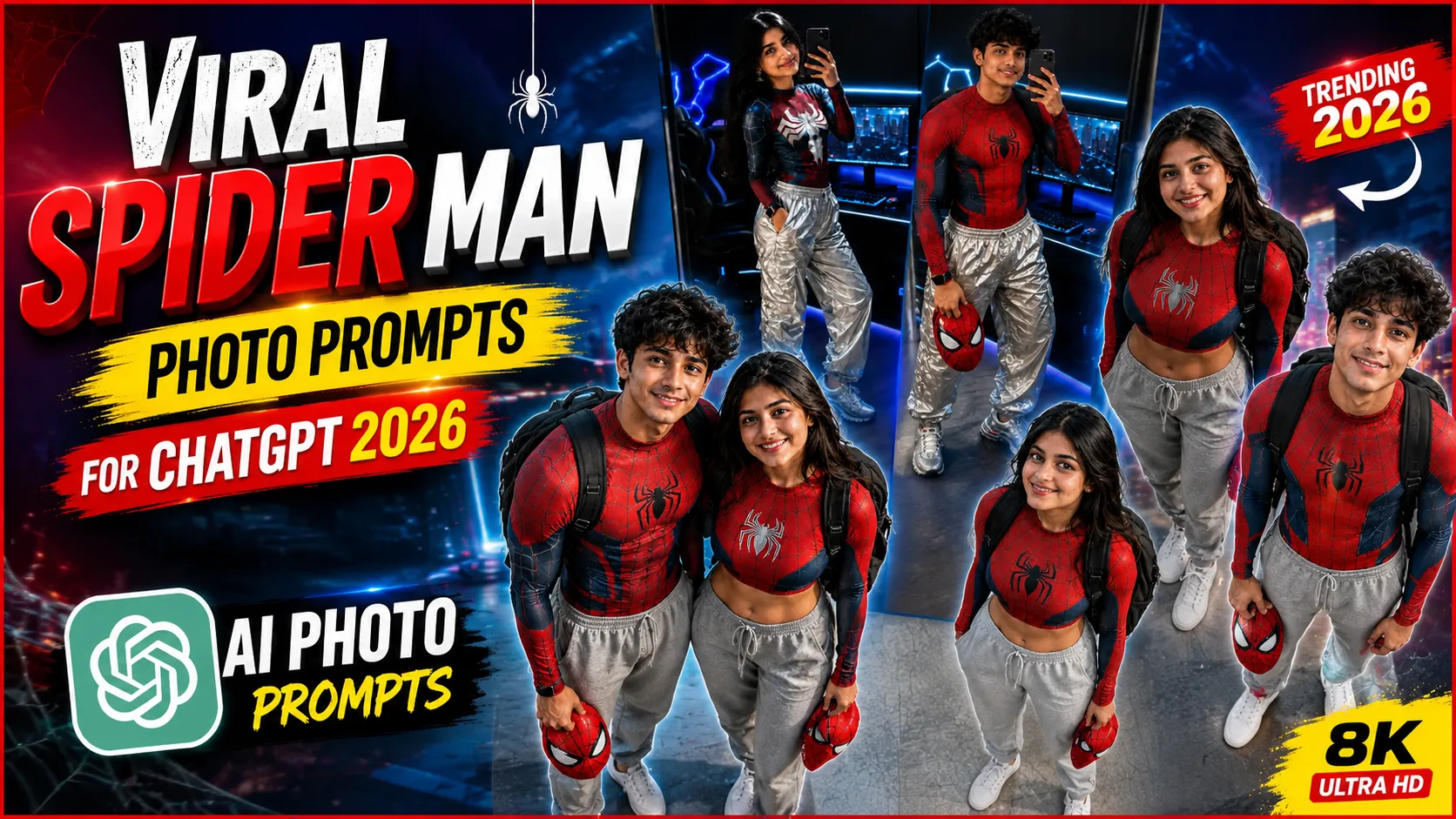 Trending Prompt
Suit up as your favorite web-slinger with these viral Spider-Man photo prompts for ChatGPT, ready to copy.
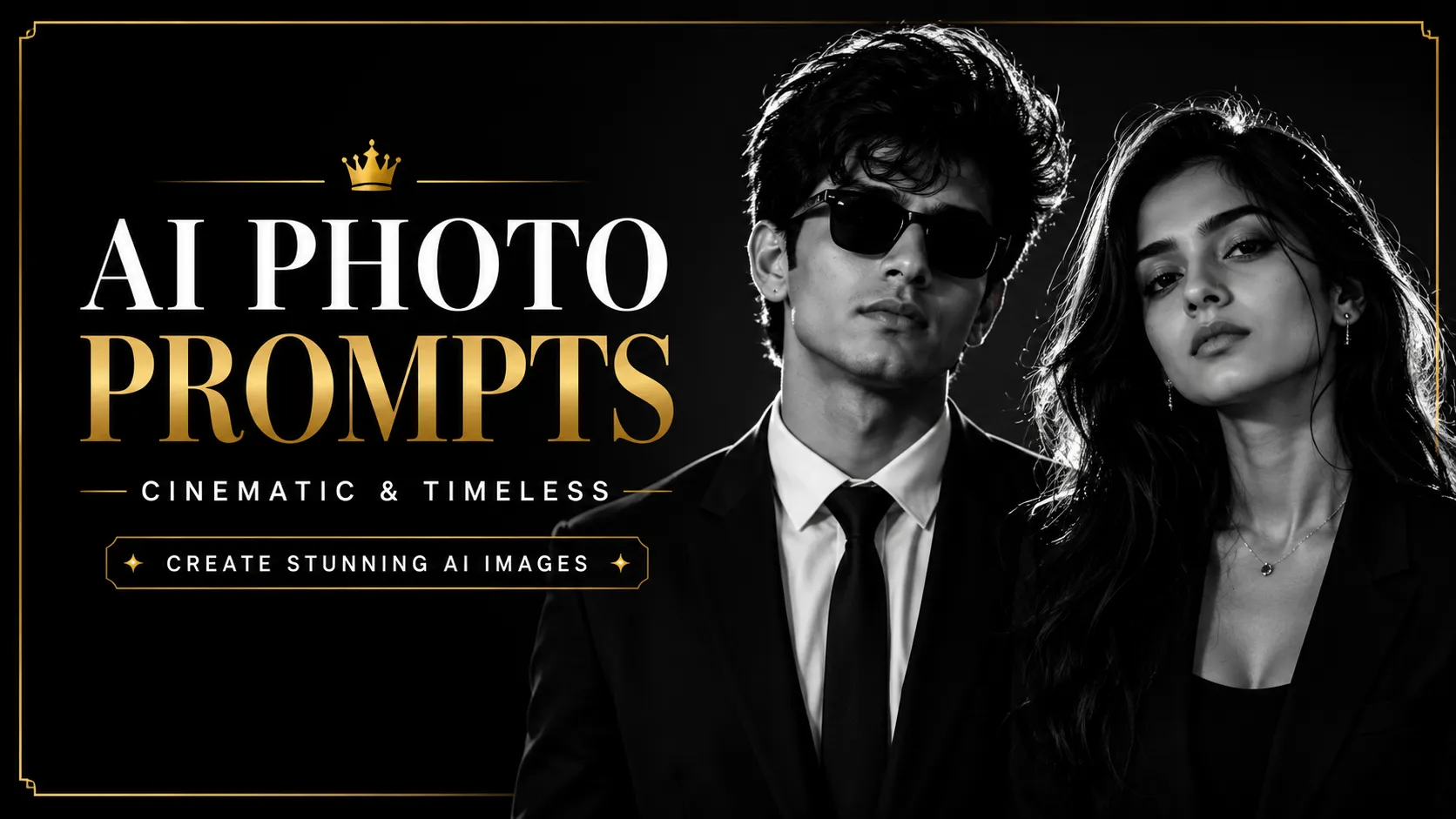 Couple Prompt
A close-up, reflective couple-eyes portrait style with soft aesthetic lighting, ready to copy and generate.
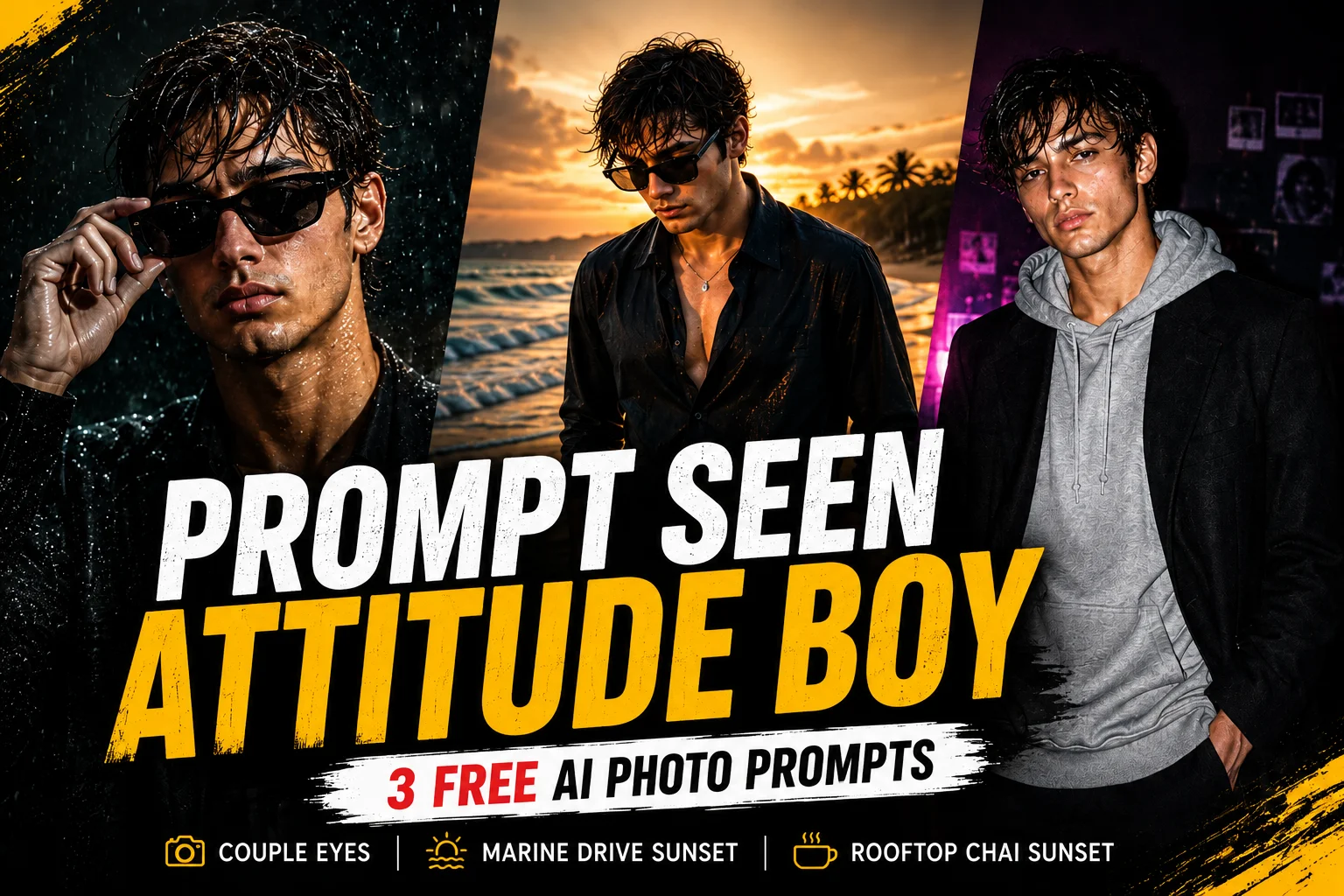 ChatGPT Prompt
Three free bold attitude-style boy portrait prompts with confident poses and moody styling, ready to copy.
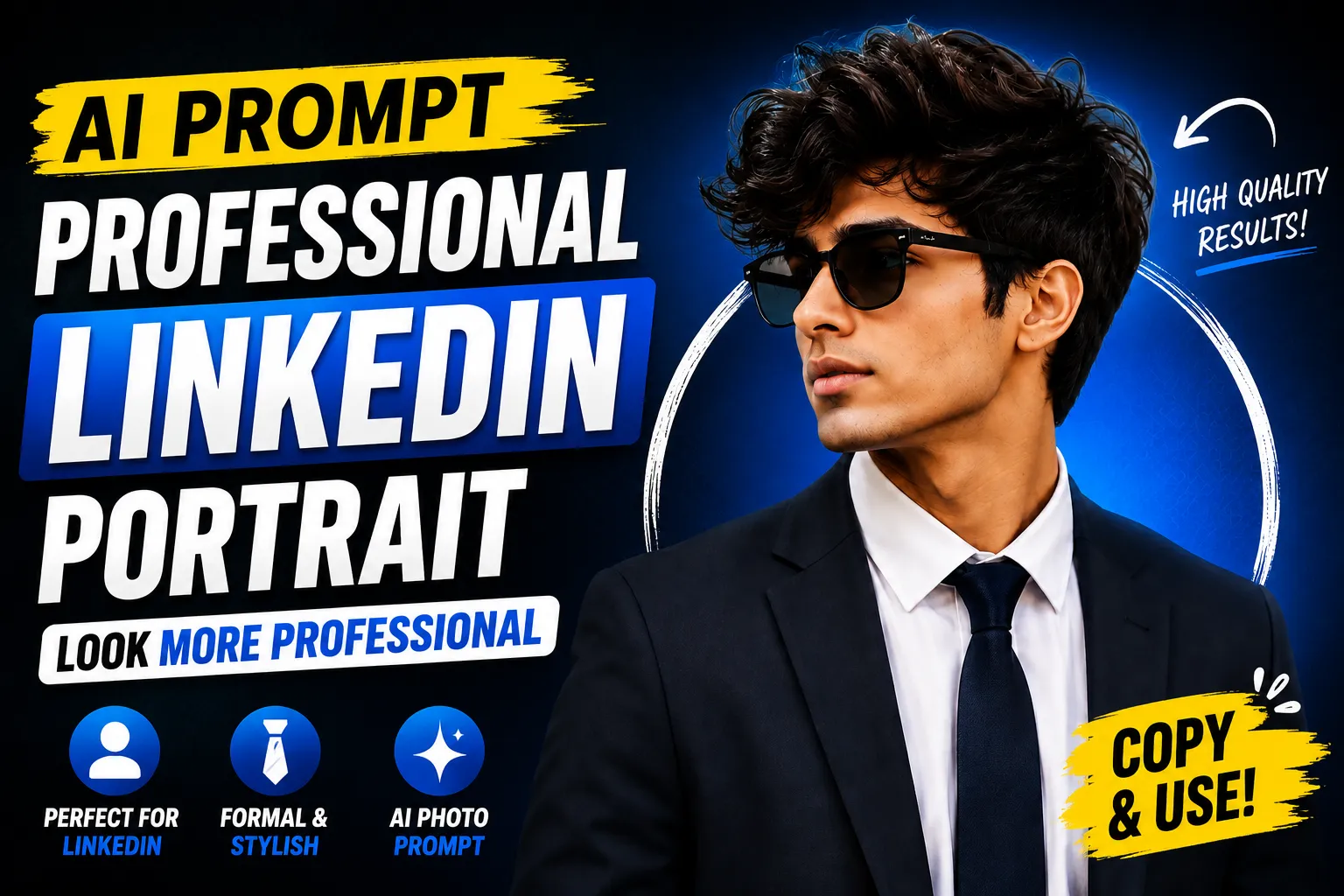 Gemini Prompt
A polished, corporate-ready headshot prompt with clean lighting and a professional backdrop, ready to copy.
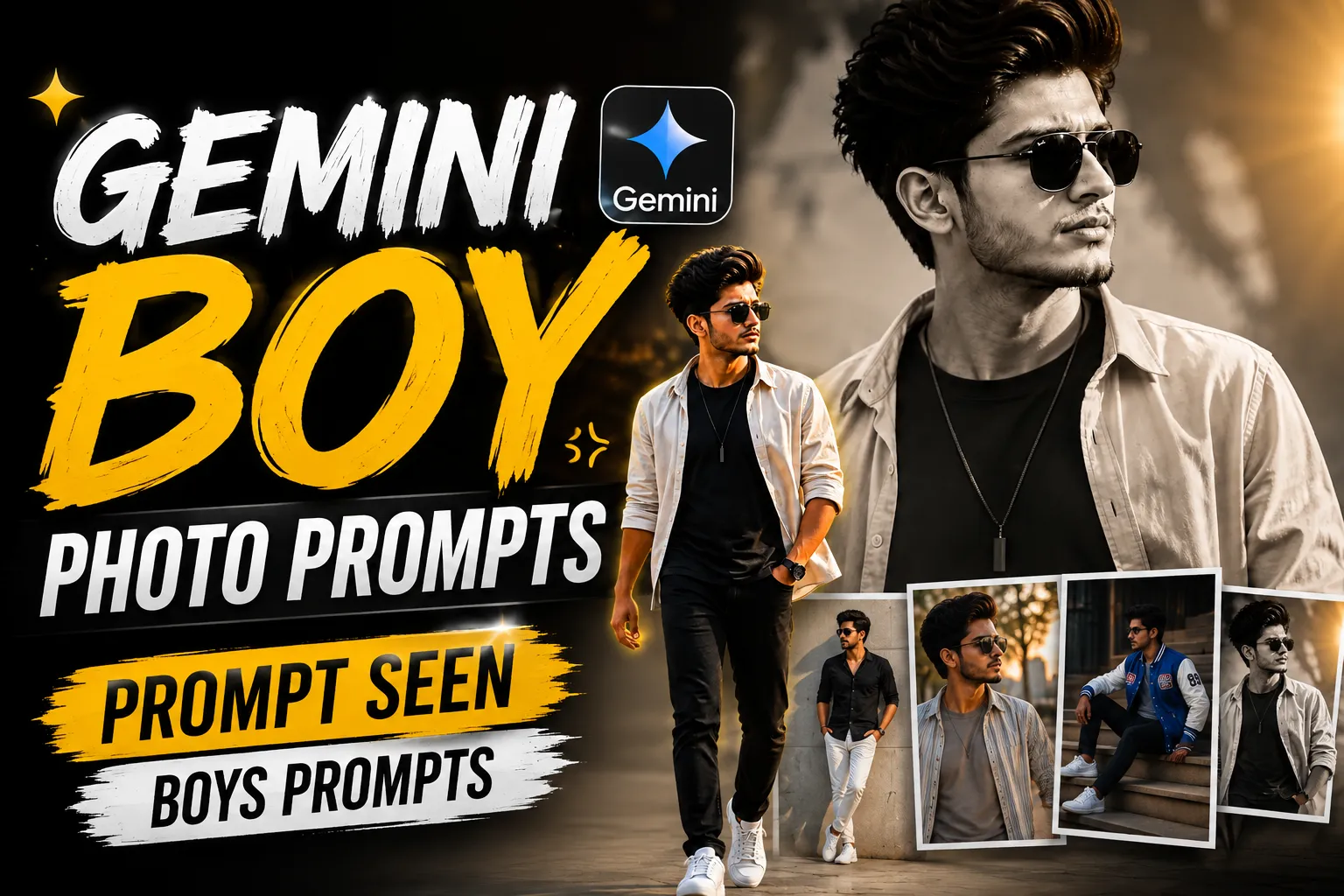 Gemini Prompt
Stylish boy portrait prompts for Gemini, studio wall, double exposure, and stairway looks ready to copy.
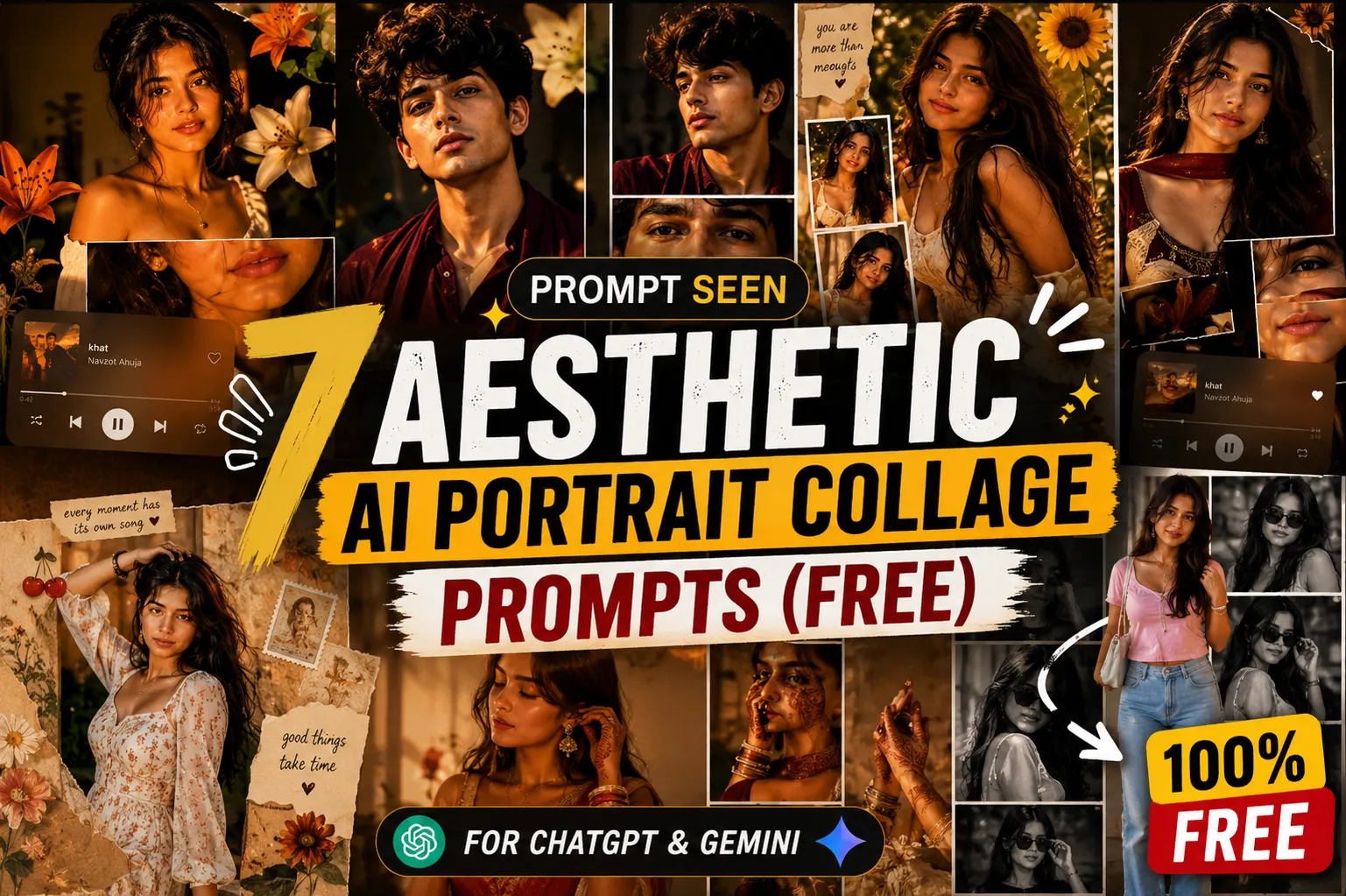 ChatGPT Prompt
A soft, dreamy aesthetic photo prompt for ChatGPT, ready to copy and generate in seconds.
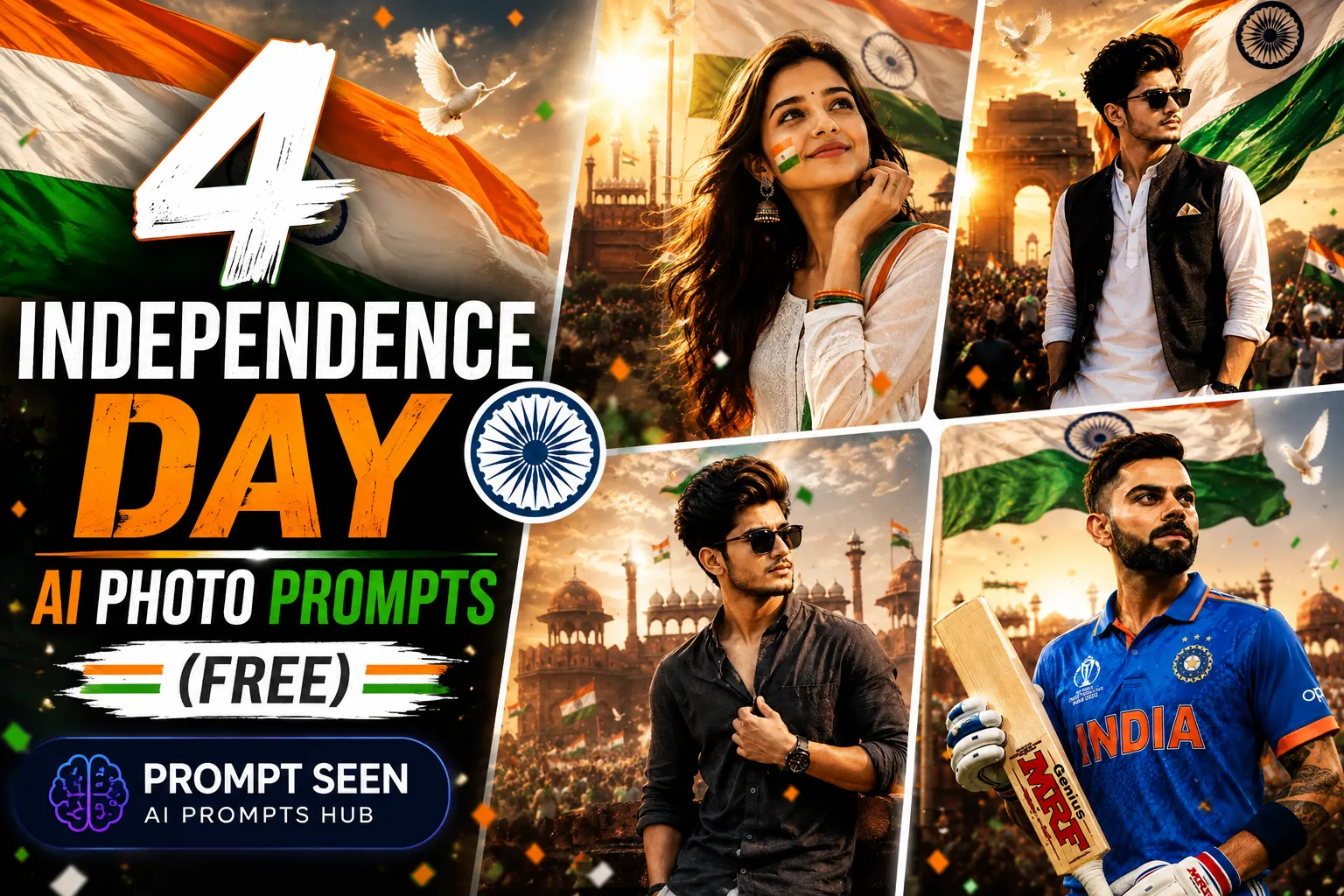 Festival Prompt
Patriotic Independence Day photo prompts with flag colors, festive styling, and celebration vibes, ready to copy.
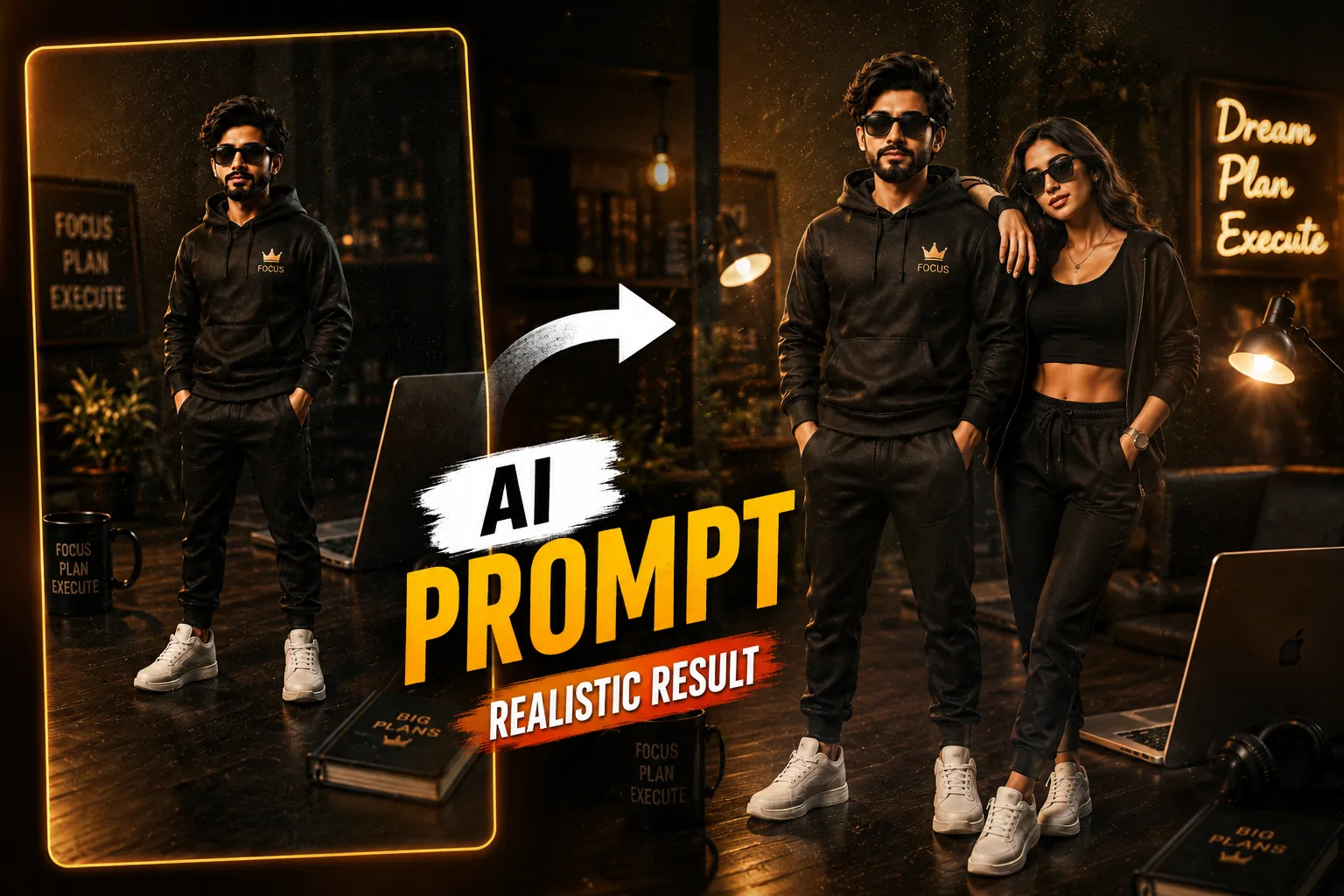 ChatGPT Prompt
A warm, imperfect film-camera feel with visible grain, faded color, and a soft light leak.
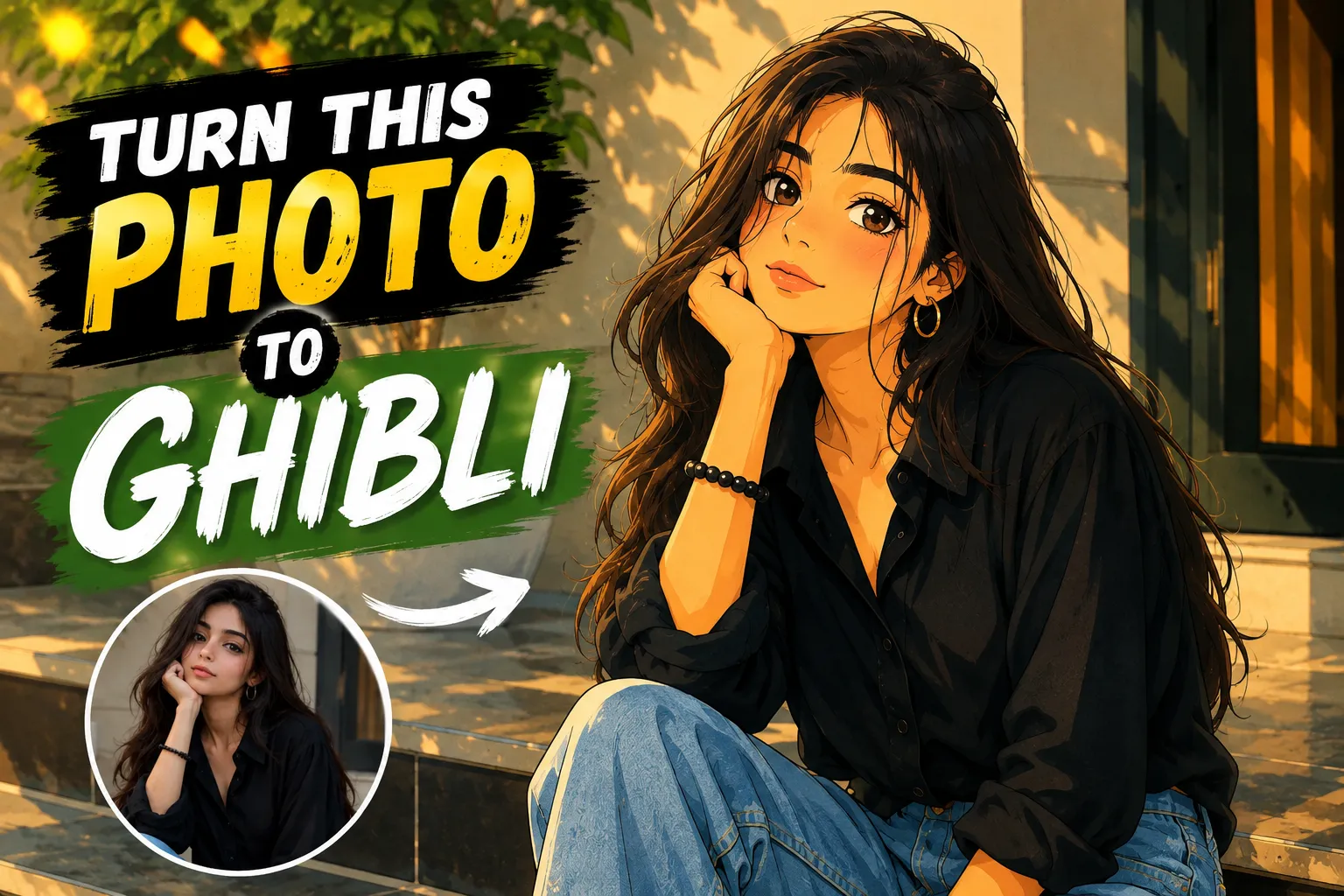 Gemini Prompt
Repaint any photo as a hand-drawn anime frame with soft watercolor textures and painterly light.
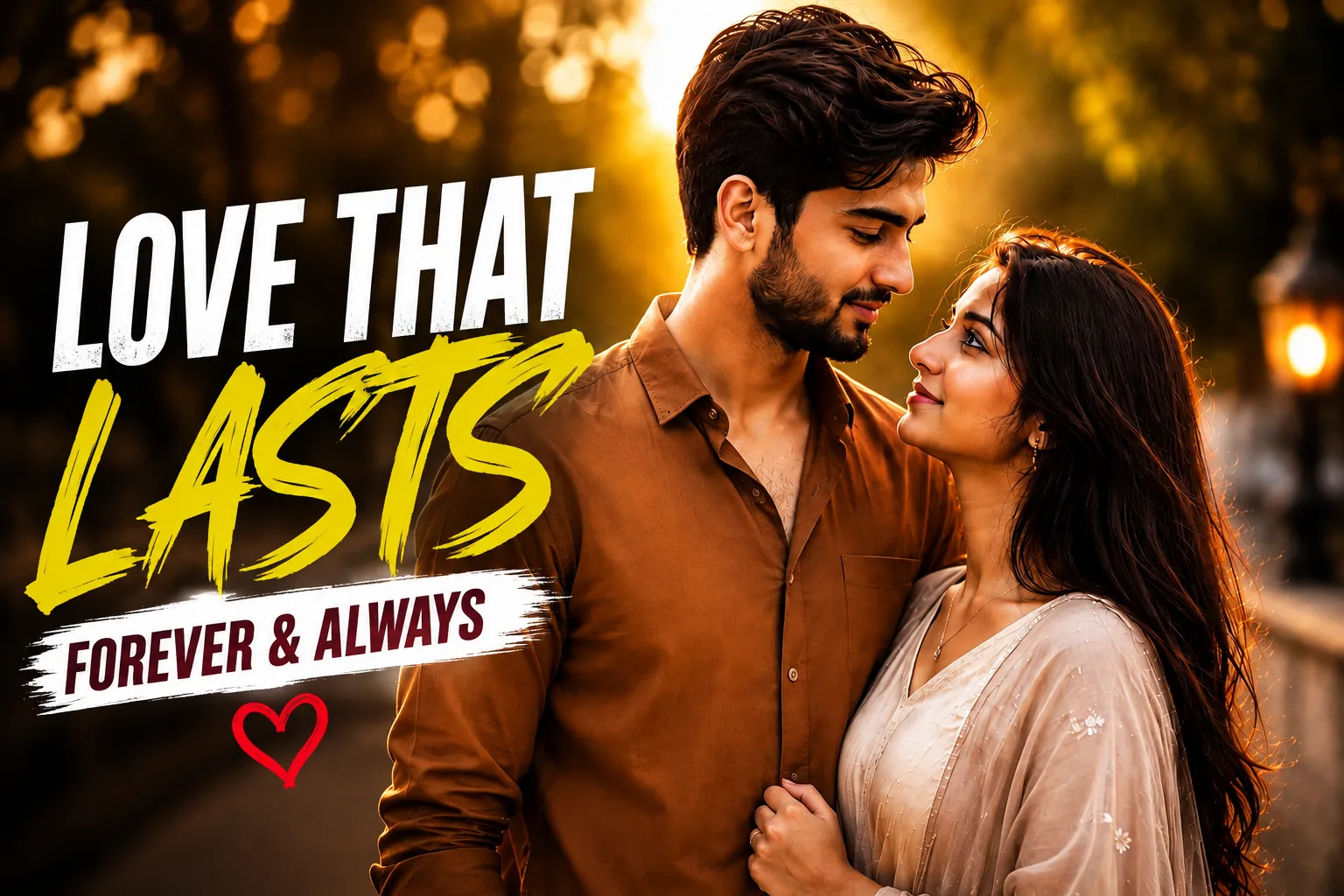 Couple Prompt
A candid couple photo with warm tones, soft bokeh, and editorial-style composition.
CapCut & VN Templates
Ready-to-use editing templates and prompt styles.
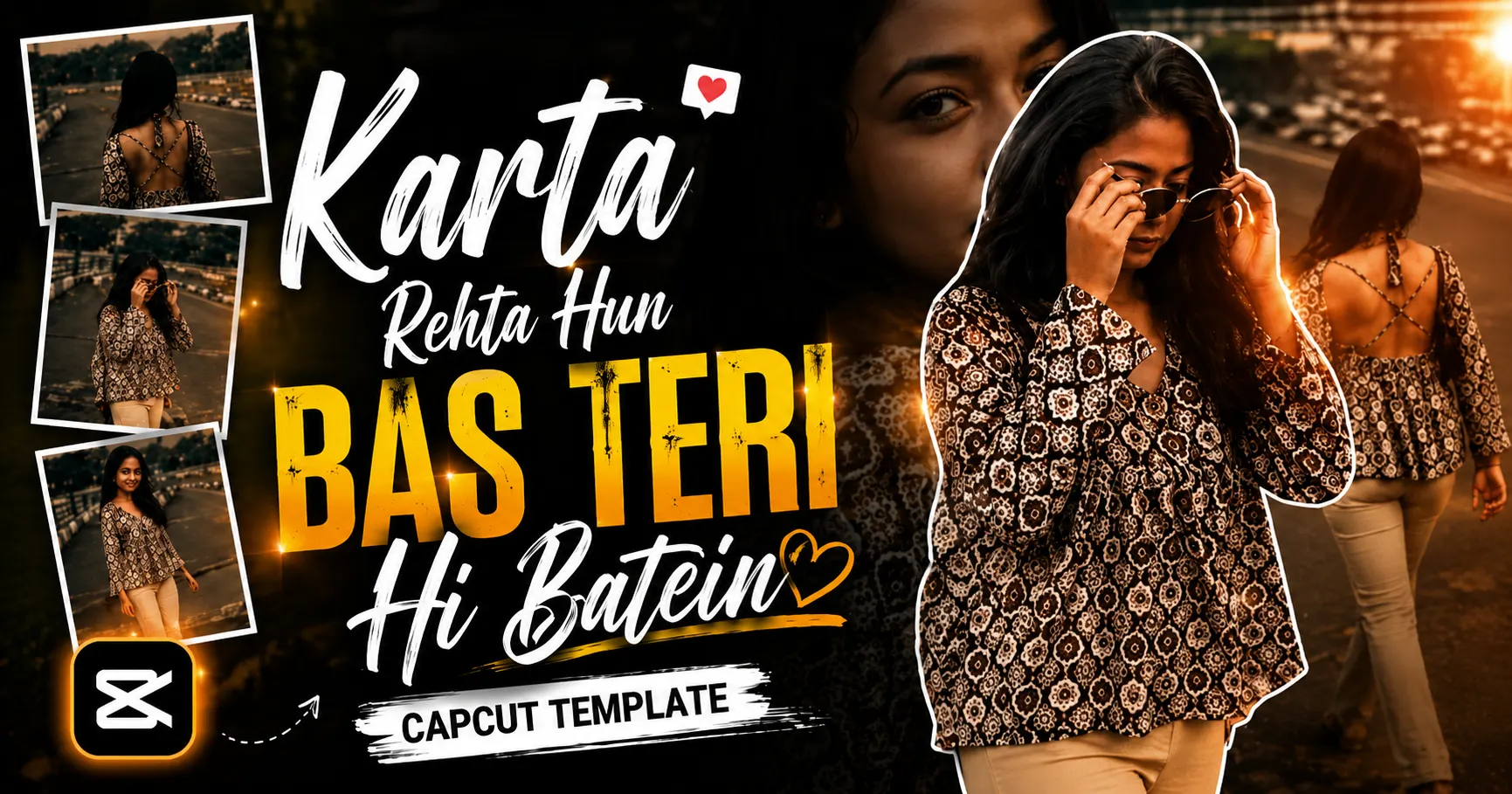 CapCut Template
A soft, emotional reel template with beat-synced transitions and text overlays, ready to fill with your clips.
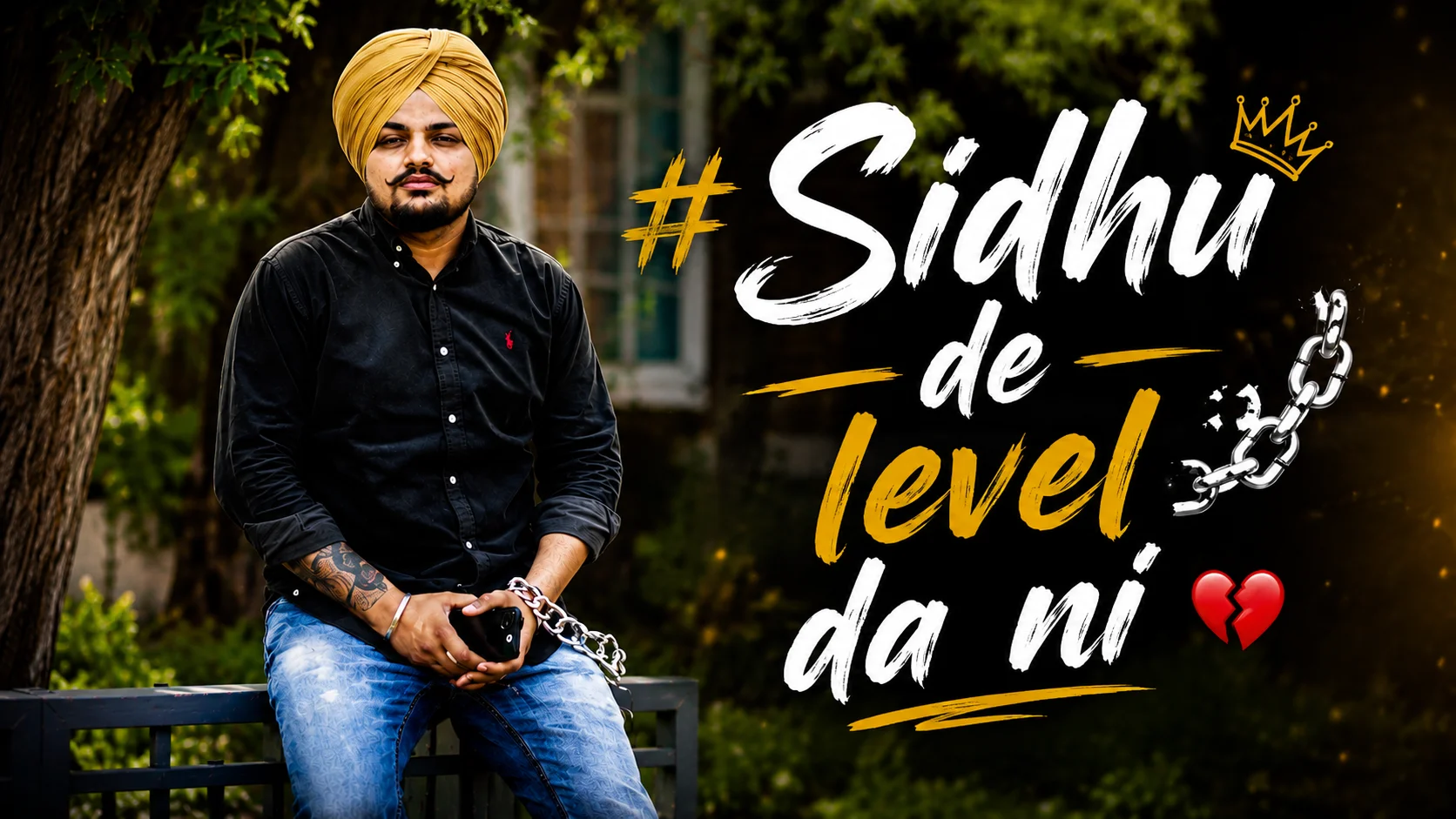 CapCut Template
Bold Punjabi attitude reel with punchy text overlay and a saturated color grade, built for a single confident clip.
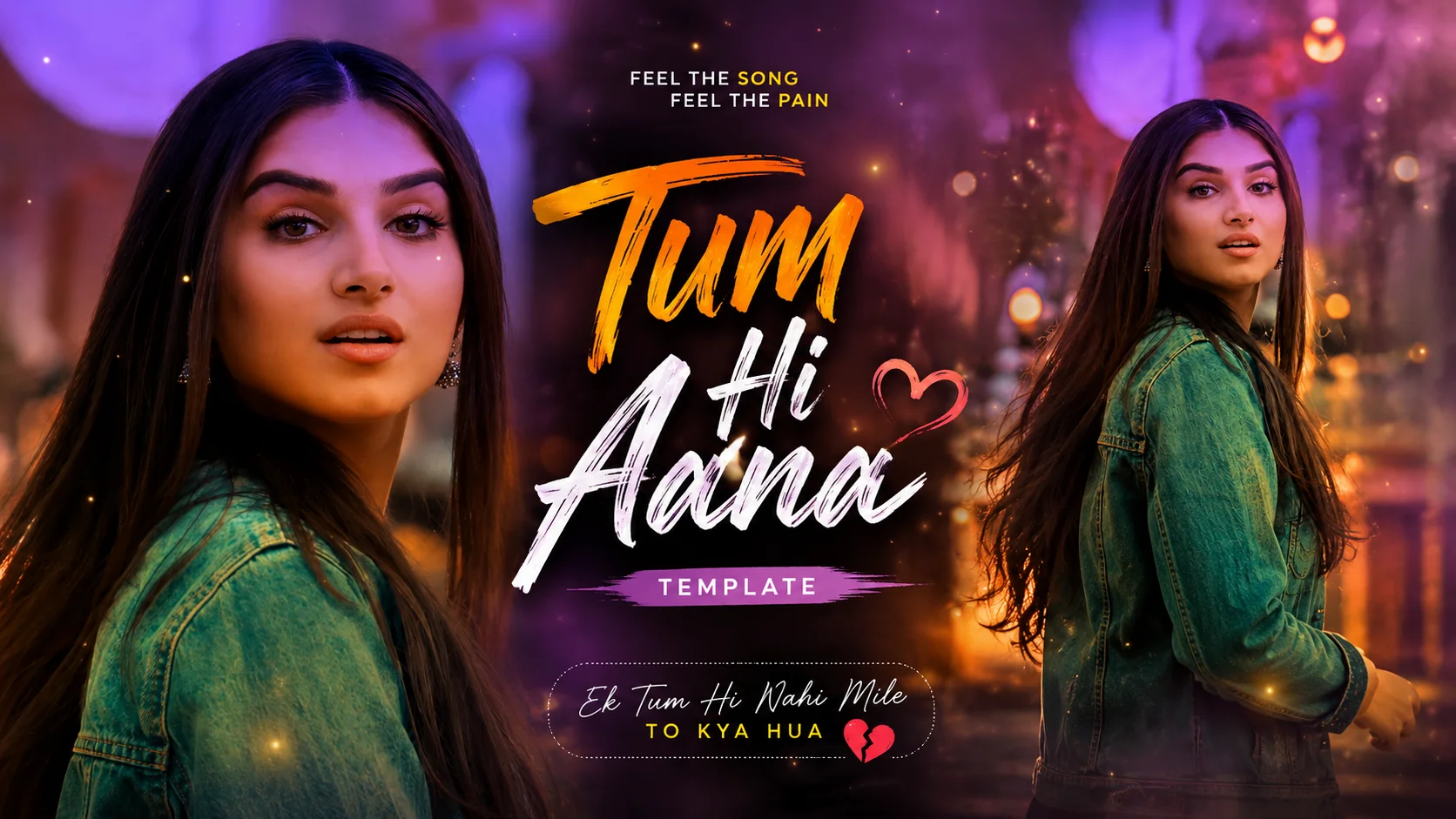 CapCut Template
Soft, cinematic color grade synced to this emotional love song, perfect for one reflective single clip.
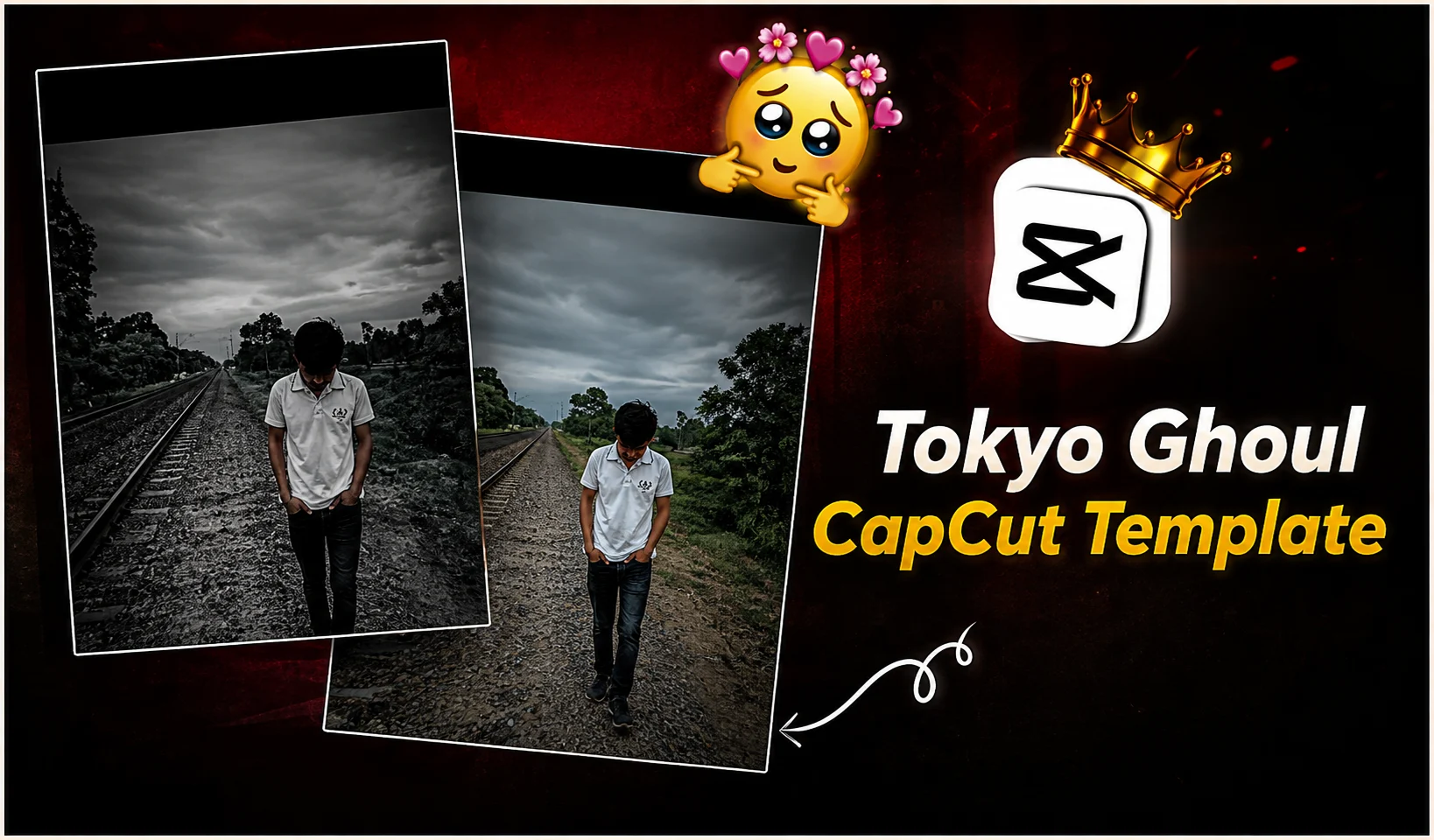 CapCut Template
Dark, high-contrast anime-style edit with red accent tones, ready to use in CapCut with your own photos.
What is Prompt Seen?
Prompt Seen is a free website that provides ready-to-copy AI prompts for ChatGPT, Gemini, and other AI tools. To use it, simply browse or search for a prompt, then copy the text and paste it into your AI tool. That’s it — no writing instructions from scratch, just a photo edit, portrait, or social post ready to generate.
Why It’s Easy to Use
Every prompt is written in plain language, so it’s easy to read and even easier to reuse. Also, because each one is formatted to paste directly into ChatGPT, Gemini, or a similar tool, you skip the guesswork of typing your own instructions and hoping the result matches what you pictured. As a result, you can pick a prompt that’s already proven to work, copy it, and generate.
What You Get
- 100% free, no sign-up or login required
- Works with ChatGPT, Gemini, and similar AI tools
- Covers photo editing, portraits, couples, and festivals
- Updated regularly with trending prompt styles
- No prompt-writing experience needed
- New prompts prioritized around Instagram and TikTok trends
How Do You Use Prompt Seen?
From finding a prompt on promptcreen.com to generating your image, in four simple steps.
Browse
Search or scroll categories to find a prompt that matches your idea.
Copy
Tap “Copy prompt” and it’s copied to your clipboard instantly.
Paste & generate
Paste into ChatGPT, Gemini, or your preferred AI tool and run it.
Share
Post your result, or send the prompt to a friend to try.
Why Choose Prompt Seen?
Simply put, it’s built for how people actually search for and use AI prompts.
No sign-up, ever
Every prompt is free to copy the moment you find it. So there’s no account, no email, and no paywall.
Tracks real trends
Instead of recycled prompts from last year, the library updates with whatever’s actually going viral.
Cross-tool wording
Because each prompt is worded to work across ChatGPT, Gemini and most other AI image tools, you’re never locked to one.
Built for your phone
Since that’s where most people actually paste them, prompts are formatted to copy cleanly on mobile.
Common Questions About Prompt Seen
What is Prompt Seen?
Prompt Seen is a free website of ready-made AI prompts for photo editing, portraits, festivals and social content. You copy a prompt and paste it into ChatGPT, Gemini or a similar tool to generate the image yourself. No design or prompt-writing skill required.
Do I need an account to copy prompts?
No. Every prompt is free to copy the moment you open it. There’s no sign-up, login, or payment at any step.
Which AI tools do these prompts work with?
Prompts are written to work with ChatGPT and Gemini specifically. However, the same wording generally carries over well to other AI image tools too.
How often are new prompts added?
New prompts are added regularly, prioritized around whatever photo or video trend is currently popular on Instagram and TikTok.
Will I get the exact result shown in the preview?
AI output varies by tool and by your source photo, so results won’t be pixel-identical. Even so, they should land close to the preview, and small tweaks to lighting, outfit, or background in the prompt text usually close the gap.

Maaz Ahmad
Founder, Prompt SeenHi, I’m Maaz Ahmad. I built Prompt Seen so that finding a working AI prompt is effortless, with no guesswork and no trial and error. That’s why every prompt here is tested before it’s posted, and the library keeps growing as new photo trends take off on Instagram and TikTok.
Have a prompt request or found something that didn’t work as expected? Reach out any time.
ranamaazahmad2@gmail.com