Copy trending AI prompts without leaving your tab
The Prompt Seen extension puts our full library of ChatGPT and Gemini prompts one click away: search, copy, and paste, right from your browser toolbar.
Add to Chrome, It’s FreeWorks on any site · No sign-up required · Takes 5 seconds to install
Prompt Seen
Free ready-to-copy AI prompts



How it works
No account, no setup. Pin the extension and you’re ready to go.
Add to Chrome
Click “Add to Chrome” above, then pin Prompt Seen to your toolbar so it’s always one click away.
Find a prompt
Open the extension and browse trending prompts, or search by keyword to find the exact style you want.
Copy and paste
Hit “Copy,” switch to ChatGPT or Gemini, and paste. Need the full walkthrough? “Open Post” takes you to the guide.
Built for how you actually create
Everything the site offers, minus the tab-switching.
Instant search
Type a keyword and filter the whole prompt library in real time.
One-click copy
No selecting text or opening a new tab, copy straight to your clipboard.
Always trending
The list updates as new photo and video prompt styles take off.
No data collected
No sign-up, no tracking, just clipboard access to copy prompt text.
A taste of what’s inside
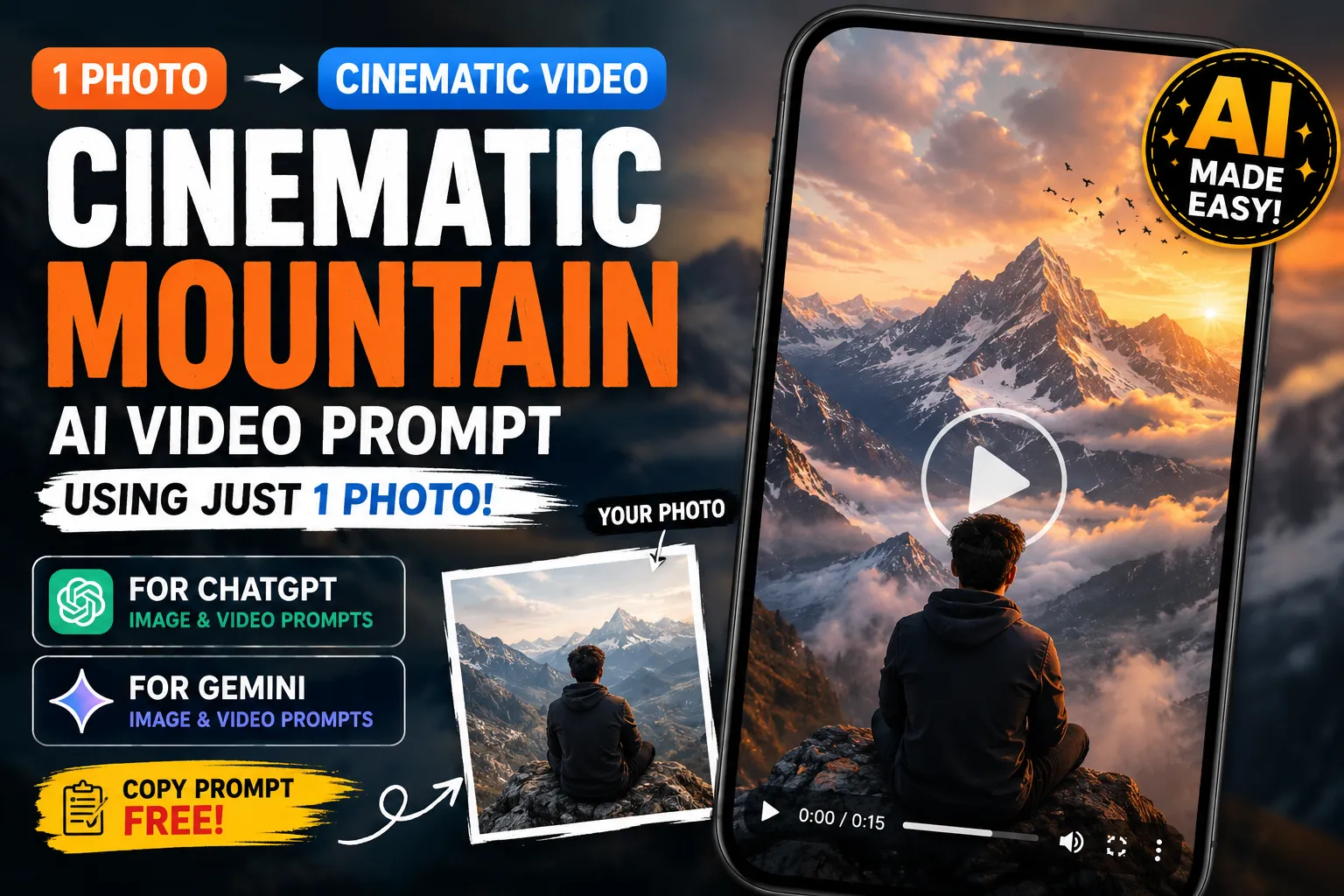
A few of the prompts you’ll find in the extension right now.


Extension FAQ
Is the Prompt Seen Chrome extension free?
Yes. The extension is completely free, with no sign-up and no ads.
Does the extension work with ChatGPT and Gemini?
Yes. Every prompt copies as plain text, so you can paste it into ChatGPT, Gemini, or any other AI tool.
Does the extension collect my personal data?
No. The extension only uses clipboard access to copy the prompt text you select. It does not track browsing activity or collect personal information.
How often are new prompts added?
New prompts are added regularly as trends change, so the list inside the extension stays current with what’s popular on Instagram and YouTube Shorts.
Stop switching tabs to find a prompt
Add Prompt Seen to Chrome and keep the whole library one click away.
Add to Chrome, It’s FreeWant more prompt styles? Explore the full library on Prompt Seen.