Best Polaroid Style AI Photo Editing Prompts for a Vintage Aesthetic
Give your photos that vintage Polaroid feel. Copy a prompt and drop in your own picture.
Polaroid-style AI photo editing gives a modern photo that nostalgic, old-camera feel. Soft blur, a warm flash-style light, and a plain backdrop work together to mimic an instant photo taken in a dim room, rather than a filtered version of a regular picture.
Below, you’ll find three Polaroid-style prompts on Prompt Seen, all built around a couple hugging or posing against a plain white curtain. Each one keeps both faces unchanged while rebuilding the background, lighting, and mood around them.
1. Vintage Polaroid Couple Hug Prompt
A soft, blurry Polaroid-style hug photo against a white curtain, with matching couple outfits and a warm flash glow.
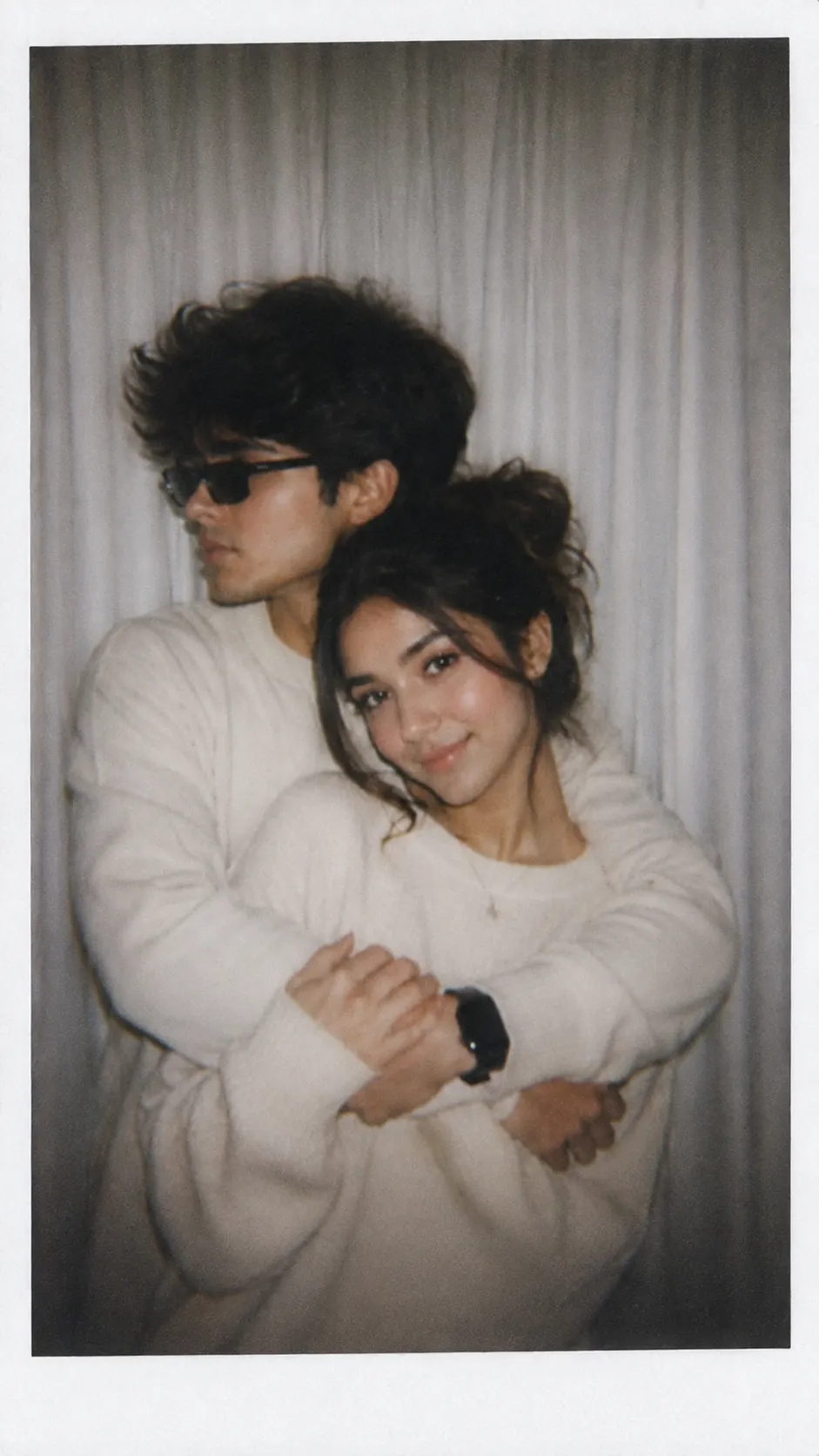
A Polaroid-style hug photo, soft blur, white curtain background, matching couple outfits.
2. Cute Polaroid Couple Pose Prompt
A candid, blurry Polaroid-style pose against a white curtain, keeping both faces exactly as they are.
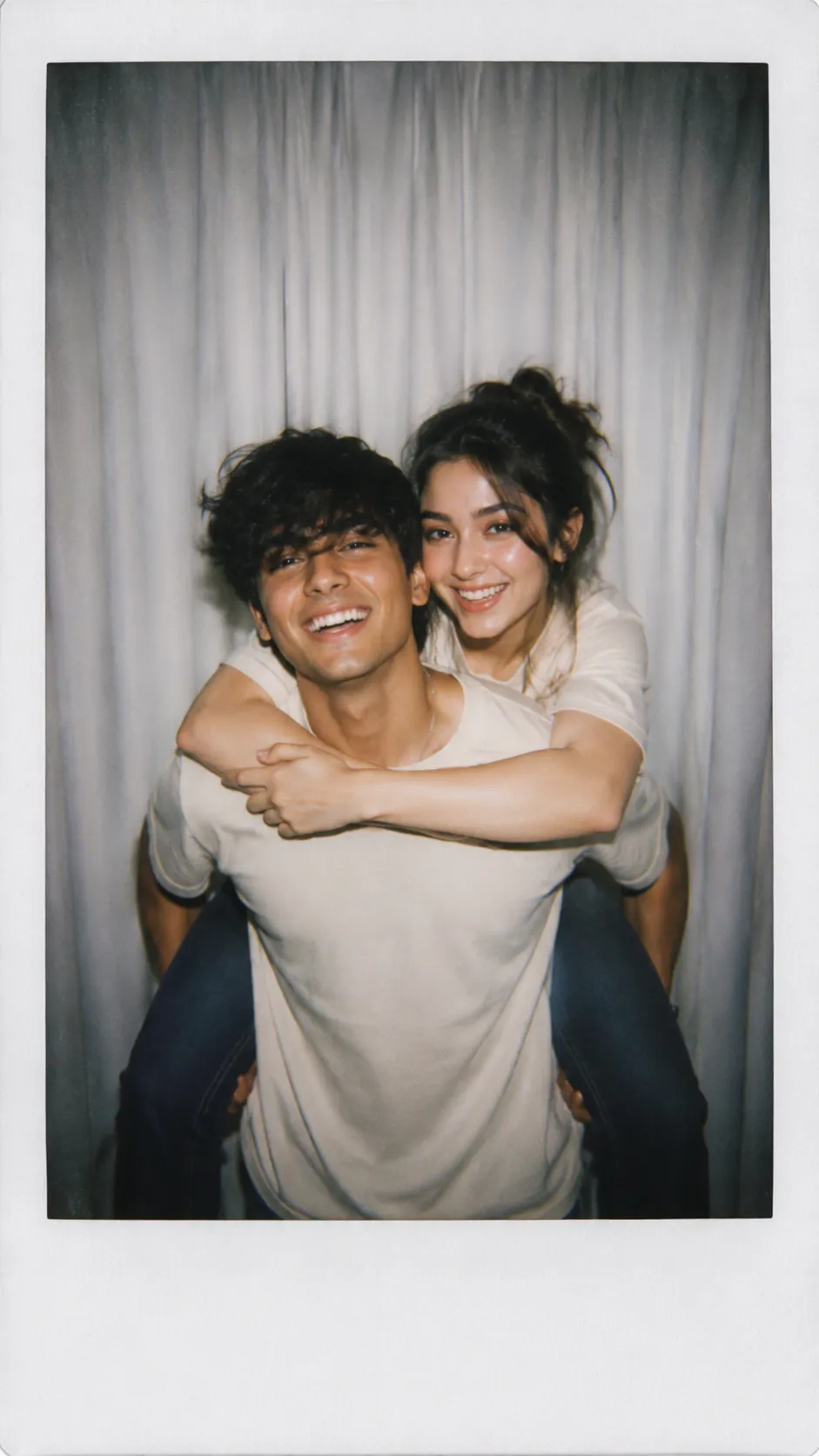
A candid Polaroid-style couple pose, soft blur, white curtain background, faces kept unchanged.
3. Cute Polaroid Couple Pose, Second Example
A near-identical version of the prompt above, shown a second time to see how the candid pose varies slightly.
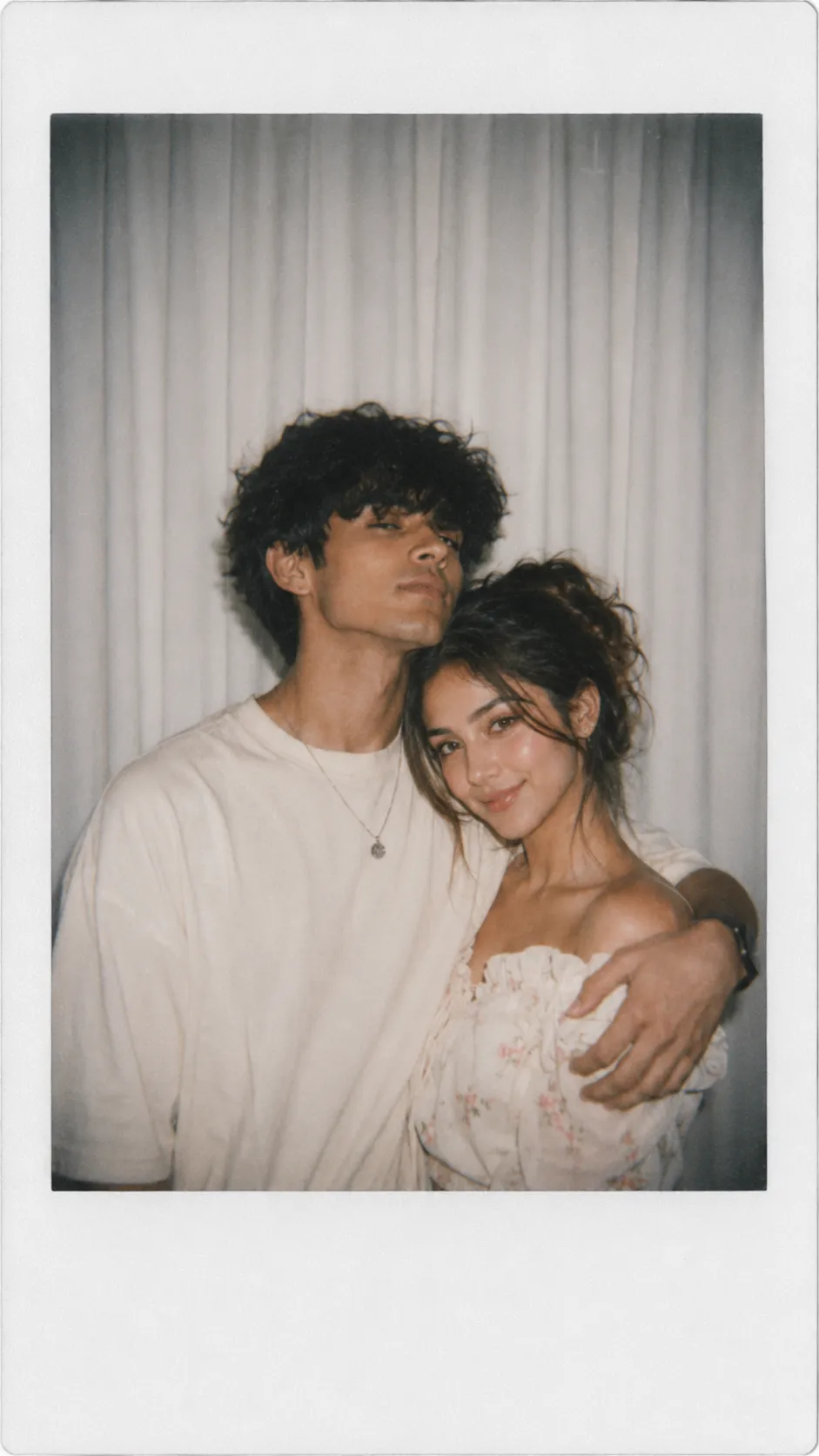
A candid Polaroid-style couple pose, soft blur, white curtain background, faces kept unchanged.
How to Use These Prompts
- Pick one clear photo with both people visible, this is what the AI keeps as the face reference for the whole edit.
- Copy the prompt for the pose you want and paste it into ChatGPT or Gemini along with your photo.
- Want a different backdrop instead of a white curtain, or a specific outfit color? Swap that one detail in the prompt and keep the rest as written.
- If a face changes too much, ask for a redo and add: “keep both faces exactly as shown in the uploaded photo, no changes.”
Tips for Better Results
A photo with both faces clearly lit gives these prompts the strongest starting point, since the AI has to hold both identities steady while adding blur and a new background. If the blur ends up too strong and the faces get hard to recognize, add “keep the faces sharp, apply the blur mainly to the background and edges” to the end of the prompt.
For a warmer or cooler flash tone, describe the light directly, for example “warm amber flash glow” or “cool blue-white flash,” instead of leaving the lighting open-ended.
Conclusion
All three Polaroid-style prompts above share the same core formula, soft blur, a flash-style light source, and a plain white curtain backdrop, with small differences in pose. Start with the version closest to your own photo, then adjust one detail, the outfit, the pose, or the light tone, until it feels like a real instant photo from years ago.
FAQ
What makes a photo look like an authentic Polaroid style edit?
A few things together: a slight blur, an even flash-style light source, muted or faded tones, and a plain backdrop like a white curtain. These prompts combine all of that instead of just adding a white border to an existing photo.
Do these Polaroid style prompts work on ChatGPT and Gemini?
Yes. Every prompt on Prompt Seen is plain descriptive text, so the same wording works on ChatGPT, Gemini, or any other AI image tool that accepts a photo along with a prompt.
Do I need two separate photos for these couple Polaroid prompts?
One photo with both people together works best, since the prompt keeps both faces unchanged while replacing the background and adjusting the pose.
Can I use these Polaroid prompts for a solo photo instead of a couple photo?
Yes. Remove the references to the second person and the couple pose, and the same blur, lighting, and white curtain background instructions still apply.
If you enjoyed these prompts, explore more trending AI photo prompts on Prompt Seen and keep creating high-quality images with ease.
← Back to All Prompts