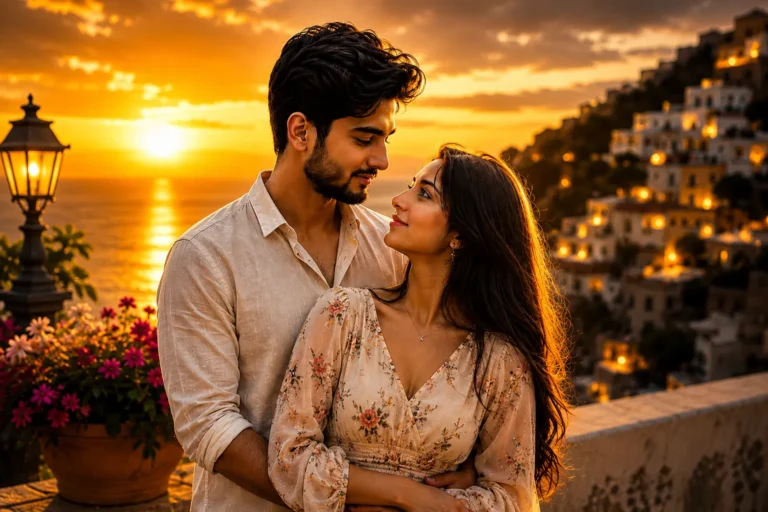
Dreamy Wallpaper Photo Prompt: Soft, Aesthetic Portraits
Give your phone a softer look. Copy a prompt and turn your photo into a dreamy wallpaper.
Dreamy wallpaper photos are a great way to give your phone or desktop a soft, aesthetic, and relaxing look. With the right AI prompt, you can create a portrait that feels closer to a film still than a regular selfie, warm light, gentle focus, and a mood that holds up every time you unlock your screen.
Below, you’ll find two dreamy wallpaper photo prompts on Prompt Seen. One leans warm, with a red rose bouquet and golden light. The other goes cinematic black and white, with soft window light and a quiet, candid expression. Both only need a single clear reference photo.
1. Dreamy Red Rose Wallpaper Prompt
A warm, vintage-inspired close-up portrait holding a bouquet of vivid red roses, lit by golden-orange side light.

A warm, vintage close-up portrait holding red roses close to the face, golden-orange side lighting.
2. Cinematic Black and White Wallpaper Prompt
A soft, candid black-and-white close-up with natural window light, film-style grain, and a heavily blurred bedroom backdrop.
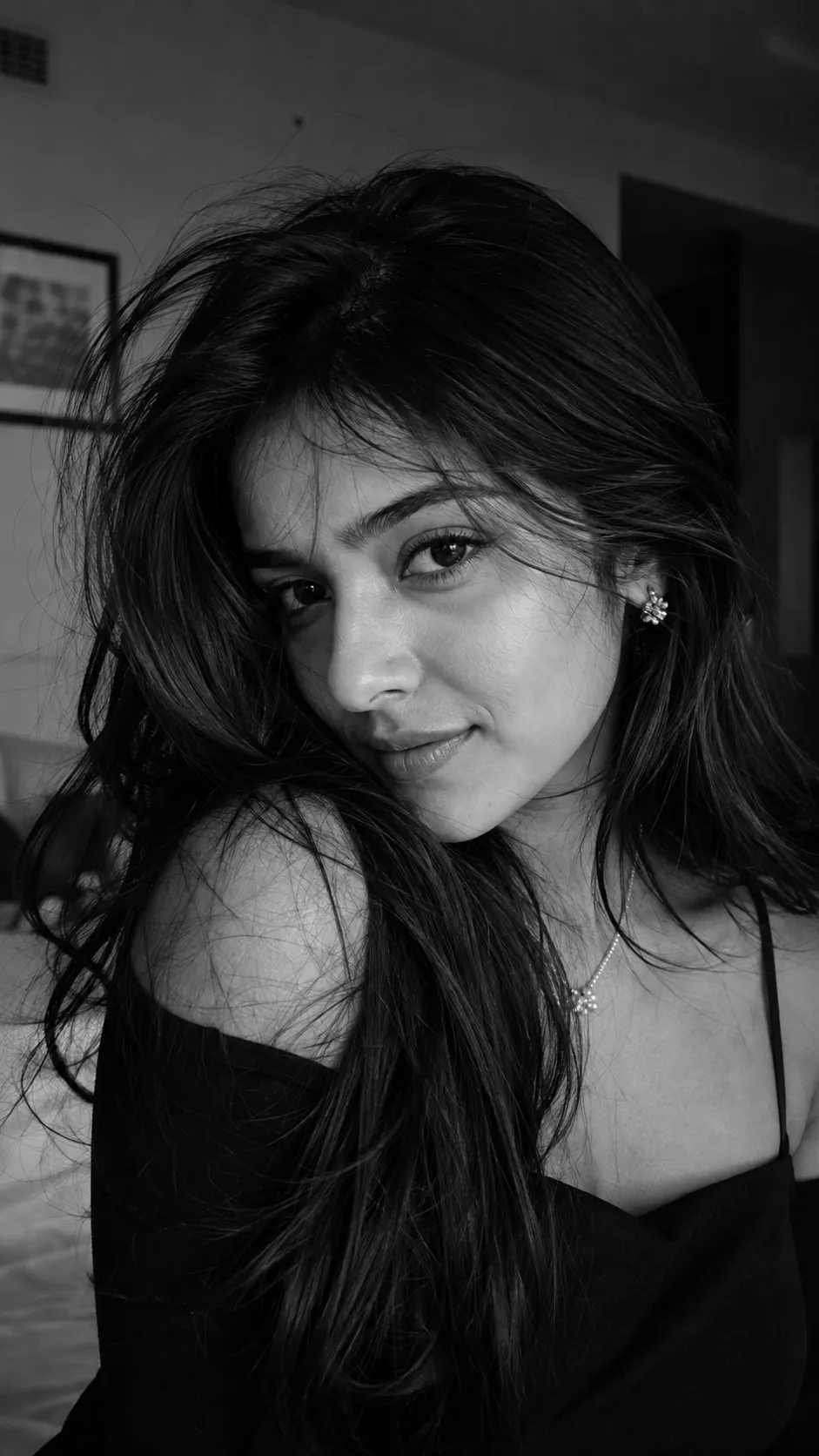
A candid black-and-white close-up, soft window light, film grain, blurred bedroom background.
How to Use These Prompts
- Pick one clear, front-facing photo with your face fully visible, this is the reference both prompts build the close-up portrait from.
- Copy the prompt for the mood you want and paste it into ChatGPT or Gemini along with your photo.
- Want a cooler light tone instead of warm, or a different outfit color? Swap that one detail in the prompt and keep the rest as written.
- If your face changes too much, ask for a redo. Add this line: “keep my exact face and features from the uploaded photo, only update the lighting and background.”
Tips for Better Results
A well-lit source photo makes a real difference here, since both prompts frame the face as a close-up. Soft, even lighting in your reference photo blends more naturally with the warm or moody tones each prompt adds. If the result looks too polished or over-smoothed, add “keep visible skin texture, avoid heavy retouching” to the end of the prompt.
For the black-and-white version, a plain or lightly furnished background in your source photo helps the AI blur it out cleanly. That way, your face stays the clear focal point of the final wallpaper.
Conclusion
Both dreamy wallpaper prompts turn one clear photo into a soft, cinematic portrait, one warm and floral, one quiet and monochrome. Start with whichever mood fits your own style, then adjust one detail, the lighting tone or the outfit color, until the wallpaper feels ready to set as your lock screen. Prompt Seen keeps adding aesthetic prompts like these, so it’s worth checking back for more.
FAQ
What makes a photo work well as a dreamy wallpaper?
A soft focal point, warm or muted lighting, and a background that stays out of the way all help. These two prompts build that look on purpose, with close-up framing and gentle, cinematic light.
Do these dreamy wallpaper prompts work on Gemini as well as ChatGPT?
Yes. Both prompts on Prompt Seen are written as plain descriptive text, so the same wording works on ChatGPT, Gemini, or any other AI image tool that accepts a photo along with a prompt.
Do I need a specific type of source photo for these prompts?
A clear, front-facing photo with your face fully visible works best, since both prompts frame the shot as a close-up portrait.
Can I use these prompts for a desktop wallpaper instead of a phone lock screen?
Yes. The framing and mood work for either, though you may want to ask for a wider aspect ratio if you plan to use the image on a desktop screen instead of a phone.
If you enjoyed these prompts, explore more trending AI photo prompts on Prompt Seen and keep creating high-quality images with ease.
← Back to All Prompts