Trending Cinematic AI Photo Prompts for ChatGPT & Gemini
6 moody, cinematic AI photo prompts, one reference photo, six completely different vibes 🎬
Some AI portraits look staged. These don’t. The six prompts below all lean into the same quiet, cinematic mood, wind moving through grass, blue hour light, a muted grayscale palette, the kind of shot that looks pulled from a short film rather than typed into a chatbot.
Each one is ready to copy from Prompt Seen and paste straight into ChatGPT or Gemini alongside your own reference photo. Pick the mood that fits, swap in your photo, and generate.
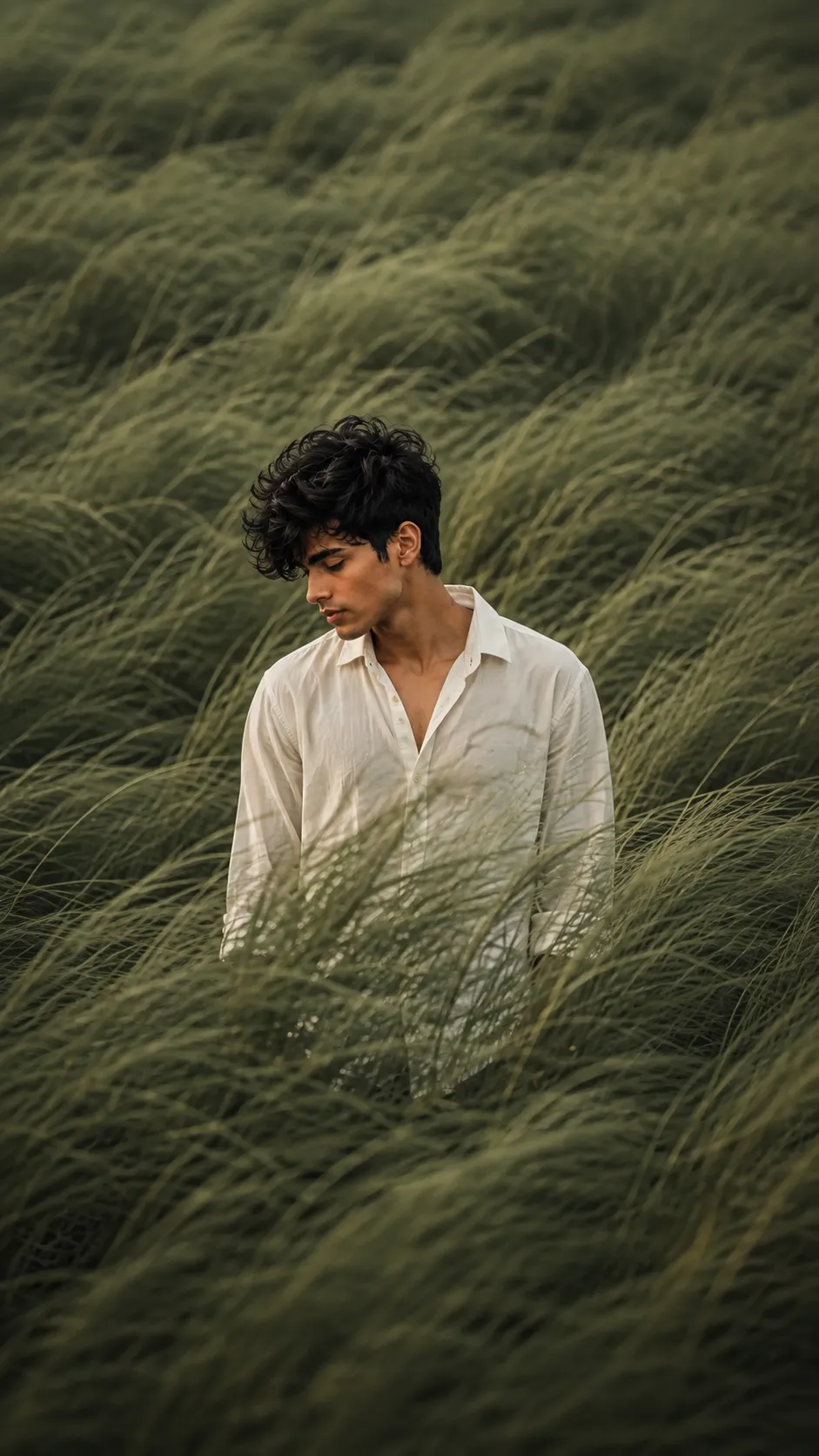
1. Windswept Green Grass Field Portrait
A solitary figure lost in wind-swept sage-green grass, off-center framing, cinematic editorial mood.
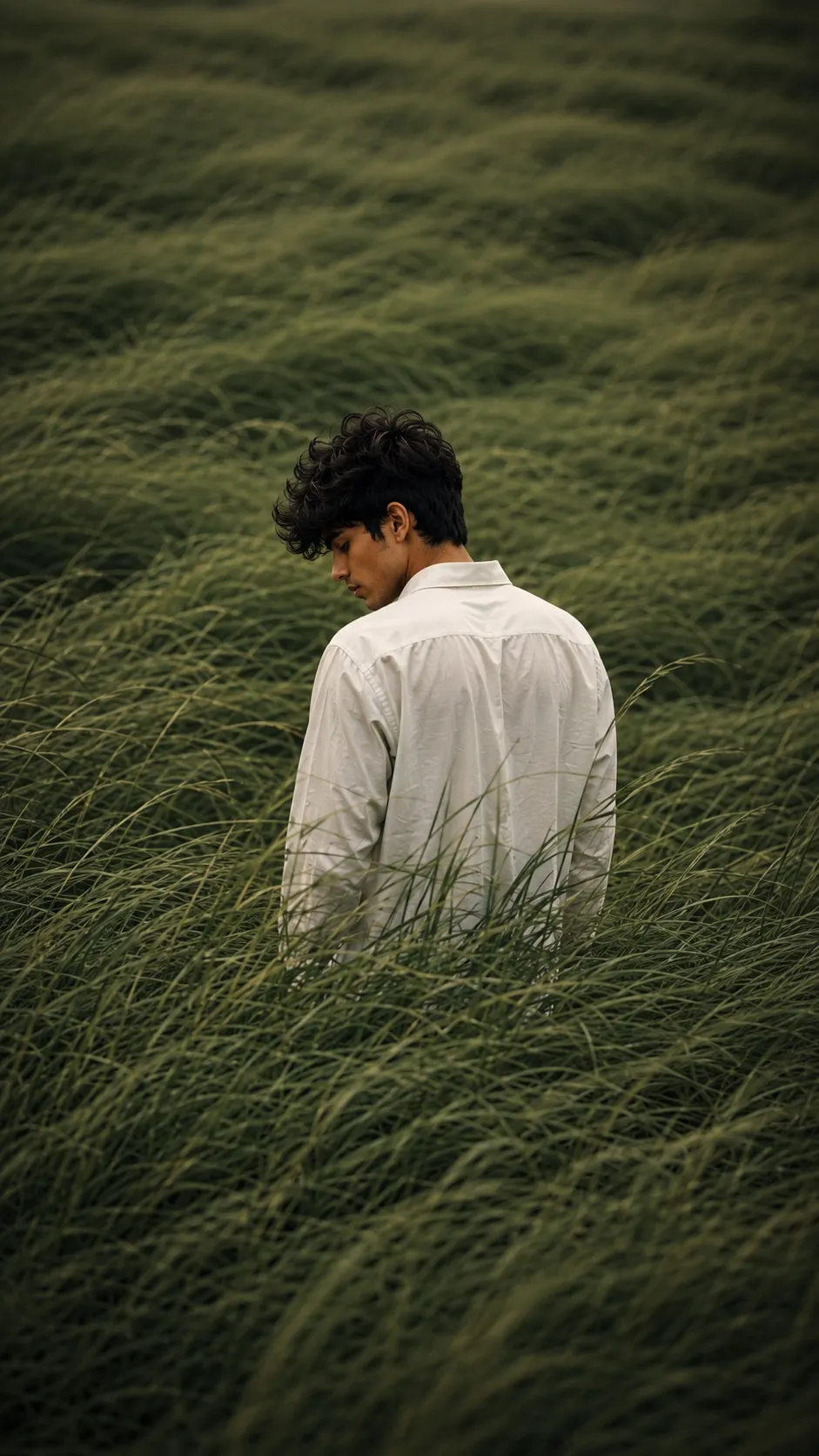
2. Solitary Figure in Tall Grass (Back View)
Same wild-grass mood, this time from behind, quiet, muted, and contemplative.
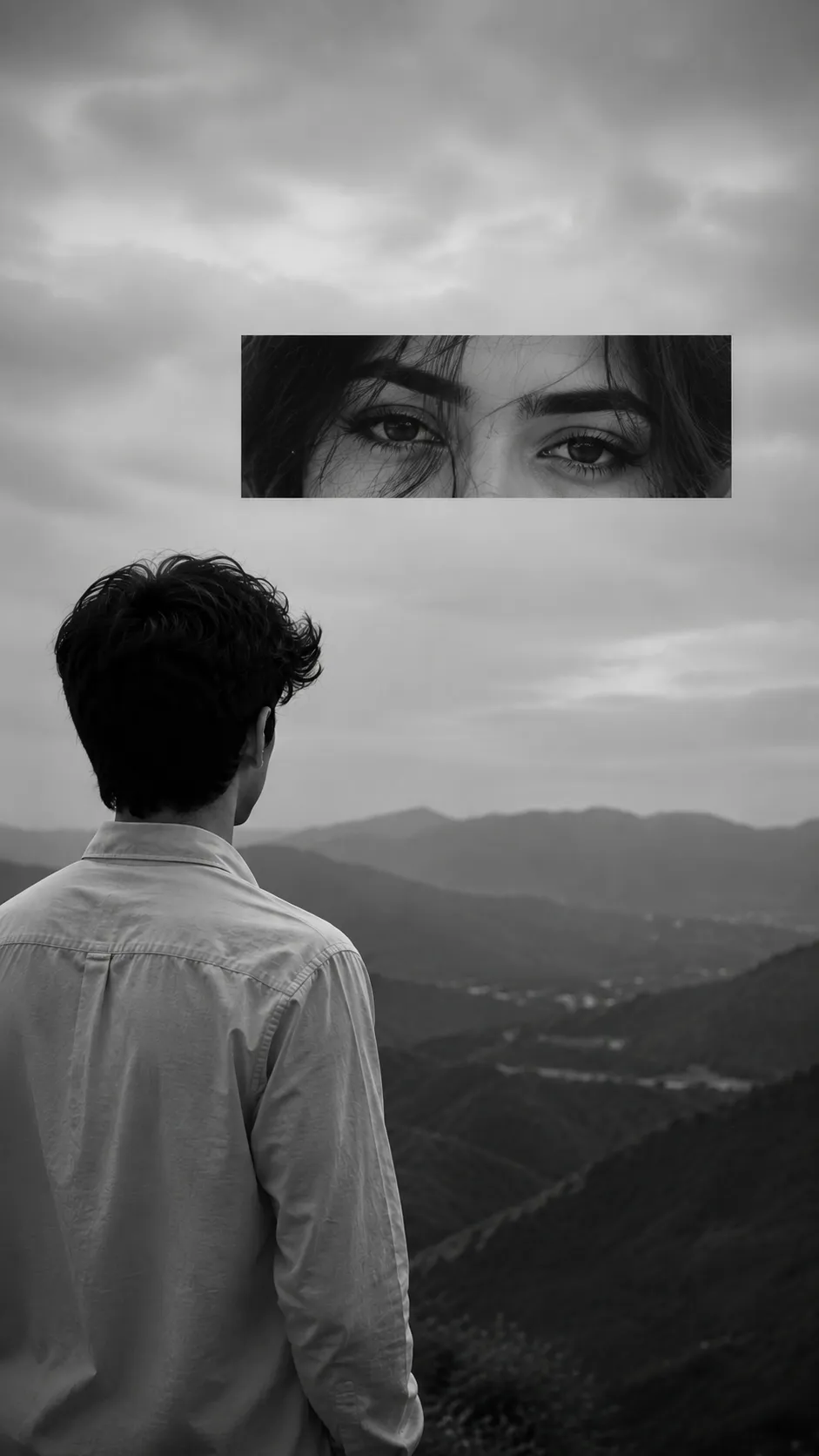
3. Monochrome Portrait with Eyes Inset
A monochrome, surreal double-exposure style portrait with a close-up eyes inset above the landscape.
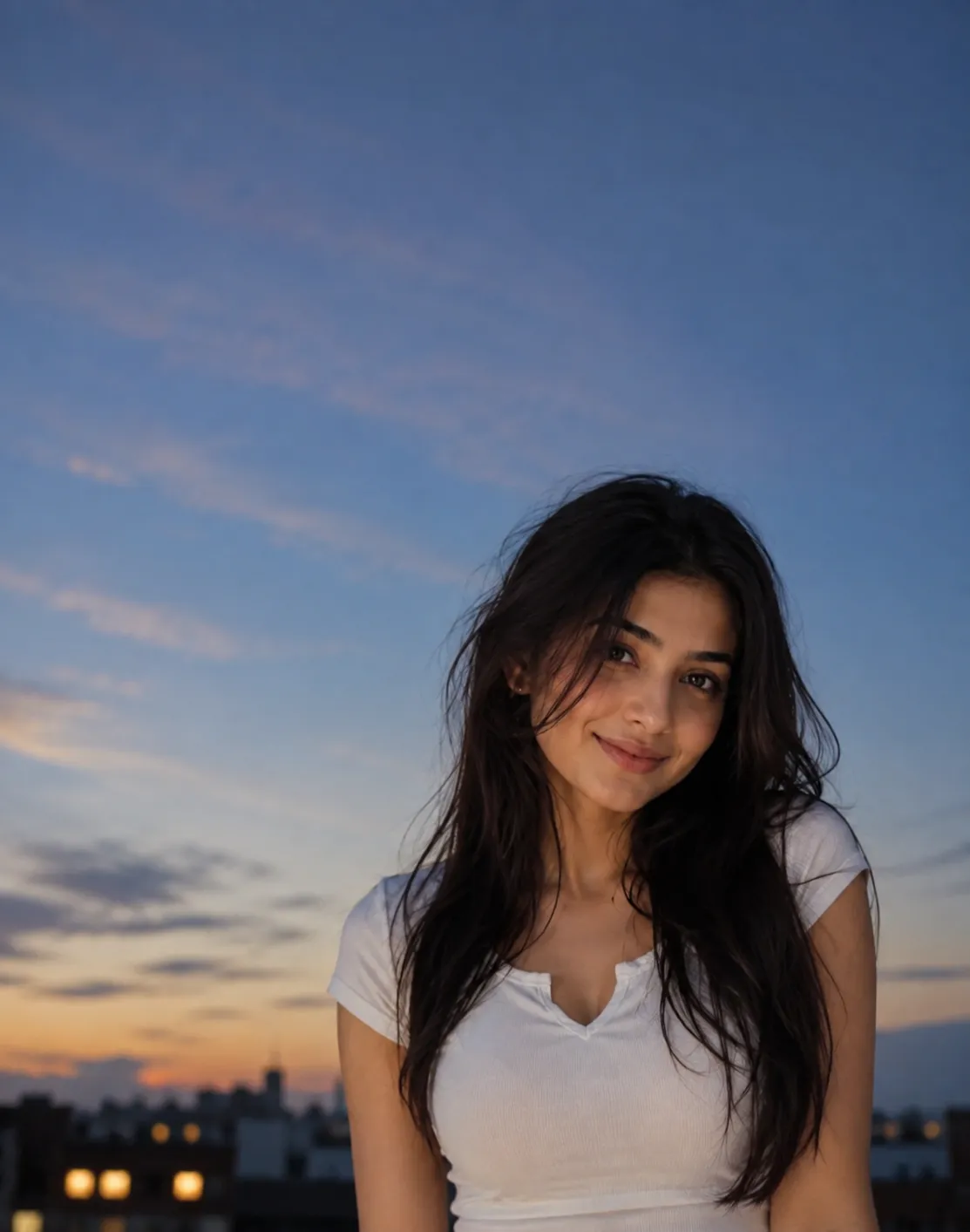
4. Blue Hour Editorial Portrait
A premium blue hour editorial portrait with clean, airy negative space, inspired by luxury fashion campaigns.
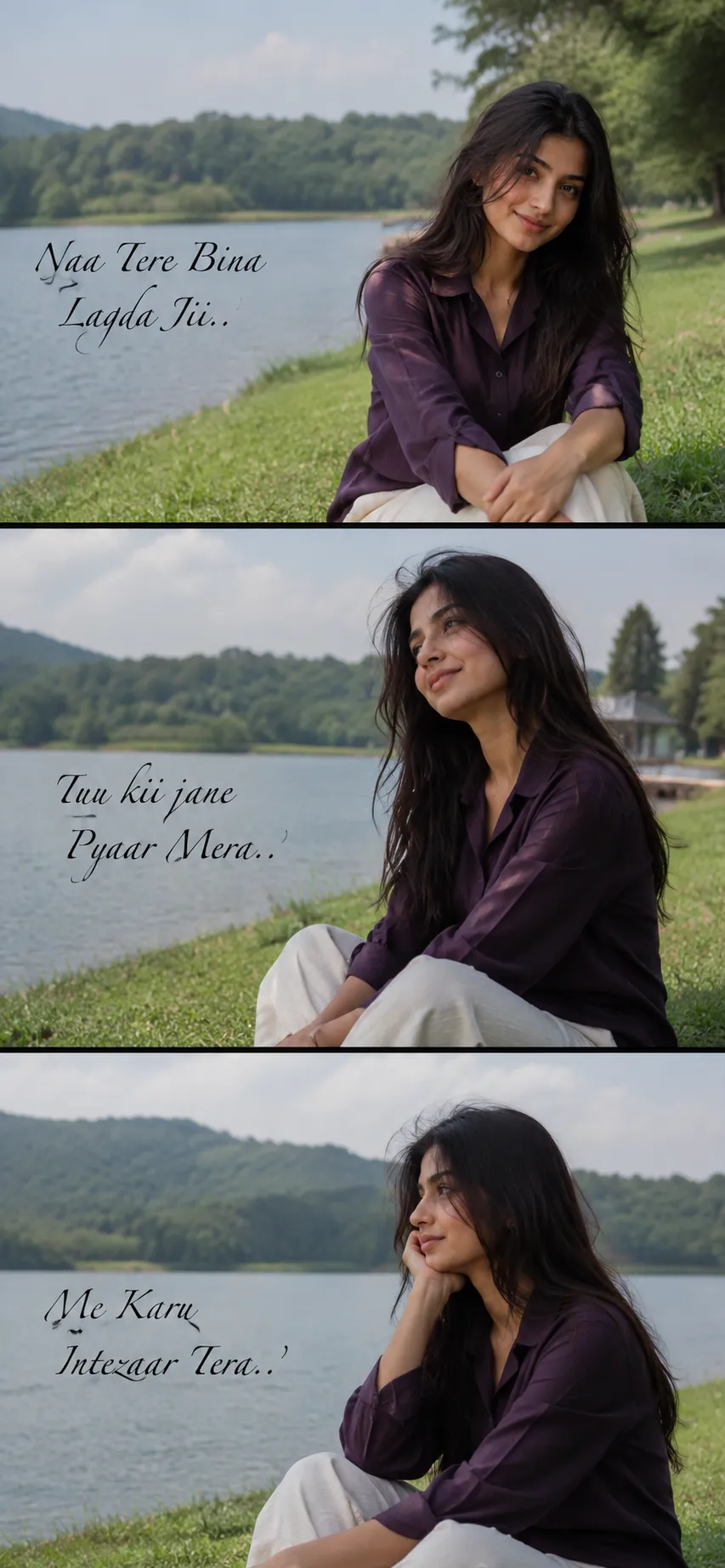
5. Lakeside 3-Frame Romantic Collage
A candid 3-frame lakeside collage with a romantic Punjabi caption across the frames.
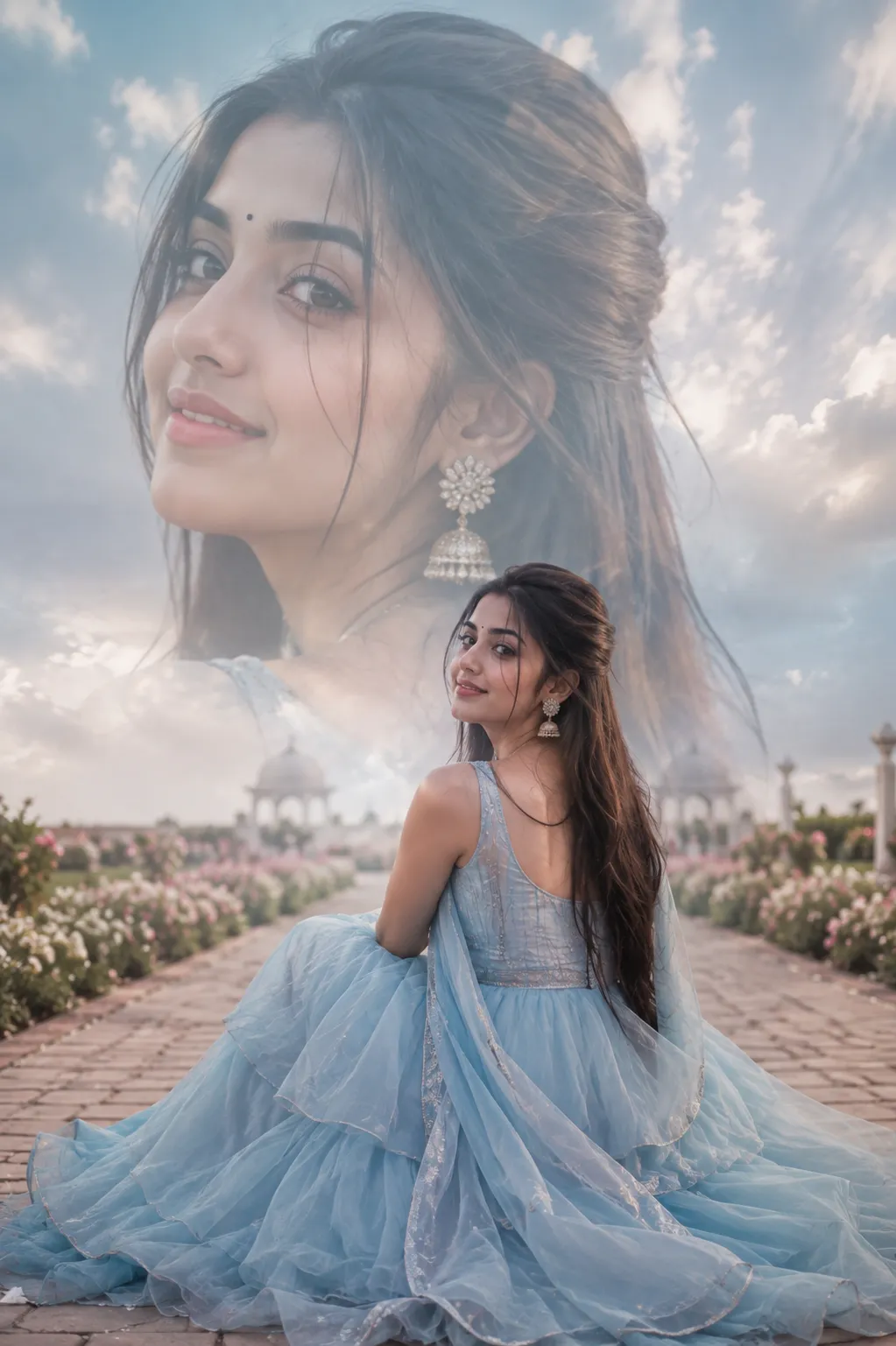
6. Dreamy Blue Gown Garden Portrait
A dreamy pastel princess-gown portrait in a hazy garden setting, with a faded close-up blended into the background.
What Makes These Prompts Different
Most viral photo prompts chase a single trend for a week. These six are built around mood instead of a trend, wind, muted colour, negative space, a averted gaze, so they hold up regardless of what’s trending on Instagram that day. That’s also what makes them easy to tell apart in a feed full of similar-looking AI portraits.
How to Use These Prompts
1. Pick the mood that matches what you want, grass field, blue hour, monochrome, or the gown portrait.
2. Copy that prompt from Prompt Seen and paste it into ChatGPT or Gemini with one clear, front-facing reference photo.
3. Want a different shirt colour, gown shade, or caption text? Change just that one detail before generating.
4. If the first result feels off, regenerate, a small wording tweak is usually faster than starting over.
Tips for Better Results
A clear, even-lit reference photo keeps your face accurate once the background and lighting change completely. For the monochrome and blue hour portraits especially, a plain original background helps the AI separate you from the new scene cleanly. If any generated text looks garbled, like the Punjabi caption in the lakeside collage, ask the AI to keep the exact wording, or add the text afterward in an editing app.
Conclusion
Six moods, one reference photo. Whether it’s wind in tall grass, a blue hour skyline, or a dreamy garden gown shot, each prompt is written to be copied as-is and adjusted one detail at a time. Start with whichever one matches your vibe and go from there.
FAQ
What ties these six AI photo prompts together?
All six lean into the same cinematic, moody, editorial mood: muted colour palettes, soft directional light, and a solitary or reflective subject, so they work as a matching aesthetic set rather than six unrelated styles.
Do I need a real grass field or a lake nearby to use these prompts?
No. Every background, the grass field, the mountains, the lakeside, is generated by the AI from the prompt text. You only need one clear reference photo of yourself.
Can I change the outfit or colour palette in these prompts?
Yes. Swap out one detail, like the shirt colour or the gown colour, and keep the rest of the wording unchanged so the lighting and mood stay consistent.
Will the Punjabi text in the lakeside collage prompt render correctly?
Most AI tools render it, but results vary. If the text comes out garbled, ask the AI to keep the wording exactly as written, or add the caption afterward in a simple photo editing app.
If you enjoyed these prompts, explore more trending AI photo prompts on Prompt Seen and keep creating high-quality images with ease.
← Back to All Prompts