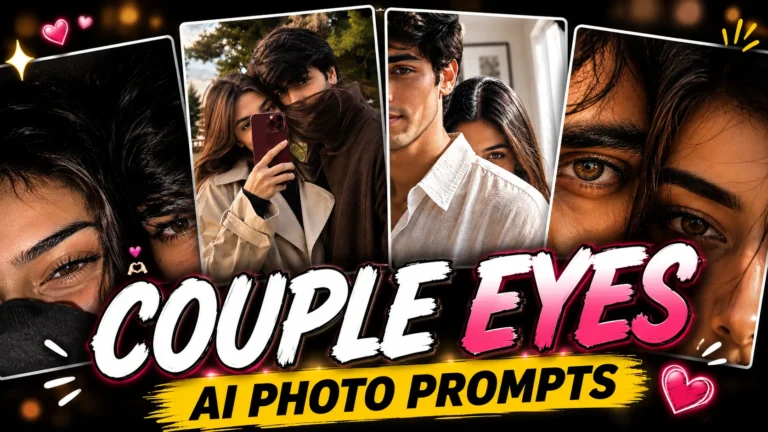
Best Couple AI Photo Editing Prompts for Romantic, Cinematic Photos
Turn your couple photo into something cinematic. Copy a prompt and drop in your picture.
Creating beautiful couple photos with AI has become a popular way to turn a simple picture into a romantic, cinematic memory. Instead of a plain filter, the best couple AI photo editing prompts rebuild the pose, lighting, and small styling details, so the result actually looks intentional.
Below, you’ll find four couple prompts on Prompt Seen. Two focus on soft, golden-hour portraits with matching hair bows, and two are cozy hoodie selfies with a shy, close-up pose. Pick whichever mood matches your own photo.
1. Golden Hour Couple Bow Prompt
A candid golden-hour couple portrait with matching pink satin hair bows and warm, natural backlighting.
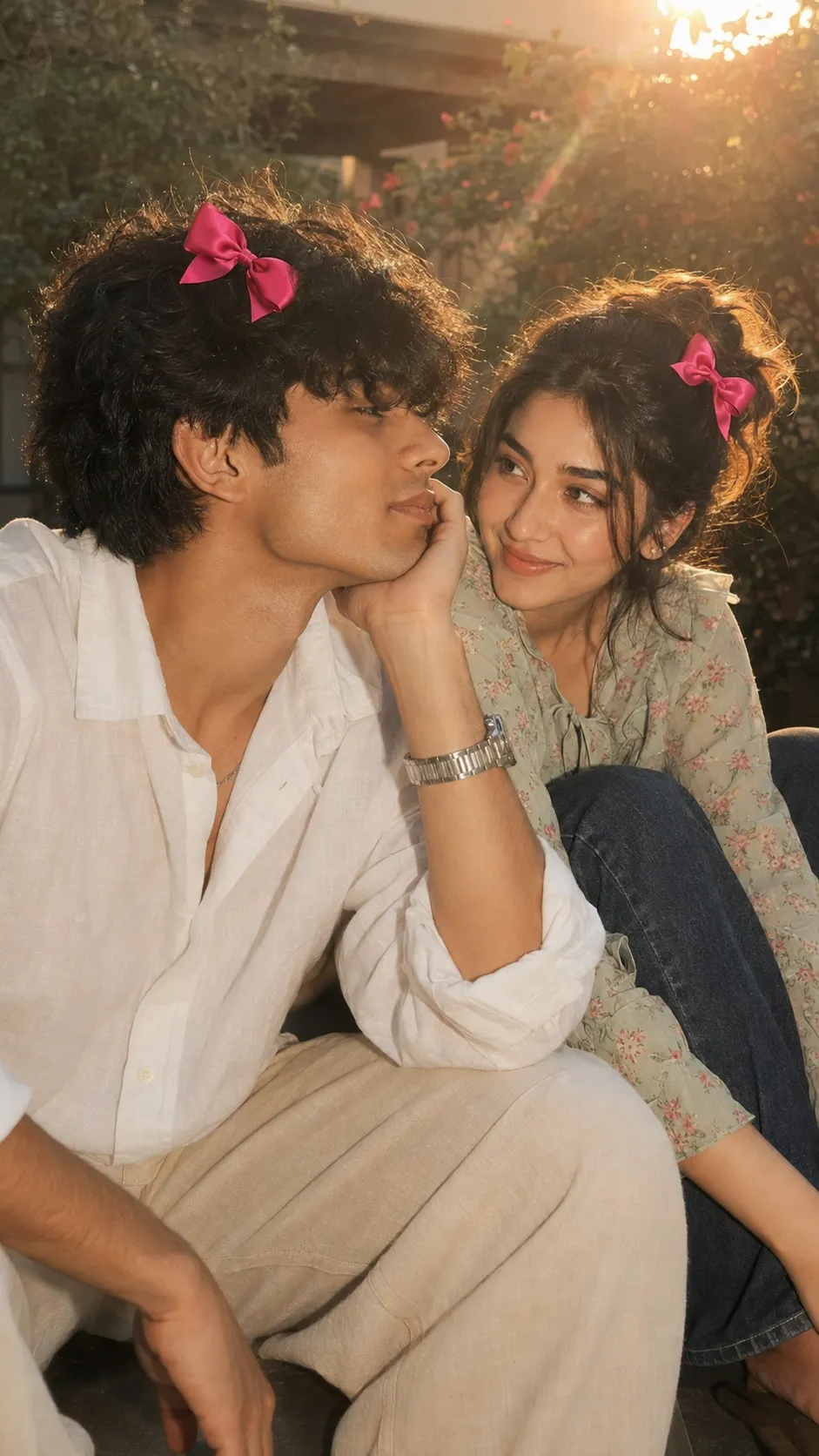
A candid golden-hour couple portrait, matching pink hair bows, warm natural backlighting.
2. Cream Outfit Pink Bow Couple Prompt
An intimate, close-standing couple portrait with matching pink-red hair bows and warm late-afternoon rim lighting.
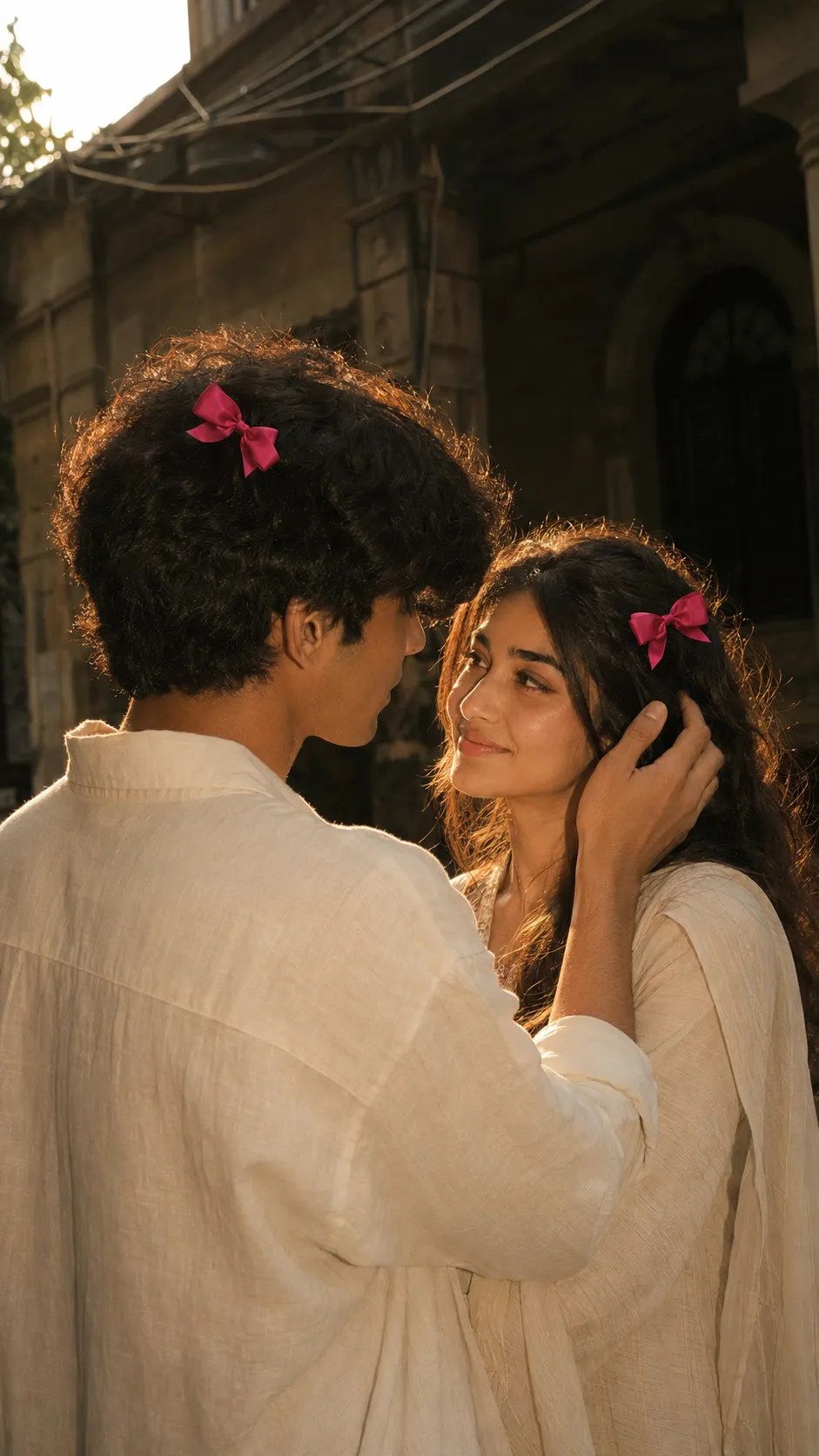
An intimate couple portrait in cream tones, matching pink-red hair bows, golden rim lighting.
3. Black Hoodie Couple Selfie Prompt
A cozy, close-up couple selfie in matching black hoodies, with a shy, half-hidden pose and soft daylight.
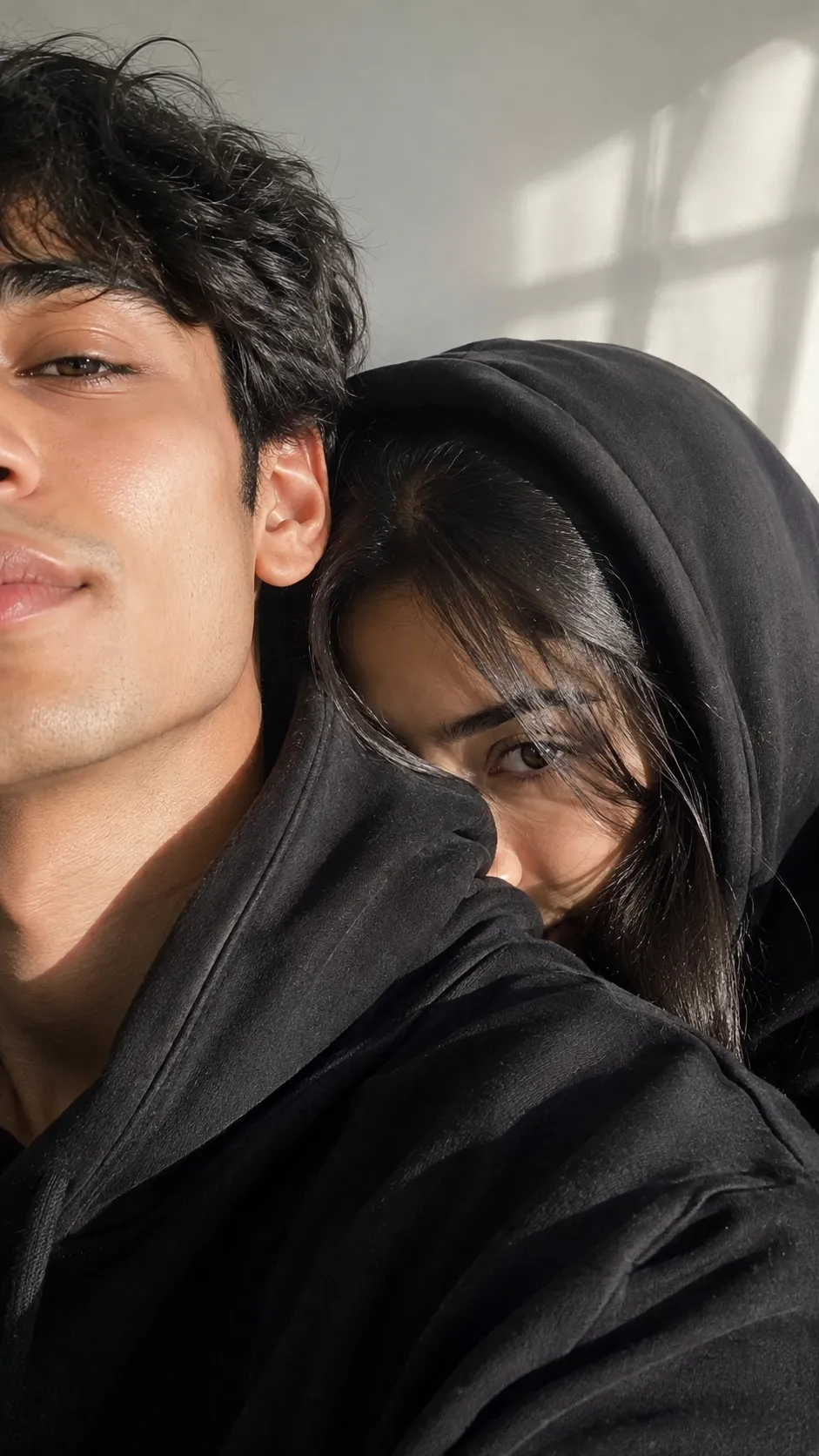
A close-up couple selfie in matching black hoodies, shy half-hidden pose, soft indoor daylight.
4. Maroon Hoodie Couple Selfie Prompt
The same cozy selfie style in deep maroon tones, with a jersey shawl over the hair and a sage green backdrop.
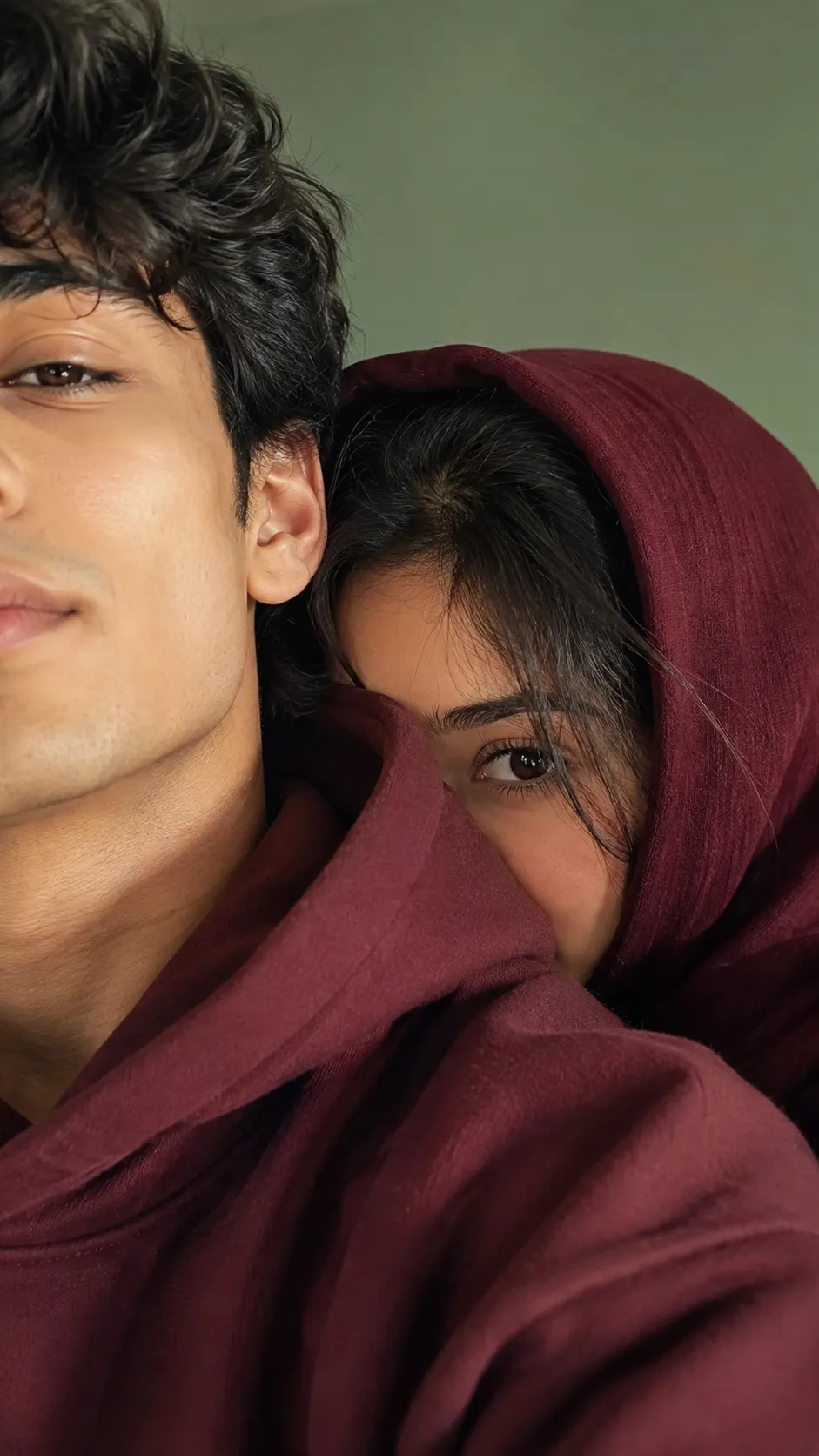
A close-up couple selfie in matching maroon hoodies, jersey shawl over hair, sage green backdrop.
How to Use These Prompts
- Pick one clear couple photo with both faces visible, this is the reference each prompt builds the pose and lighting around.
- Copy the prompt for the style you want and paste it into ChatGPT or Gemini along with your photo.
- Want a different hoodie color or hair bow shade instead of what’s listed? Swap that one detail in the prompt and keep the rest as written.
- If either face changes too much, ask for a redo and add: “keep both faces exactly as shown in the uploaded photo, do not alter or blend features.”
Tips for Better Results
A photo with both faces clearly lit gives every prompt here a stronger base, since the AI has to hold two identities steady while adjusting the pose and lighting. If the bows or accessories come out too large or unrealistic, add “keep the hair bow small, subtle, and naturally attached” to the end of the prompt.
For the hoodie selfie prompts, a plain background in your source photo makes it easier for the AI to keep the mood cozy and intimate rather than busy.
Conclusion
These four Best Couple AI Photo Editing Prompts cover two clear moods, soft golden-hour romance and cozy hoodie selfies. Start with whichever style matches your own photo, then adjust one detail, the outfit color or the accessory, until the result feels ready to post. Prompt Seen keeps adding fresh couple prompts, so it’s worth checking back for more.
FAQ
What makes these couple AI photo prompts different from a regular filter?
These prompts rebuild the whole scene, pose, outfit, lighting, and small styling details like hair bows, around your couple photo, rather than just adjusting colors or adding a filter on top of the original.
Do these Best Couple AI Photo Editing Prompts work on ChatGPT and Gemini?
Yes. Every prompt on Prompt Seen is plain descriptive text, so the same wording works on ChatGPT, Gemini, or any other AI image tool that accepts a photo along with a prompt.
Do I need one photo or two for these couple prompts?
One clear photo of both people together usually works. If the prompt mentions separate face references, you can also upload one photo per person for a stricter identity match.
Can I change the outfit colors in these couple prompts?
Yes. Details like the hoodie color, shirt style, or hair bow color are just text, so you can swap them for your own preference before pasting the prompt in.
If you enjoyed these prompts, explore more trending AI photo prompts on Prompt Seen and keep creating high-quality images with ease.
← Back to All Prompts