Stylish Indian Boy AI Photo Prompts for ChatGPT & Gemini
4 editorial looks, one photo, zero studio bookings 🕶️
Stylish, editorial-style boy portraits are having a moment on Instagram right now, and most of them aren’t shot in a studio at all. A single clear photo, paired with the right prompt, is enough to get a moody studio wall portrait, a double-exposure walking shot, or a confident stairway pose that looks like it came from an actual fashion shoot.
This post collects four of those prompts: a studio wall portrait with a vector-art side panel, a double-exposure profile-and-walk combo, a relaxed stairway sit, and a monochrome dual-portrait walk. Each one is written to paste directly into ChatGPT or Gemini alongside your photo.
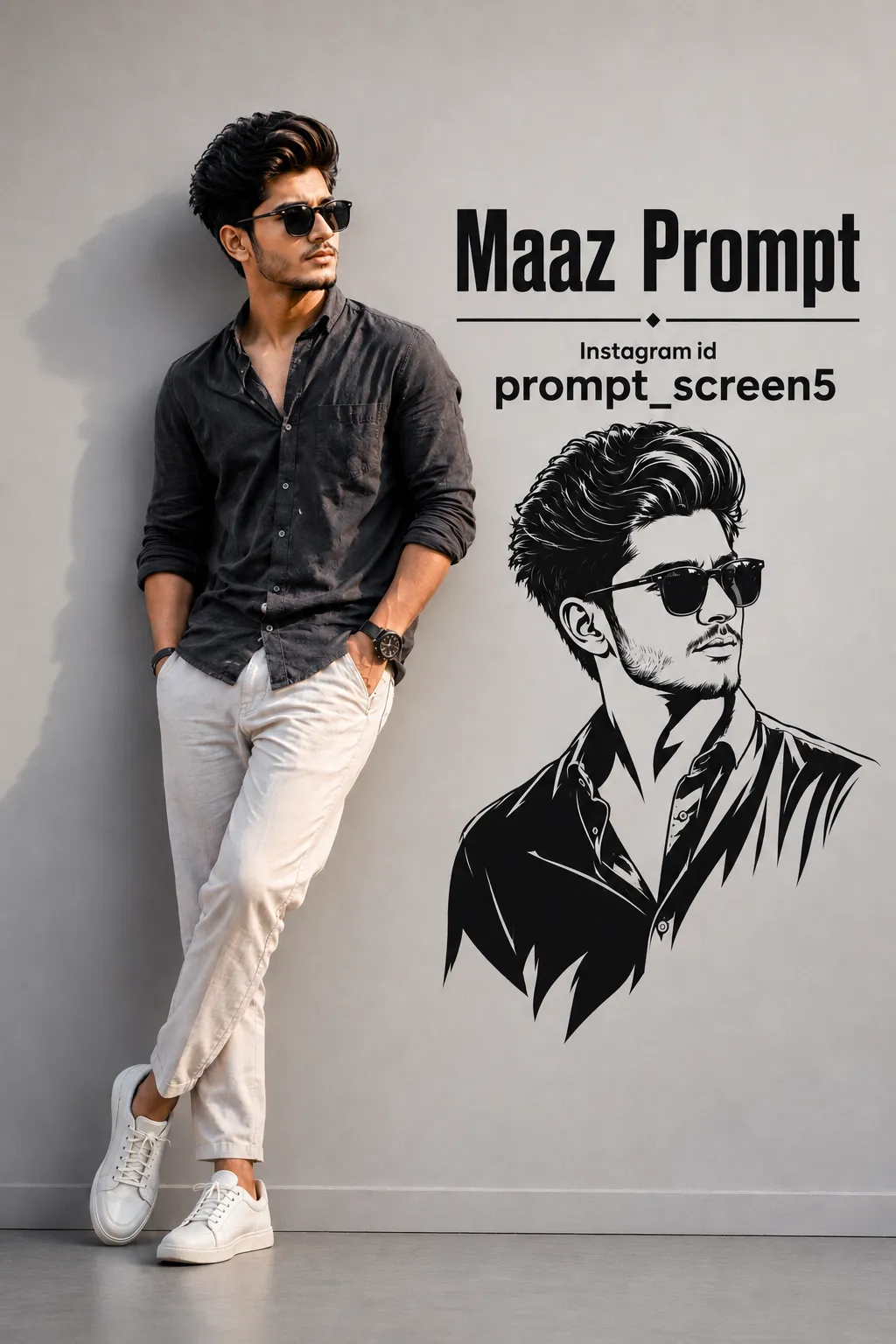
1. Studio Wall Portrait AI Prompt
A relaxed studio wall portrait with a black-and-white vector art panel beside him, name and Instagram handle included.
2. Double Exposure Walking Portrait AI Prompt
A double-exposure style split shot: a close-up profile in aviators on one side, a full-body walk-away shot at golden hour on the other.
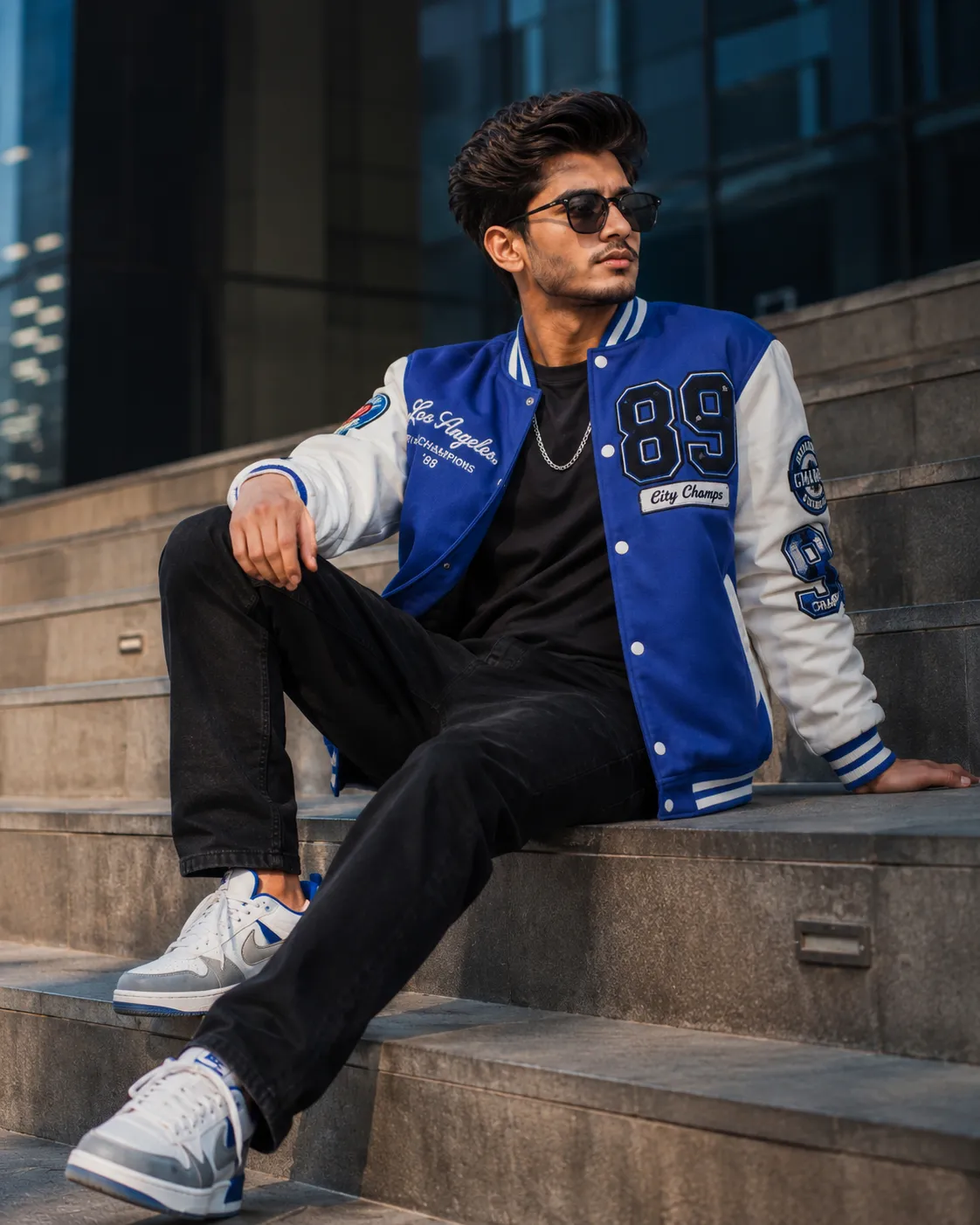
3. Stairway Sit AI Prompt
A relaxed, confident stairway sit with a patched jacket, silver chain, and soft cinematic daylight against a modern building.
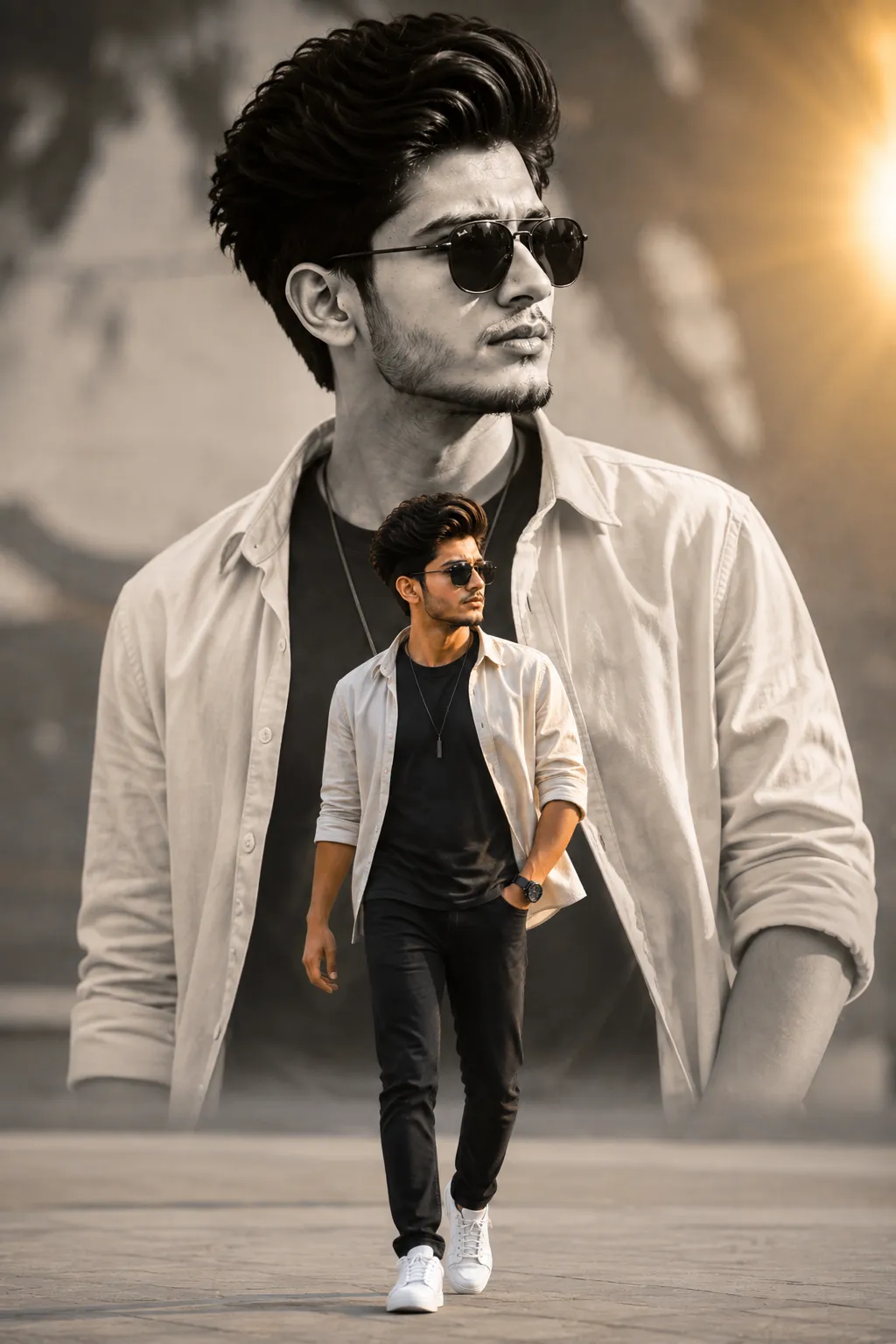
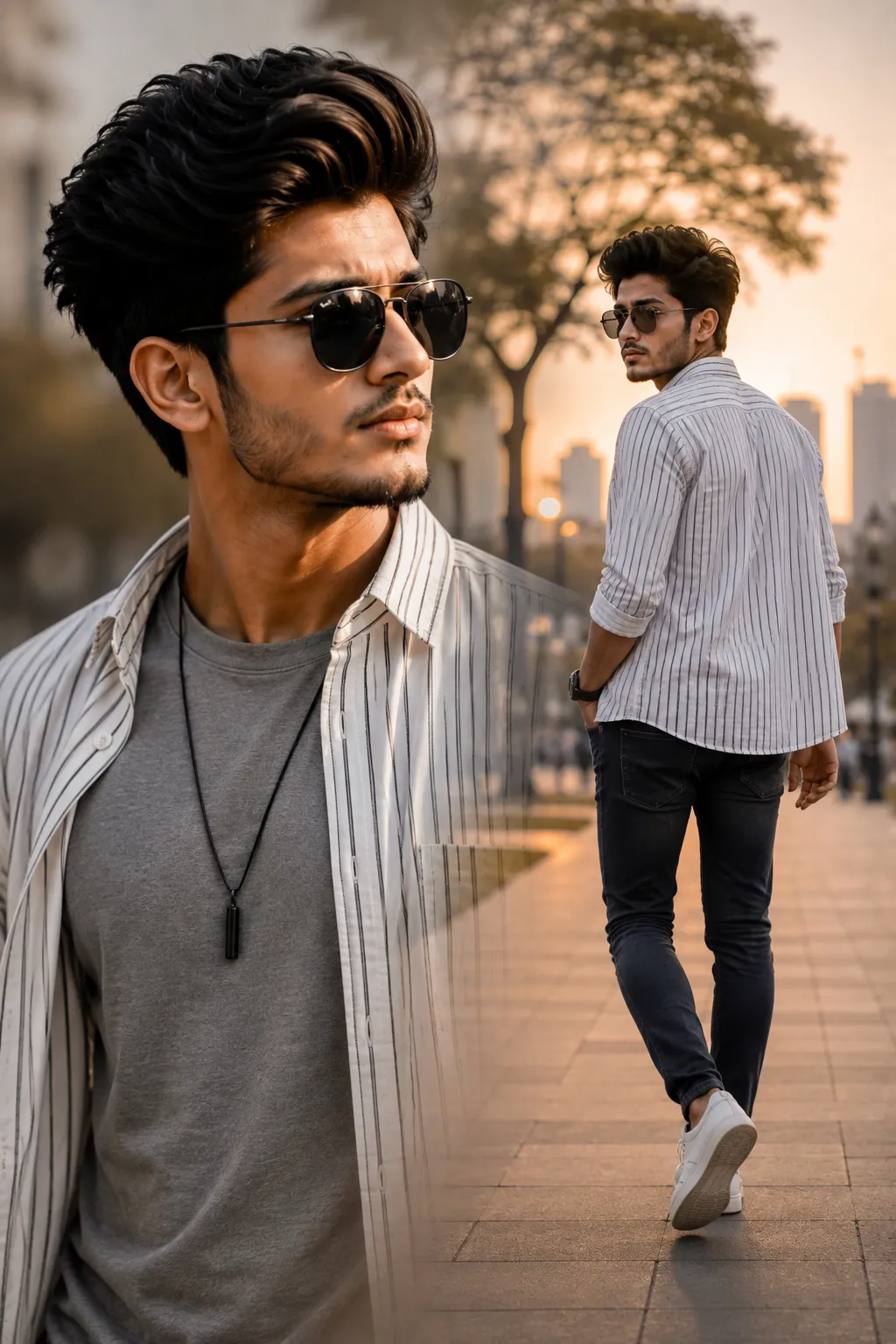
4. Monochrome Dual Portrait Walking AI Prompt
A dual-portrait double exposure: a large monochrome close-up in the background, a full-color walking shot in the foreground.
How to Use These Prompts
1. Pick one clear, front-facing photo with even lighting, this is the reference every version below is built from.
2. Copy the prompt for the style you want and paste it into ChatGPT or Gemini along with your photo.
3. For the studio wall prompt, swap in your own name and Instagram handle before pasting it in.
4. If a detail doesn’t match what you pictured, edit that one line, the jacket color, the background, or the pose, and regenerate.
Tips for Better Results
A plain background and good, even lighting on your face give every one of these prompts the cleanest identity match, especially the double-exposure styles where your face appears twice in one frame. If the face starts to drift, add a line like “keep the exact same face as the uploaded photo, do not alter or morph it” to the end of the prompt. For the jacket and outfit colors, keep the description short and specific, one or two colors and one style, rather than a long list of details.
Conclusion
These four prompts cover a solid range of stylish boy portrait looks, from a moody studio wall shot to a golden-hour double exposure, so there’s a fair starting point here whatever mood fits your next post. Start with one clear photo, pick the style closest to what you’re picturing, and adjust the wording instead of guessing a prompt from scratch.
FAQ
Do these stylish boy photo prompts work with both ChatGPT and Gemini?
Yes. Every prompt in this post is written in plain language, so it works on both ChatGPT and Gemini without any extra tweaking.
Will my face stay accurate in the double-exposure and portrait shots?
Yes, as long as your source photo is clear and front-facing. Several of these prompts include an identity-lock line that tells the AI to keep your face unchanged across the whole edit.
Can I change the outfit, jacket color, or background in these prompts?
Yes. Every detail in a prompt, including outfit, jacket color, or background, is just text, so you can edit it to match your own style before pasting it in.
The studio wall prompt has a name and Instagram handle in it, do I need to change that?
Yes. Swap the placeholder name and Instagram handle in that prompt for your own before pasting it in, so the vector portrait on the wall reflects your details instead.
If you enjoyed these prompts, explore more trending AI photo prompts on Prompt Seen and keep creating high-quality images with ease.
← Back to All Prompts