4 Independence Day AI Photo Prompts for ChatGPT & Gemini
4 poster styles, one photo, tricolor magic in seconds 🇮🇳
Every year around the 15th of August, a wave of cinematic tricolor posters takes over Instagram, and almost none of them are actual photoshoots. A single clear photo, run through the right prompt, is enough to get a glowing flag portrait, a Red Fort backdrop, or a luxury editorial poster with your own name-worthy typography on it.
This post collects four of those Independence Day prompts: a golden-hour flag portrait, a Red Fort cinematic edit, an India Gate flag-wrap portrait, and a luxury gold-typography poster. Each one is written to paste directly into ChatGPT or Gemini alongside your photo.
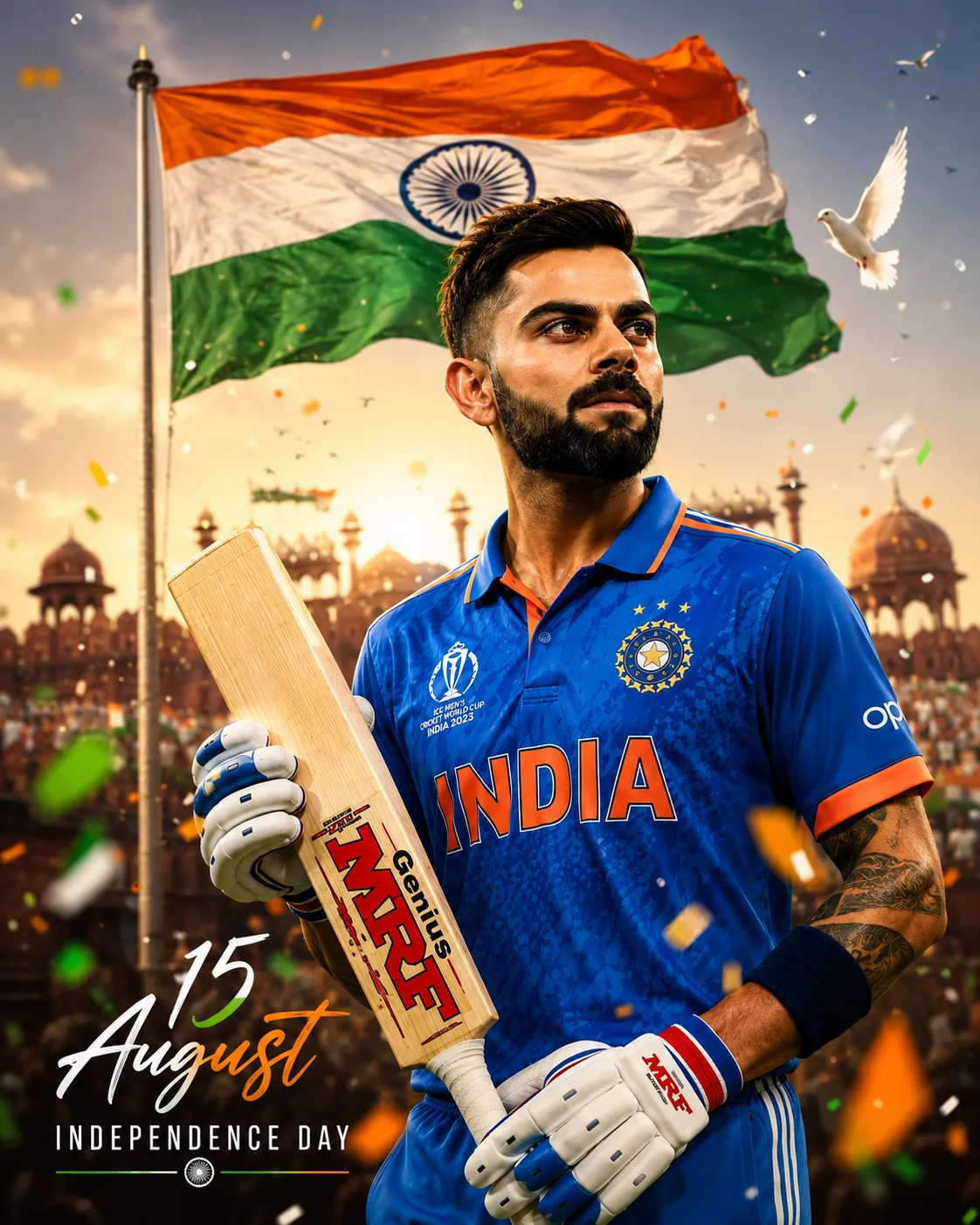
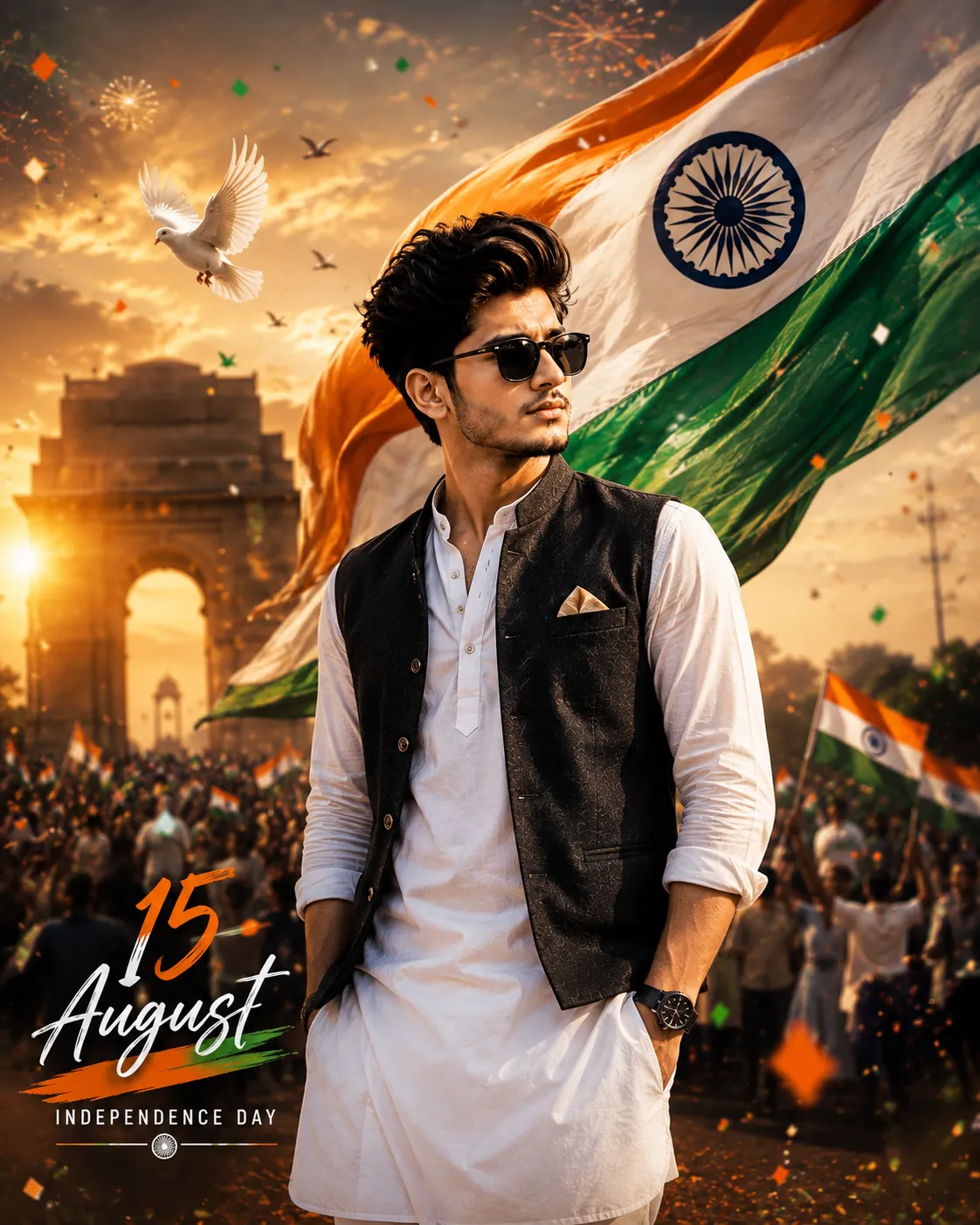
1. Independence Day Flag Portrait AI Prompt
A confident foreground portrait with a giant waving Indian flag behind, tricolor bokeh, and handwritten “15 August” typography.
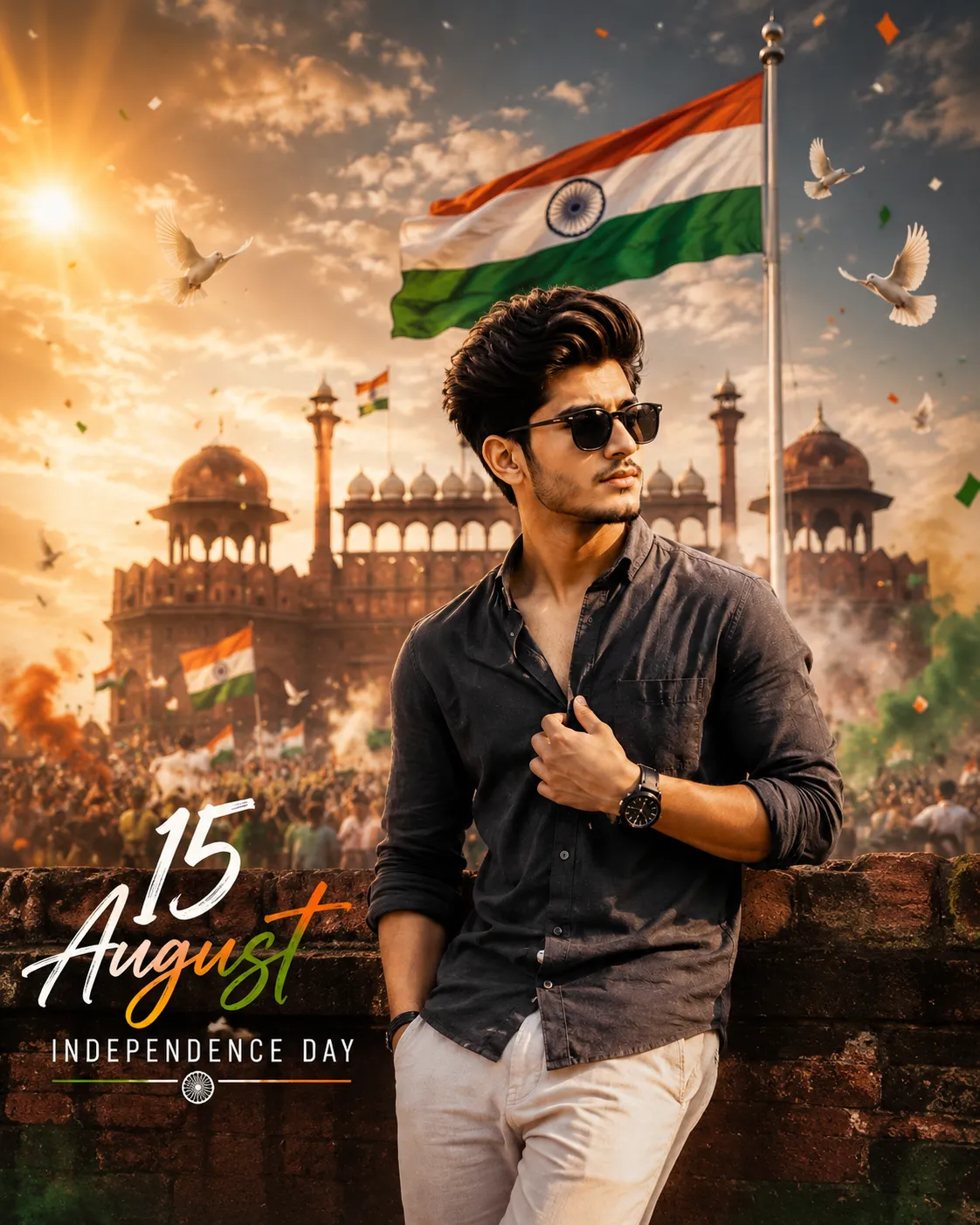
2. Red Fort Independence Day AI Prompt
A luxury editorial portrait with the Red Fort and a giant flag in the background, golden sunrise rays, and cinematic light streaks.
3. India Gate Flag Wrap AI Prompt
A flowing flag wraps dynamically behind the subject, with India Gate softly blurred in the background and golden volumetric light.
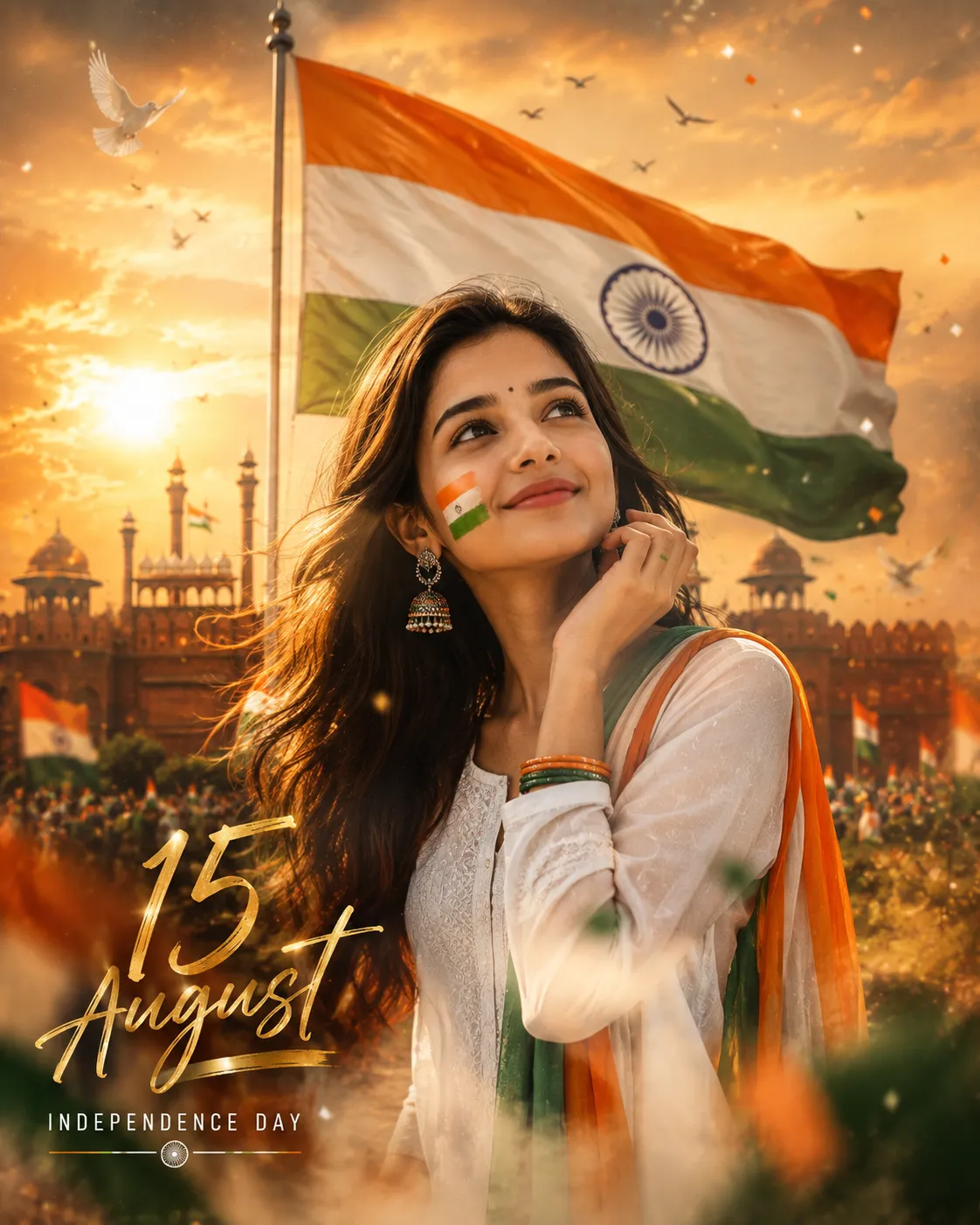
4. Golden Editorial Independence Day AI Prompt
An award-winning editorial poster look with dreamy Red Fort bokeh, golden script typography, and magazine-style HDR color grading.
How to Use These Prompts
1. Pick one clear, front-facing photo with good lighting, this is the reference every poster below is built from.
2. Copy the prompt for the style you want and paste it into ChatGPT or Gemini along with your photo.
3. Edit the “15 August” typography line if you’d rather use a different date, wording, or drop the text entirely.
4. If a detail doesn’t match what you pictured, edit that one line, the monument, the lighting, or the color palette, and regenerate.
Tips for Better Results
A plain, well-lit photo gives every one of these prompts the cleanest facial match, since each one asks the AI to preserve your identity while rebuilding the entire background around you. If the face starts to drift from your reference photo, add a line like “keep the exact same face as the uploaded photo, do not alter or morph it” to the end of the prompt. Since all four styles share a similar tricolor, monument, and typography structure, feel free to mix elements, take the Red Fort background from one prompt and the gold typography from another.
Conclusion
These four prompts cover a solid range of Independence Day poster styles, from a straightforward flag portrait to a full luxury editorial look, so there’s a fitting starting point here whatever tone you’re going for this year. Start with one clear photo, pick the monument and lighting that fits your idea, and adjust the wording instead of guessing a prompt from scratch.
FAQ
Do these Independence Day photo prompts work with both ChatGPT and Gemini?
Yes. Every prompt in this post is written in plain language, so it works on both ChatGPT and Gemini without any extra tweaking.
Will my face stay accurate in the finished poster?
Yes, as long as your source photo is clear and front-facing. Every prompt in this post includes an identity-lock line that tells the AI to keep your face, expression, and skin tone unchanged.
Can I change the date text or typography style in these prompts?
Yes. The “15 August” and “Independence Day” text lines are just words in the prompt, so you can edit the wording, swap the date, or remove the typography line entirely before pasting it in.
Do I need a photo in front of a flag or monument to use these prompts?
No. Any clear, front-facing photo works. The flag, monument, and background details are all generated by the AI from the text in the prompt, not from your original photo.
If you enjoyed these prompts, explore more trending AI photo prompts on Prompt Seen and keep creating high-quality images with ease.
← Back to All Prompts