Diwali Diya-Light Portrait AI Prompt
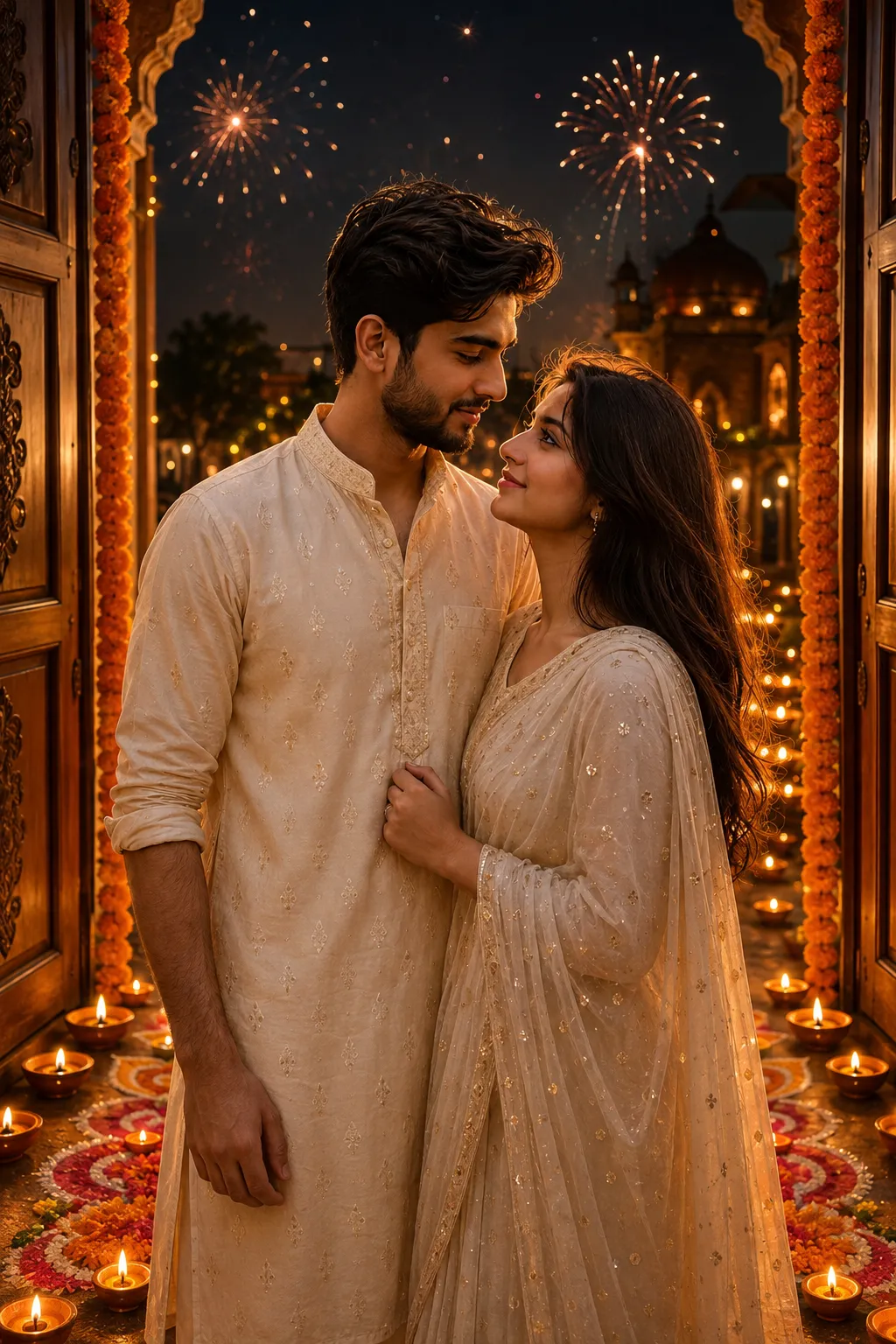
Diwali portraits lit by rows of glowing diyas are one of the most popular festival AI photo styles every year. This prompt turns any photo into a warm, golden, diya-lit portrait, complete with rangoli patterns and a soft festive glow, without needing an actual night shoot.
It’s written to work with both ChatGPT and Gemini, and keeps the subject’s face and identity unchanged while the lighting, outfit, and background become festive.
Warm diya lighting, festive traditional outfit, and soft golden bokeh for a realistic festival look.
How to Use This Prompt
1. Open ChatGPT or Gemini and upload a clear, front-facing photo.
2. Paste the prompt above.
3. Wait for the image to generate.
4. If the lighting looks too warm or too busy, ask the tool to “soften the glow” or “simplify the background.”
Tips for Better Results
A photo taken in daylight still works well, since the AI rebuilds the lighting for you. Mention a specific outfit color, like “in a red and gold saree” or “in a navy blue kurta,” for a more personal result.
Conclusion
This prompt is an easy way to get a festive, diya-lit Diwali portrait without planning an actual evening shoot around it. Just upload a clear photo, paste the prompt into ChatGPT or Gemini, and adjust the outfit or lighting details to match your own style. It works for solo portraits, couples, or family photos, and pairs well with other Prompt Screen prompts if you want to try a few different festive looks side by side.
FAQ
What is the Diwali diya-light portrait AI prompt?
It’s a free ChatGPT and Gemini prompt that turns any photo into a warm, diya-lit Diwali portrait with rangoli and festive lighting.
Does this prompt work with both ChatGPT and Gemini?
Yes, the same prompt works on both tools without any extra tweaking.
Can I use this for a daytime photo?
Yes. The prompt rebuilds the night-time diya lighting itself, so a daytime source photo still works well.
If you enjoyed this prompt, explore more trending AI photo prompts on Prompt Screen and keep creating high-quality images with ease.
← Back to All Prompts