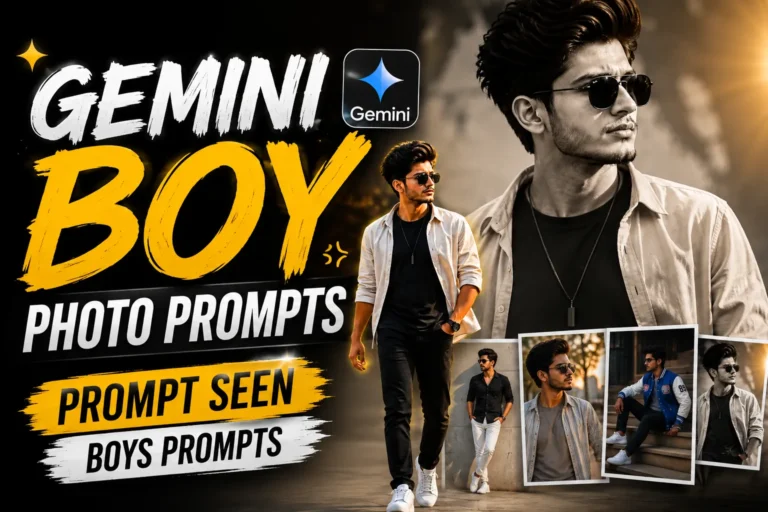
Prompt Seen Gemini Boy – Free AI Photo Prompts for ChatGPT & Gemini
6 free Gemini Boy prompts, just one photo and a ready-to-paste style 📸
Quick answer: Prompt Seen Gemini Boy is a free set of ready-to-copy AI photo prompts, built for ChatGPT and Gemini. Simply upload one clear photo, paste a prompt, and generate a striking, editorial-style portrait in seconds.
A great AI photo prompt does more than describe a pose. It sets the lighting, the mood, and the camera style too. As a result, the final image feels like a real photograph instead of an obvious AI render.
So, this collection focuses on exactly that. Each prompt below is written with clear lighting, composition, and camera details built in.
What’s Inside This Collection
Every prompt in this Prompt Seen Gemini Boy set is ready to paste directly into ChatGPT or Gemini alongside a clear photo of yourself. Therefore, there’s no extra editing or tweaking needed.
Key takeaways:
- All prompts are free and work on both ChatGPT and Gemini.
- Each prompt only needs one clear, front-facing photo to generate.
- Prompts include camera, lighting, and lens details for a realistic, non-AI look.
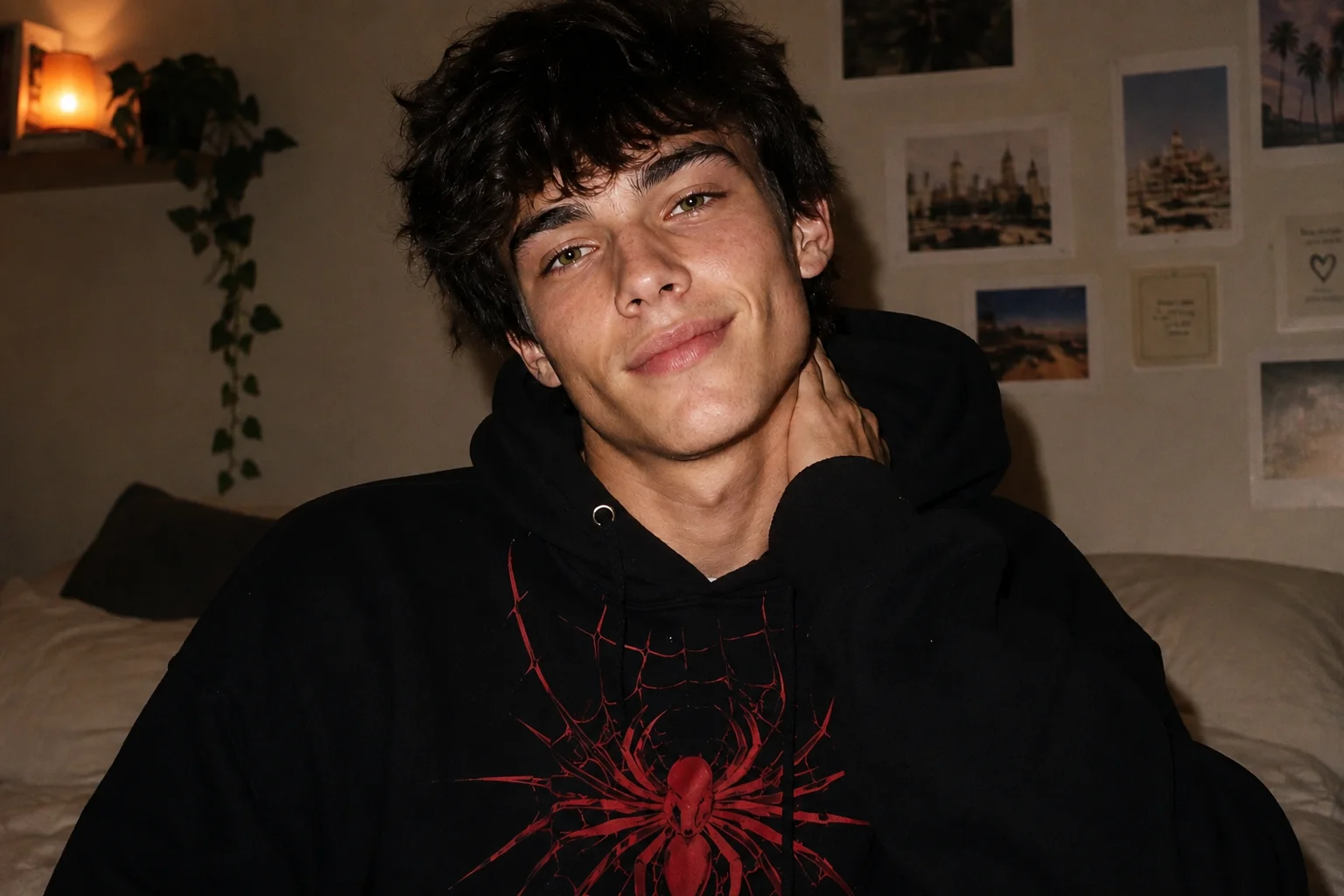
1. Cozy 90s-Style Flash Portrait
A candid 90s-style flash portrait in a cozy bedroom, oversized hoodie with a bold spider-web graphic, and vintage poster-covered walls.
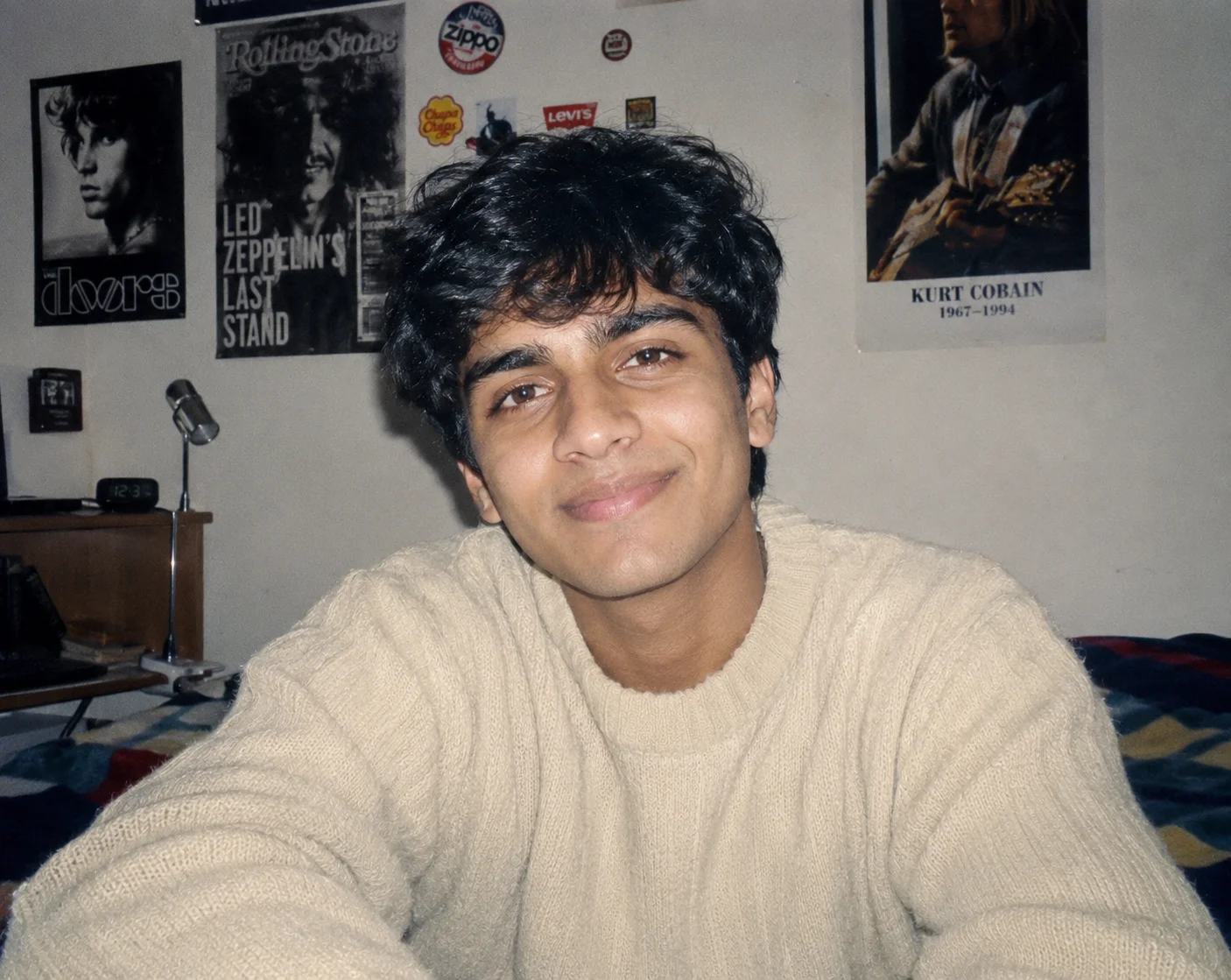
2. Cream Sweater 90s Portrait
A softer 90s flash portrait in an oversized cream sweater, calm playful smile, and the same cozy poster-covered bedroom setting.
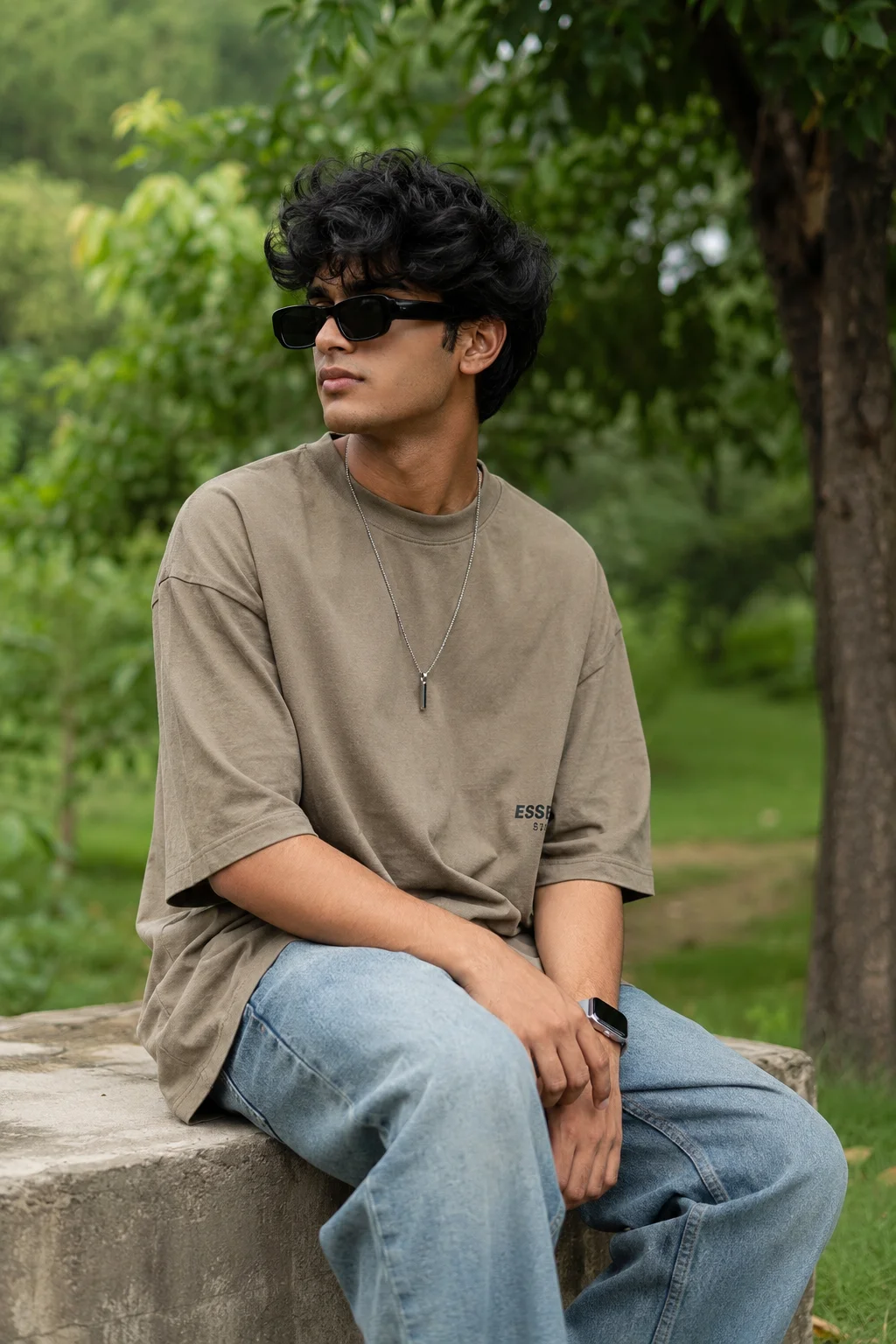
3. Outdoor Greenery Portrait with Sunglasses
An ultra-realistic outdoor DSLR-style portrait with stylish messy-volume hair, rectangular sunglasses, and a softly blurred natural green backdrop.
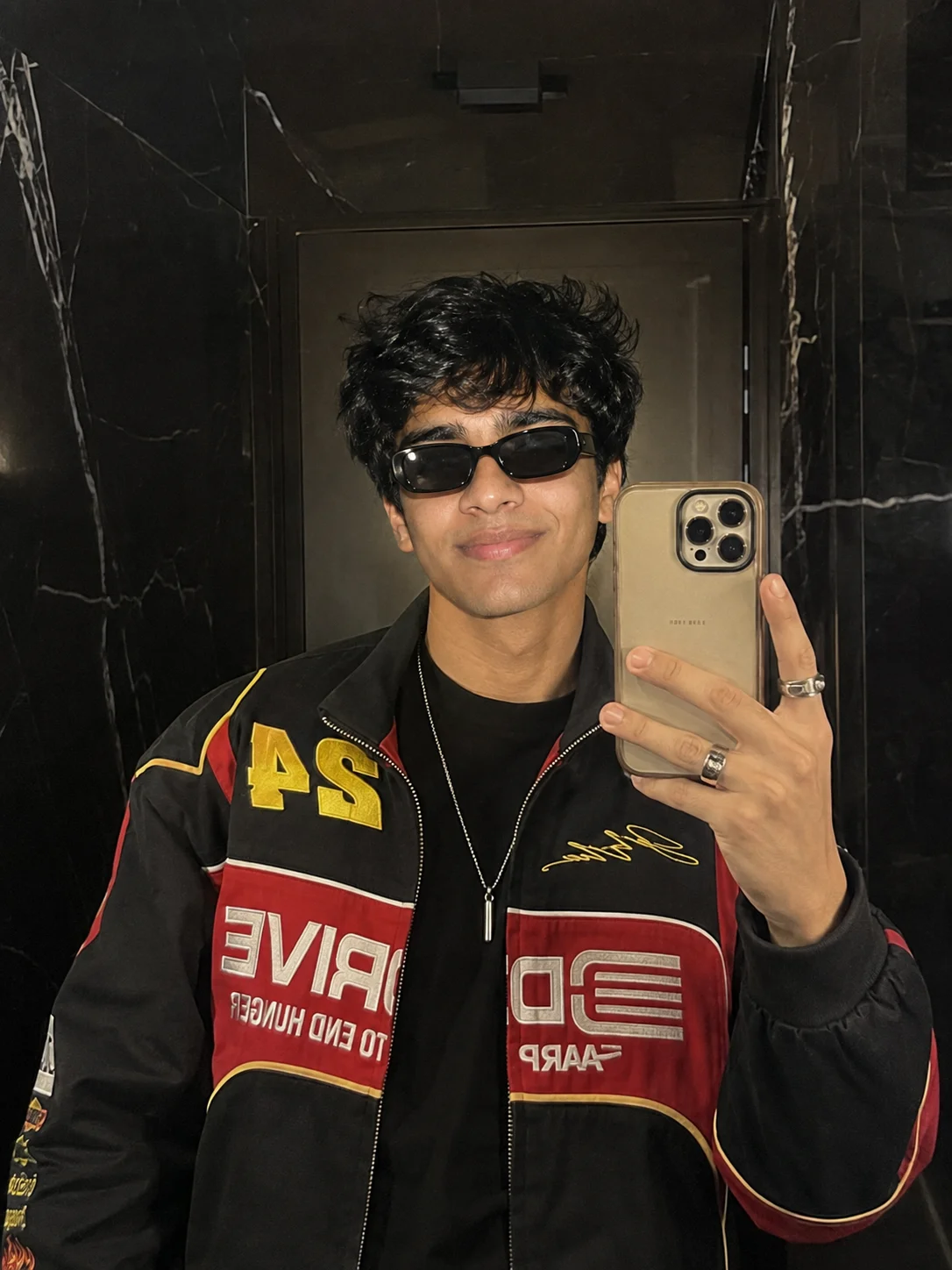
4. Mirror Selfie with Racing Jacket
A hyper-realistic mirror selfie in a moody dark-marble bathroom, black racing jacket with red and yellow details, and a confident stylish vibe.
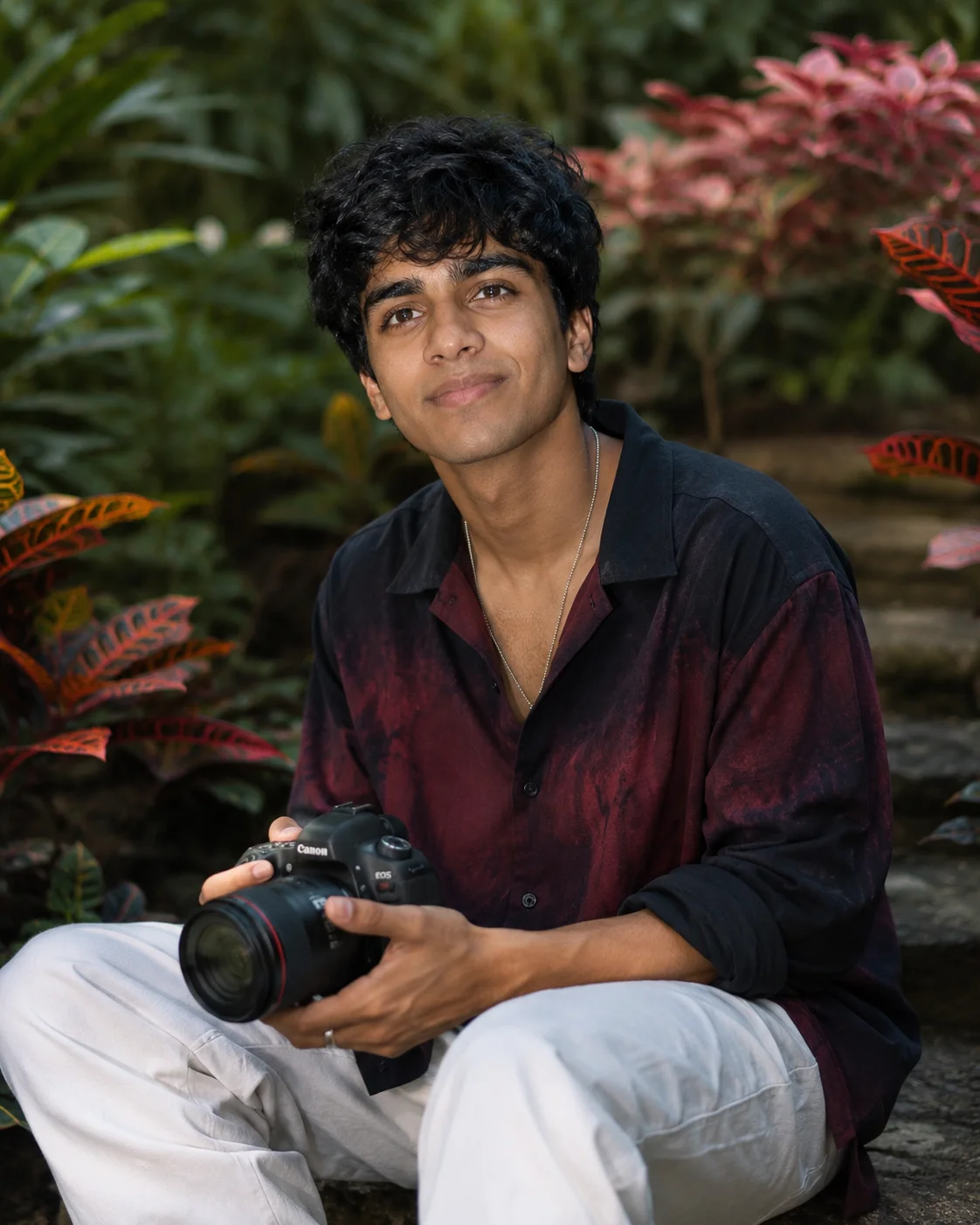
5. Cinematic Portrait with Canon Camera
An 8K cinematic outdoor portrait holding a Canon camera, framed by vibrant foliage, with a dramatic yet elegant editorial vibe.
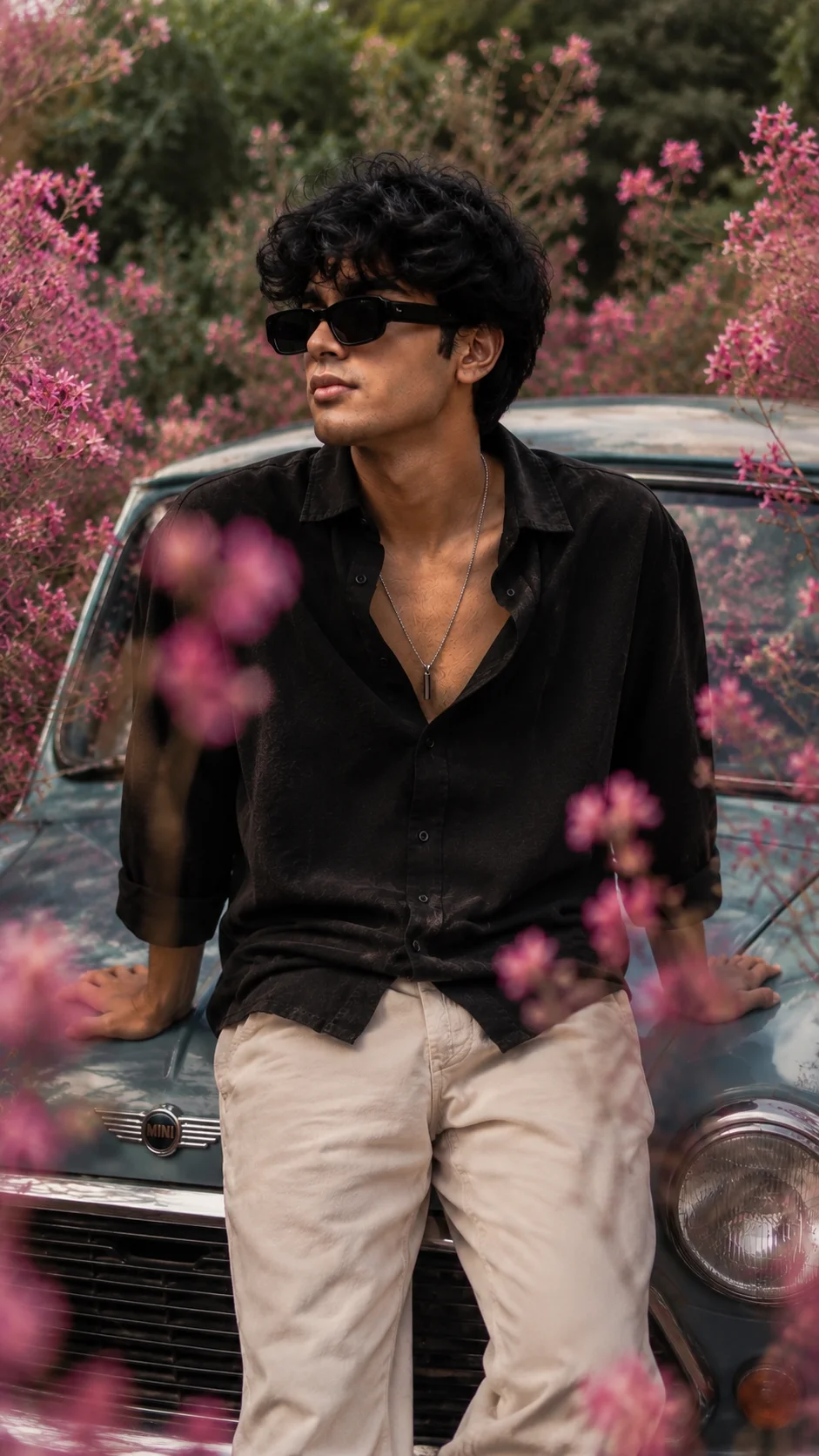
6. Editorial Portrait on a Mini Cooper
A vertical high-fashion editorial portrait sitting on a faded-blue Mini Cooper, surrounded by dreamy pink wildflower bokeh.
How to Use These Prompts
- Upload one clear, front-facing photo of yourself in good lighting, this is what the AI uses to keep your face recognizable.
- Copy the prompt for the style you want and paste it into ChatGPT or Gemini along with your photo.
- Keep the lighting and mood cues as written, they’re what make the result look like a real photograph instead of a polished render.
- If a detail doesn’t match what you pictured, edit that one line, the jacket color, the background, the pose, and regenerate.
Tips for Better Results
Clear, even lighting on your source photo matters most. It gives every prompt the cleanest identity match, especially for close-crop and shadow-heavy styles.
If your face starts to drift, try adding a line like “keep the face exactly as shown in the uploaded photo, do not alter or morph it.” This small addition often fixes the issue.
Conclusion
This Prompt Seen Gemini Boy set is built to save you time. So, start with one clear photo, then pick the prompt that fits the mood you want. From there, just adjust small details instead of writing one from scratch.
FAQ
Do these Gemini boy prompts work with both ChatGPT and Gemini?
Yes, they do. Every prompt in this post is written in plain language, so it works on both platforms without any extra tweaking.
Do I need a specific type of photo to upload for the best result?
A clear, front-facing photo with good lighting gives the most accurate face match. Therefore, avoid heavily filtered or low-resolution photos for best results.
Will these look like real phone photos or obviously AI-generated?
Several of these prompts specifically ask for realistic skin texture and natural lighting. So, the goal is a natural camera look rather than a polished AI render.
If you enjoyed these prompts, explore more trending AI photo prompts on Prompt Seen and keep creating high-quality images with ease.
← Back to All Prompts