Prompt Seen ChatGPT: 4 3D Pixar AI Photo Prompts
4 free prompts to turn your photo into a dreamy 3D Pixar character ✨
The 3D Pixar-style AI photo trend is still everywhere. It’s that soft, glossy, animated-movie look that turns a normal photo into something that could sit on a Disney poster. The part people usually get stuck on isn’t the tool — it’s the wording. Ask for “cartoon me,” for example, and ChatGPT often changes your face, your outfit, even your expression along with it.
These 4 Prompt Seen ChatGPT prompts fix that. Two are written for a girl’s photo, and two for a boy’s. All four use the same trick: they tell the AI exactly what to keep the same, so the animated version still looks like you.
1. 3D Pixar-Style Girl Prompt
A clean 3D Disney/Pixar conversion that locks in your exact facial features, outfit, and expression, no random restyling.
A 3D Pixar-style animated character that keeps the same facial features, outfit, and expression as the original photo.
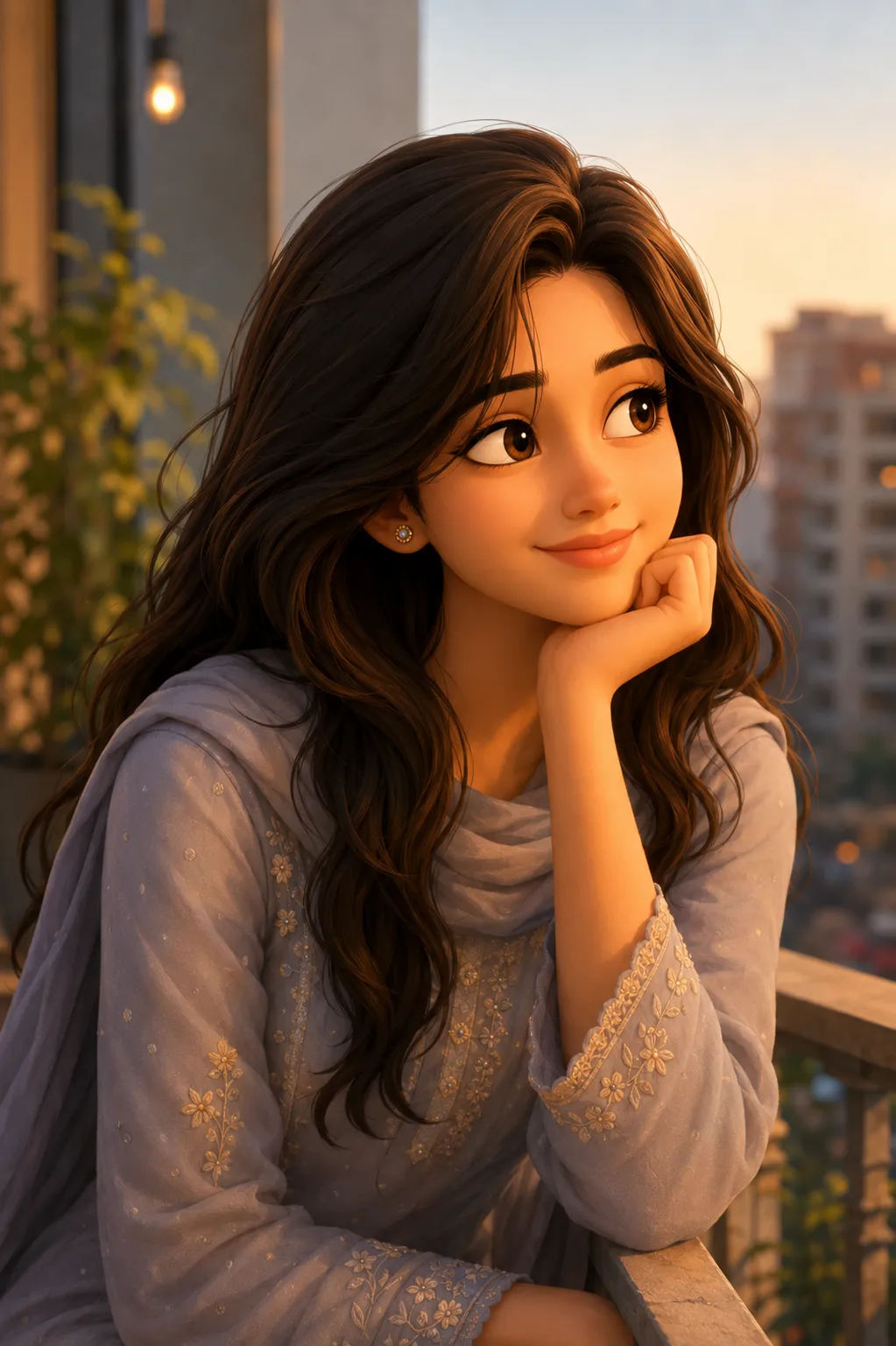
2. 3D Animated Girl Sunset Portrait Prompt
The same Disney/Pixar conversion, built to hold onto your hairstyle, clothes, and expression even in a warmer, sunset-lit photo.
A 3D Disney/Pixar animated character that keeps the same hairstyle, clothes, and facial expression as the original picture.
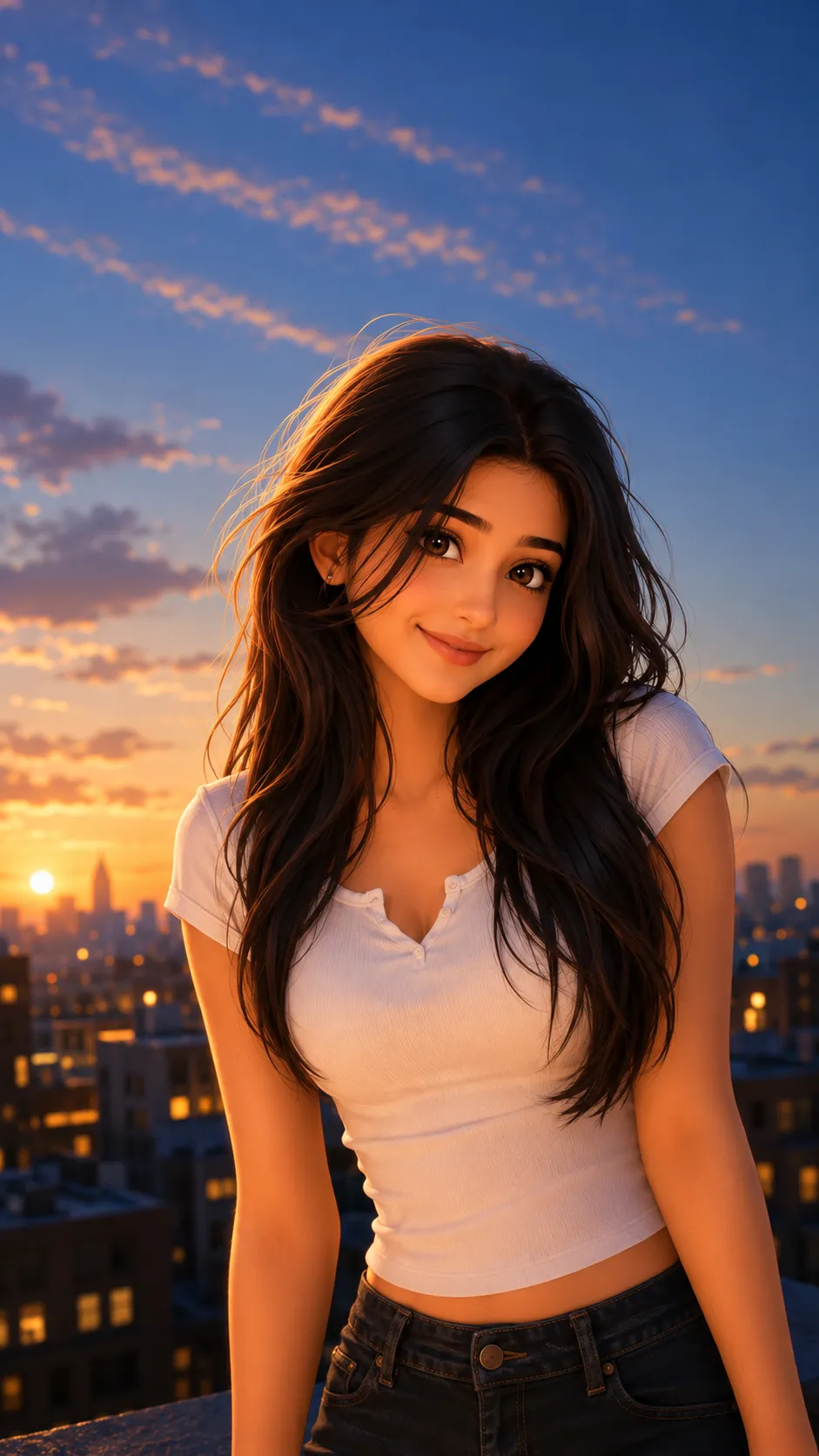
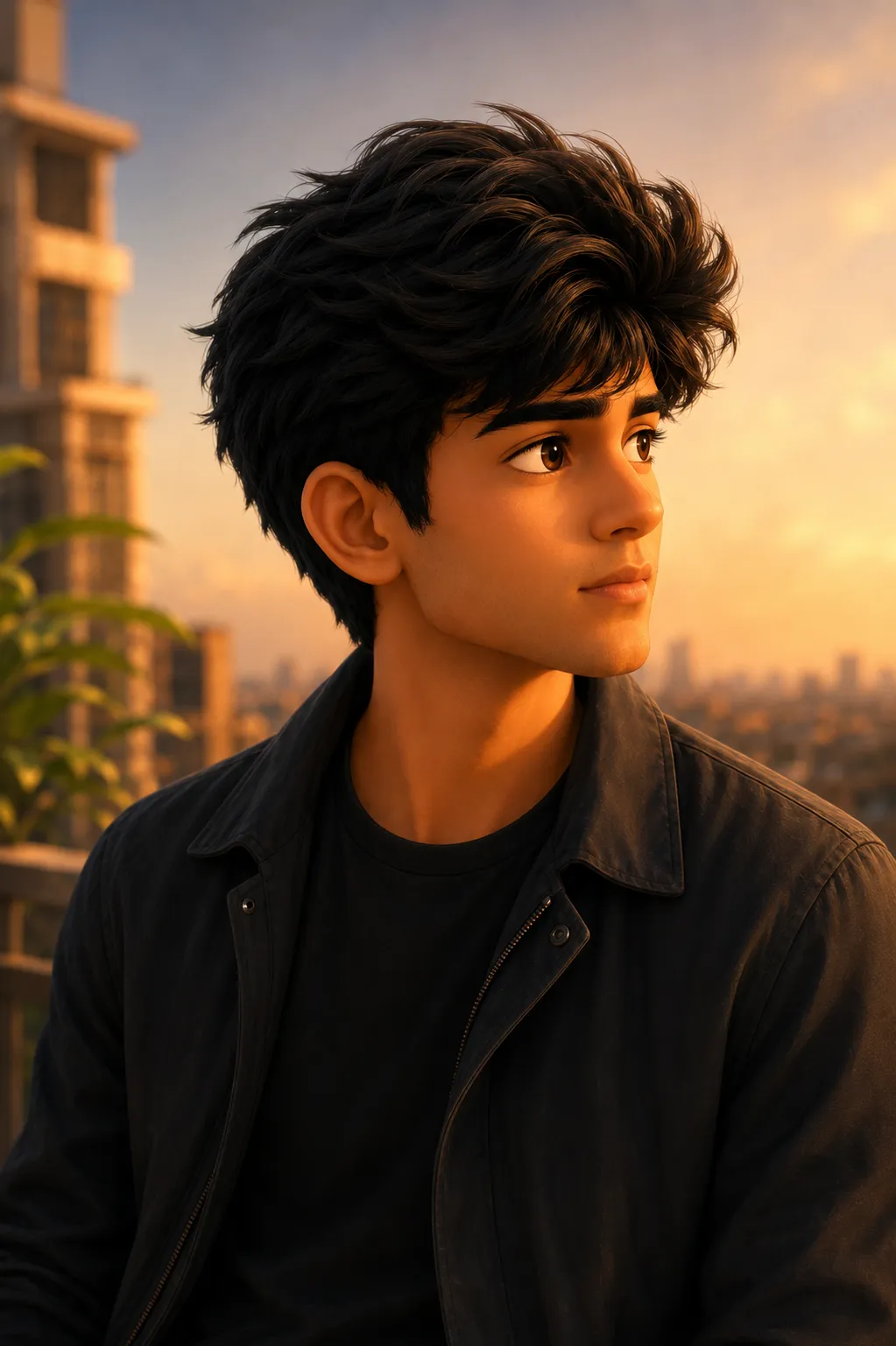
3. 3D Pixar-Style Boy Prompt
The male version of the same look, same hairstyle, same outfit, same expression, just rendered as a 3D animated character.
A 3D Disney/Pixar animated character that keeps the same hairstyle, clothes, and facial expression as the original picture.
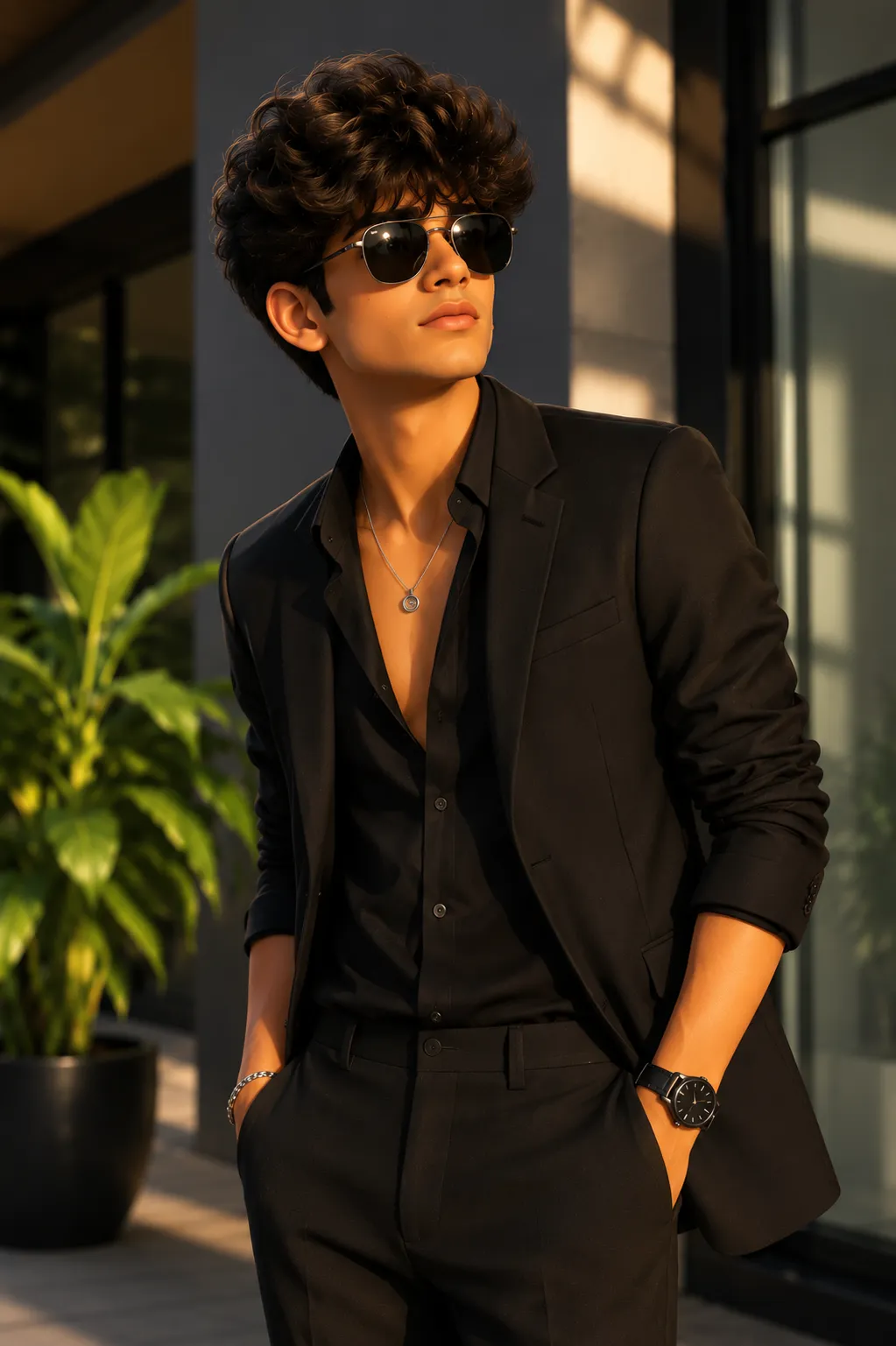
4. 3D Animated Boy Black Outfit Prompt
A solid pick if your reference photo has a plain black outfit, the AI keeps that same clothing and pose in the animated version.
A 3D Disney/Pixar animated character that keeps the same hairstyle, clothes, and facial expression as the original picture.
How to Use These Prompts
- Pick one clear, front-facing photo with good lighting, no sunglasses, no busy background if possible.
- Copy the prompt for the look you want and paste it into ChatGPT. Then upload your photo in the same message.
- Want a different art style, like anime instead of Pixar? Simply swap that one word and keep the rest of the wording the same.
- If the outfit or hairstyle comes out slightly off, ask ChatGPT to regenerate. Repeat this line: “keep the exact same outfit and hairstyle as the photo.”
Tips for Better Results
A photo with even, front-facing lighting gives ChatGPT the clearest read on your features. This matters more here than in most prompts, since the whole point is keeping your real face recognizable. If the animated version drifts too far from your actual look, add “do not change my facial structure” right after the outfit line. For group or couple photos, however, run each person through the prompt separately for the most accurate result.
Conclusion
These 4 Prompt Seen ChatGPT prompts cover the same 3D Pixar look for both girls and boys. With two starting points each, you’ll have a version to match whatever photo you’re working with. Start with the one closest to your own photo’s lighting and pose. Then adjust one line at a time if you want a different outfit, hairstyle, or art style.
FAQ
Do these Prompt Seen ChatGPT prompts work with just one photo?
Yes. Each of the 4 prompts only needs one clear, front-facing photo. ChatGPT uses that single reference to build the 3D Pixar-style version, keeping the same hairstyle, outfit, and expression.
Can I use these prompts on Gemini instead of ChatGPT?
Yes. All 4 prompts are plain text with no ChatGPT-specific formatting, so you can paste the same wording into Gemini or any other AI image tool along with your photo.
What’s the difference between the two girl prompts and the two boy prompts?
The wording is nearly identical across all 4. Each one tells the AI to keep the same hairstyle, clothes, and facial expression from the original photo. So, the only real difference is the reference photo you upload.
Why does the prompt mention keeping the same facial expression?
Without that instruction, the AI sometimes defaults to a generic cartoon smile instead of your actual expression. Naming it directly, however, keeps the animated version looking like a true version of your photo, rather than a random character.
If you enjoyed these prompts, explore more trending AI photo prompts on Prompt Seen and keep creating high-quality images with ease.
← Back to All Prompts