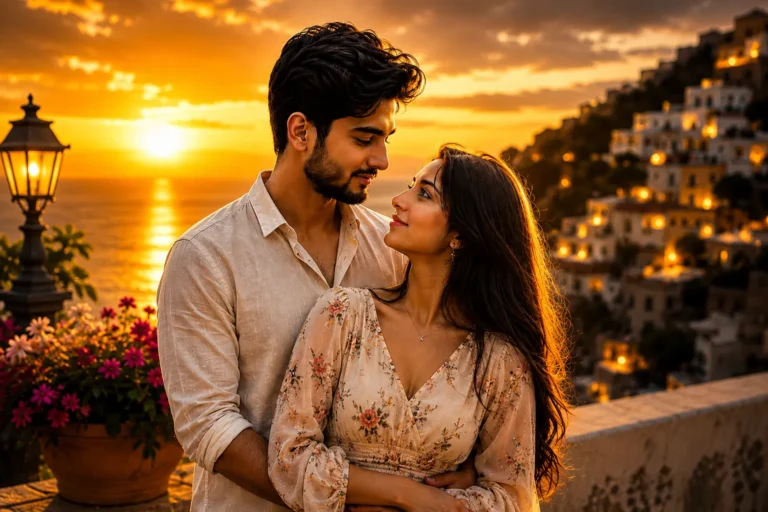
Prompt Seen ChatGPT: 3D Pixar Couple AI Photo Prompts
Turn your couple photo into a matching Pixar-style pair, both faces kept true to life.
Couples are the newest wave of the 3D Pixar AI photo trend, and it’s easy to see why. One good photo of you and your partner turns into a glossy, animated-movie style pair that still looks unmistakably like the two of you. The catch is that most people just type “make us Pixar characters,” and ChatGPT ends up changing an outfit, swapping an expression, or blending the two faces into something that barely resembles either person.
The Prompt Seen ChatGPT couple prompts below are built to avoid that. Both prompts use the same core instruction: keep both faces, both outfits, both poses, and both expressions exactly as they are in the photo, and only change the art style. Pick whichever example below is closest to your own photo, copy the prompt, and upload your picture.
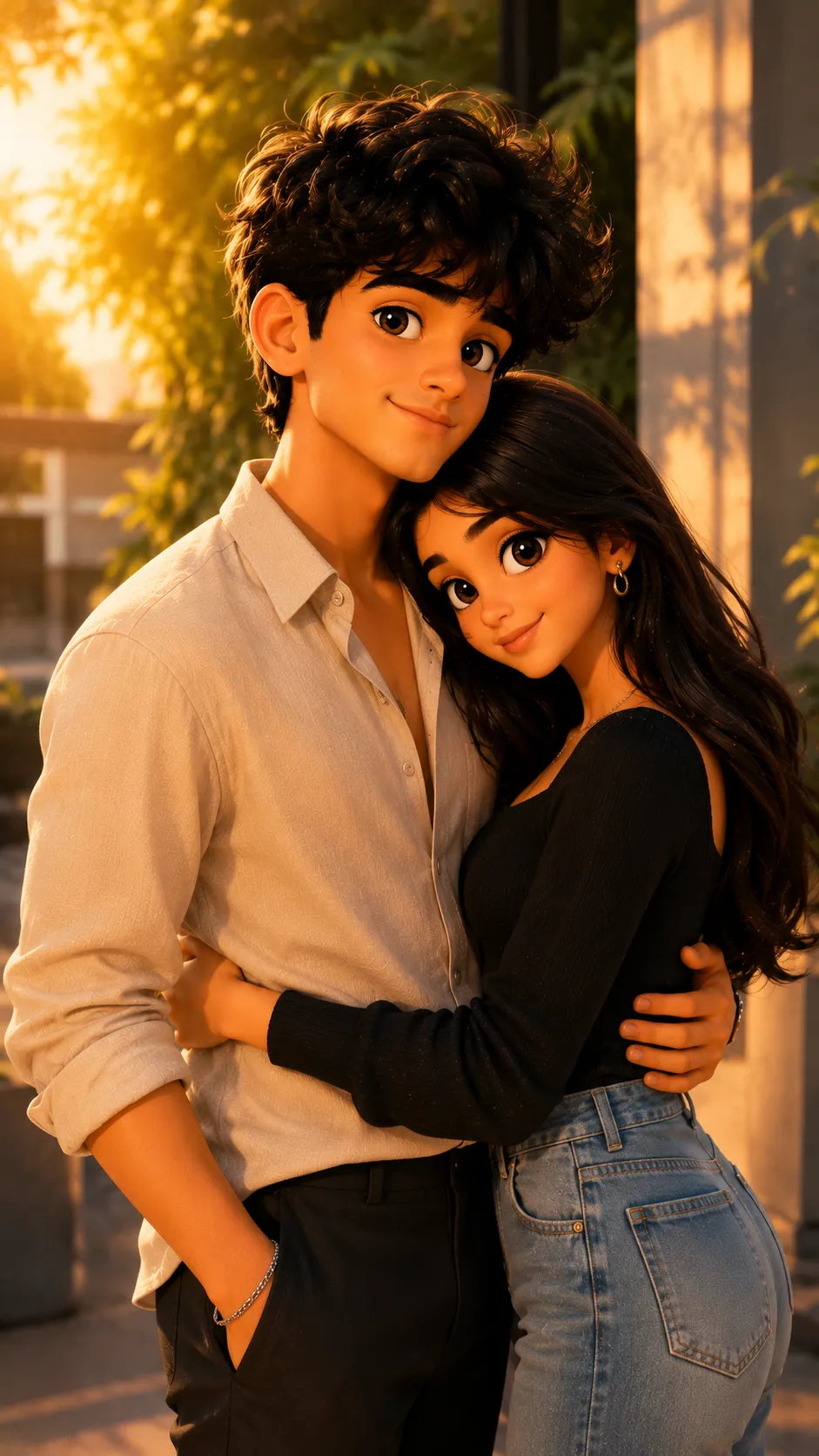
1. 3D Disney/Pixar Couple AI Photo Prompt
A straightforward 3D Pixar conversion for couple photos that locks in both faces, outfits, and poses without reshaping either person.
A 3D Pixar-style animated couple that keeps both faces, outfits, poses, and expressions exactly as they appear in the original photo.
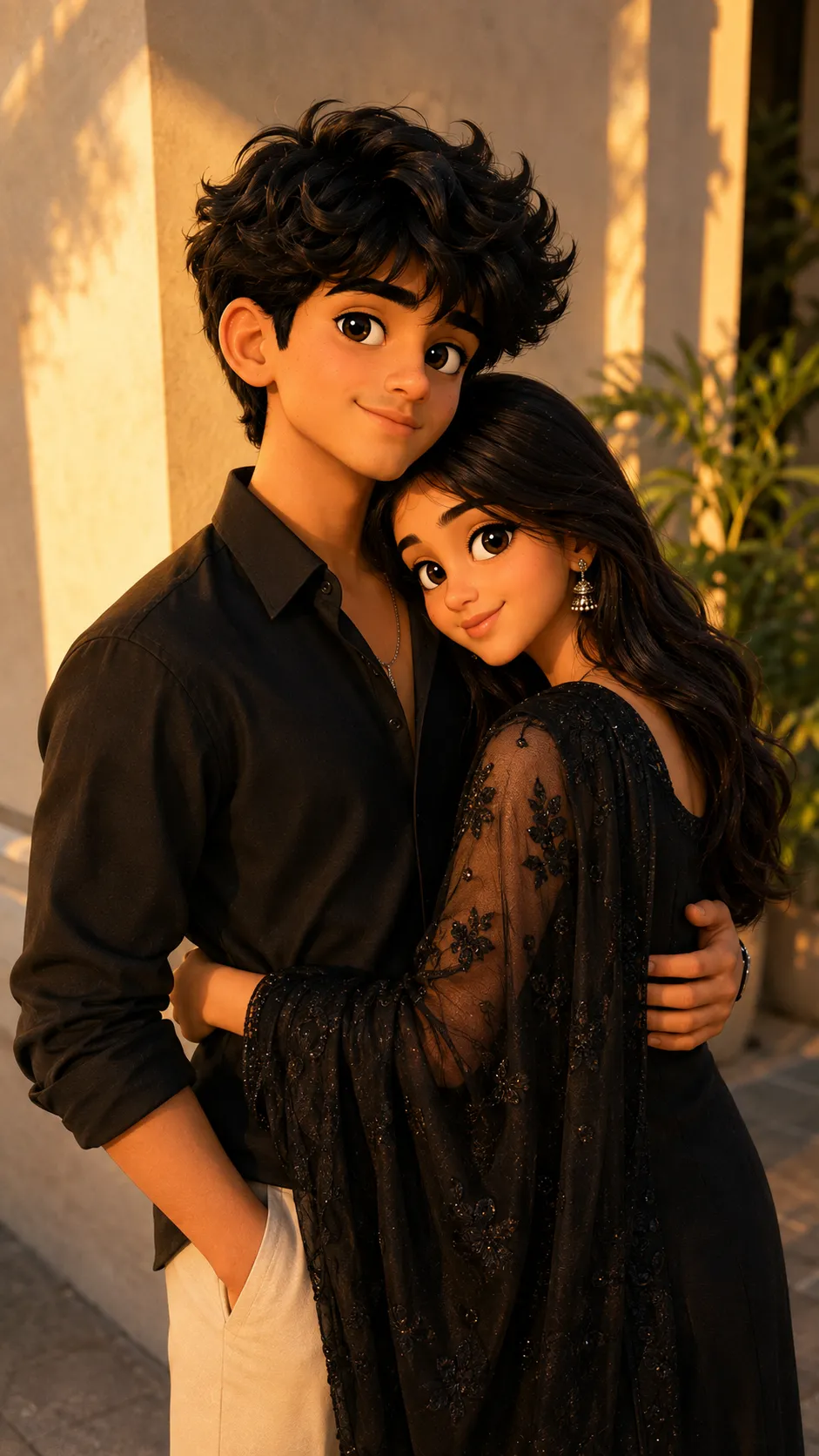
2. Romantic 3D Disney/Pixar Couple Prompt
Same locked-in wording, matched to a warmer, more romantic couple pose so the animated version keeps the closeness of the original shot.
A 3D Pixar-style animated couple that keeps both faces, outfits, poses, and expressions exactly as they appear in the original photo.
How to Use These Couple Prompts
- Choose one clear couple photo where both faces are visible and well lit, ideally facing the camera with no sunglasses or heavy shadows.
- Copy the prompt for the pose closest to your photo and paste it into ChatGPT, then attach your couple photo in the same message.
- Want a different look than Pixar, like anime or claymation? Swap only that one word in the prompt and leave the rest of the instruction untouched.
- If one partner’s face or outfit comes out altered, ask ChatGPT to redo it and add: “keep both faces and outfits exactly as shown, do not merge or change either person.”
Tips for Better Couple Photo Results
Since this prompt has to hold two faces steady at once, photo quality matters even more than usual. Pick a shot where both people are in focus and roughly the same distance from the camera, rather than one person blurred in the background. If the AI starts making the couple look too similar to each other, add a line like “keep each person’s individual facial features distinct” right after the outfit instruction. For photos with a busy background or other people in frame, cropping tightly to just the couple before uploading usually gives a cleaner result.
Conclusion
Both Prompt Seen ChatGPT couple prompts on this page are built around the same idea: give ChatGPT a photo of two people and get back two people, not a reimagined version of either. Start with whichever example pose matches your own picture, then adjust one detail at a time, outfit, background, or art style, until the result feels right for you and your partner.
FAQ
Will the Prompt Seen ChatGPT couple prompt keep both faces accurate?
Yes. Both couple prompts specifically tell ChatGPT to preserve both faces, outfits, poses, and expressions exactly as they appear in the original photo, so neither person gets swapped or reshaped.
Do I need two separate photos for the couple prompt?
No, one photo is enough. Upload a single clear couple photo where both faces are visible, and ChatGPT converts the whole scene into a matching 3D Pixar-style pair in one go.
Can these Prompt Seen ChatGPT couple prompts be used on Gemini too?
Yes. Both prompts are written in plain text with no ChatGPT-only formatting, so you can paste the same wording into Gemini or another AI image generator along with your couple photo.
What’s the difference between the two couple prompts on this page?
The wording is the same in both, since the goal is identical: keep both faces, outfits, poses, and expressions untouched. The difference is simply the reference photo and pose used for each example, so you can pick whichever style is closer to your own picture.
If you enjoyed these couple prompts, explore more trending AI photo prompts on Prompt Seen and keep creating high-quality images with ease.
← Back to All Prompts