This Candlelight Portrait Trick Turns Any Selfie Into a Dramatic AI Shot
Turn your photo into a dramatic candlelit portrait. Copy the prompt and drop in your picture.
Most portrait prompts lean on bright, even lighting, but sometimes the more striking result comes from taking almost all of it away. A single candle, deep shadows, and a completely black background do more for a dramatic mood than any filter could.
The prompt below builds exactly that kind of shot on Prompt Seen: a close-up portrait lit only by one burning candle, arms crossed and stacked with colorful glass bangles, eyes doing all the emotional work. One clear reference photo of your face is all it needs.
Girl Candlelight Portrait Prompt
A close-up, low-light portrait lit by a single red candle, arms crossed and stacked with colorful glass bangles, deep black background.
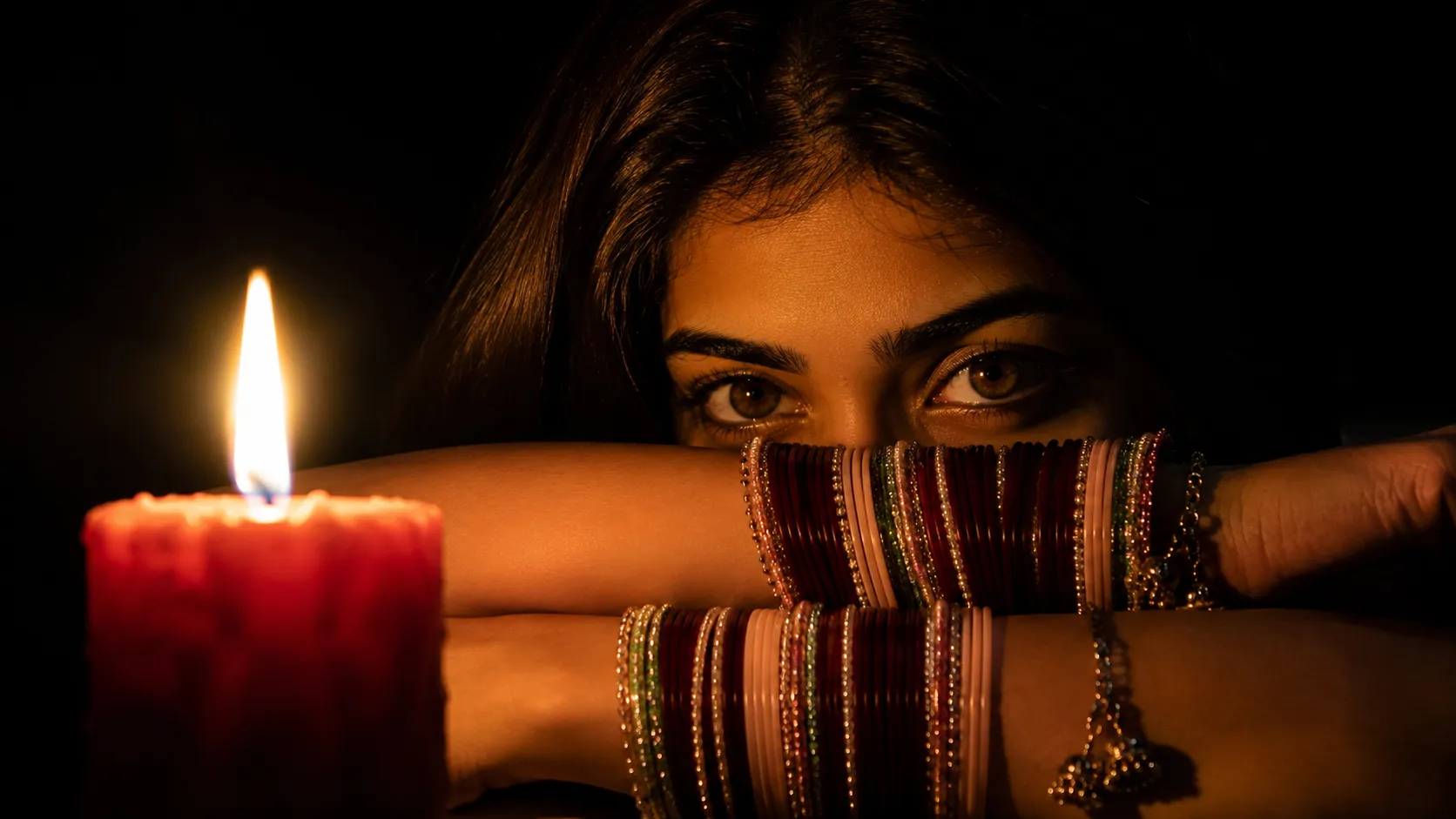
A close-up candlelit portrait, arms crossed with glass bangles, deep chiaroscuro shadows, black background.
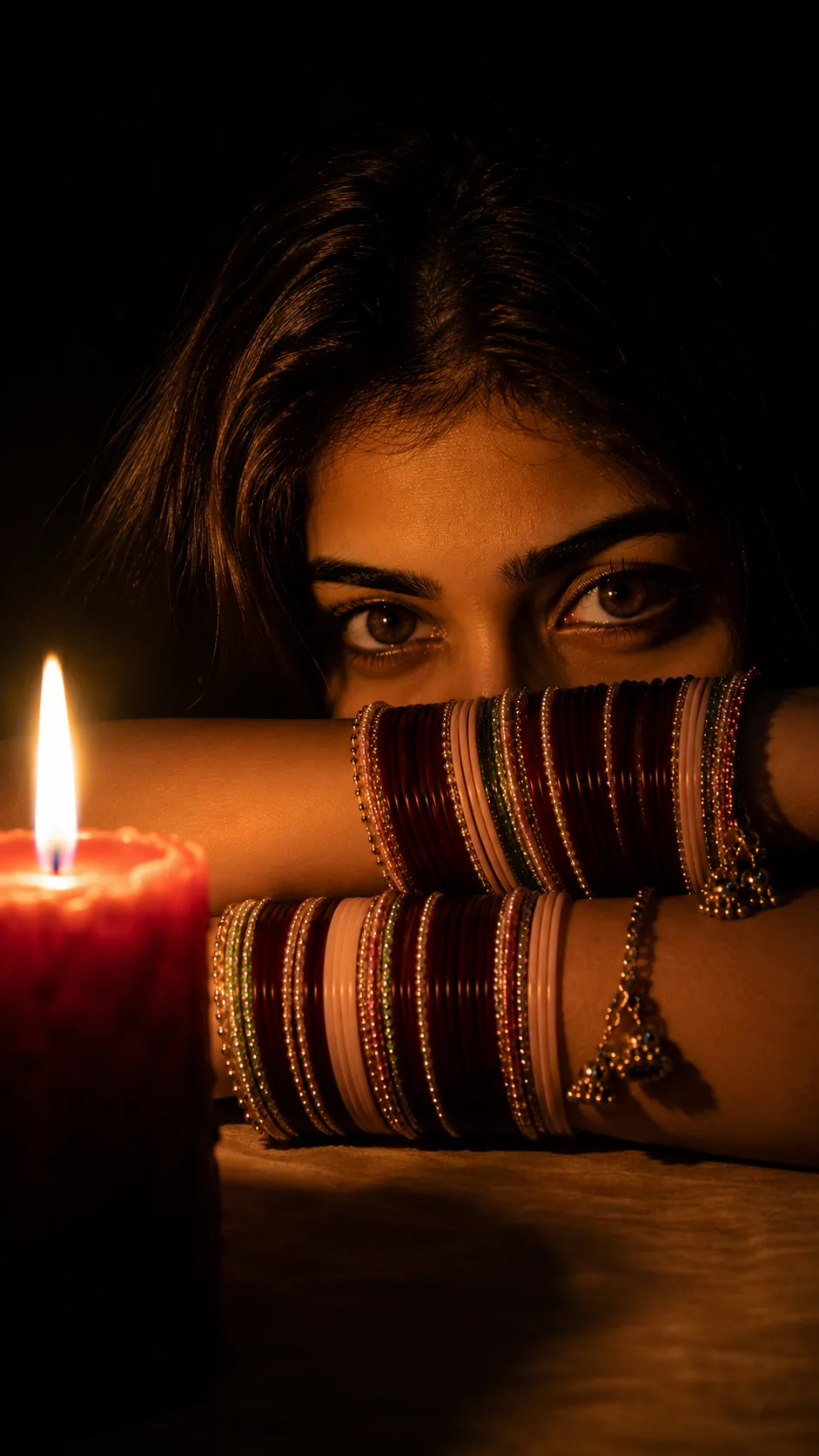
Same candlelit portrait prompt, another example result showing the chiaroscuro lighting and bangle detail.
How to Use This Prompt
- Pick one clear, well-lit reference photo of your face, this is what the candlelight and shadows get built around.
- Copy the prompt above and paste it into ChatGPT or Gemini along with your photo.
- Want a different candle color or bangle colors instead of what’s listed? Swap that one detail in the prompt and keep the rest as written.
- If your face comes out altered, ask for a redo and add: “keep my exact face from the uploaded photo unchanged, only update the lighting and pose.”
Tips for Better Results
Since the eyes carry most of the expression in this shot, a reference photo with sharp, well-lit eyes matters more than usual here. If the candle glow comes out too soft, add “make the candlelight brighter and more concentrated on the face” to the end of the prompt. For a cooler mood instead of the warm red candle, try swapping in a white or blue-toned flame.
Conclusion
This candlelight prompt gets most of its drama from what it leaves out, no bright background, no busy styling, just one light source and a calm, direct gaze. Start with your own reference photo, then adjust one detail, the candle color or the bangle stack, until the mood feels right.
FAQ
What makes the Girl Candlelight AI photo editing prompt look so dramatic?
The whole portrait is lit by a single burning candle placed close to the camera, which creates strong chiaroscuro lighting, deep shadows, warm highlights, and a completely black background.
Do I need a real candle photo to use this prompt?
No. The candle, the lighting, and the dark background are all generated by the prompt, so a normal, well-lit reference photo of your face is all you need.
Does this candlelight portrait prompt work on Gemini as well as ChatGPT?
Yes. The prompt is written as plain descriptive text, so the same wording works on ChatGPT, Gemini, or any other AI image tool that accepts a photo along with a prompt.
Can I change the candle color or the bangle colors in this prompt?
Yes. The red candle and the bangle colors are just text details, so you can swap them for your own preference before pasting the prompt in.
If you enjoyed this prompt, explore more trending AI photo prompts on Prompt Seen and keep creating high-quality images with ease.
← Back to All Prompts