Romantic Couple AI Photo Prompt for ChatGPT & Gemini
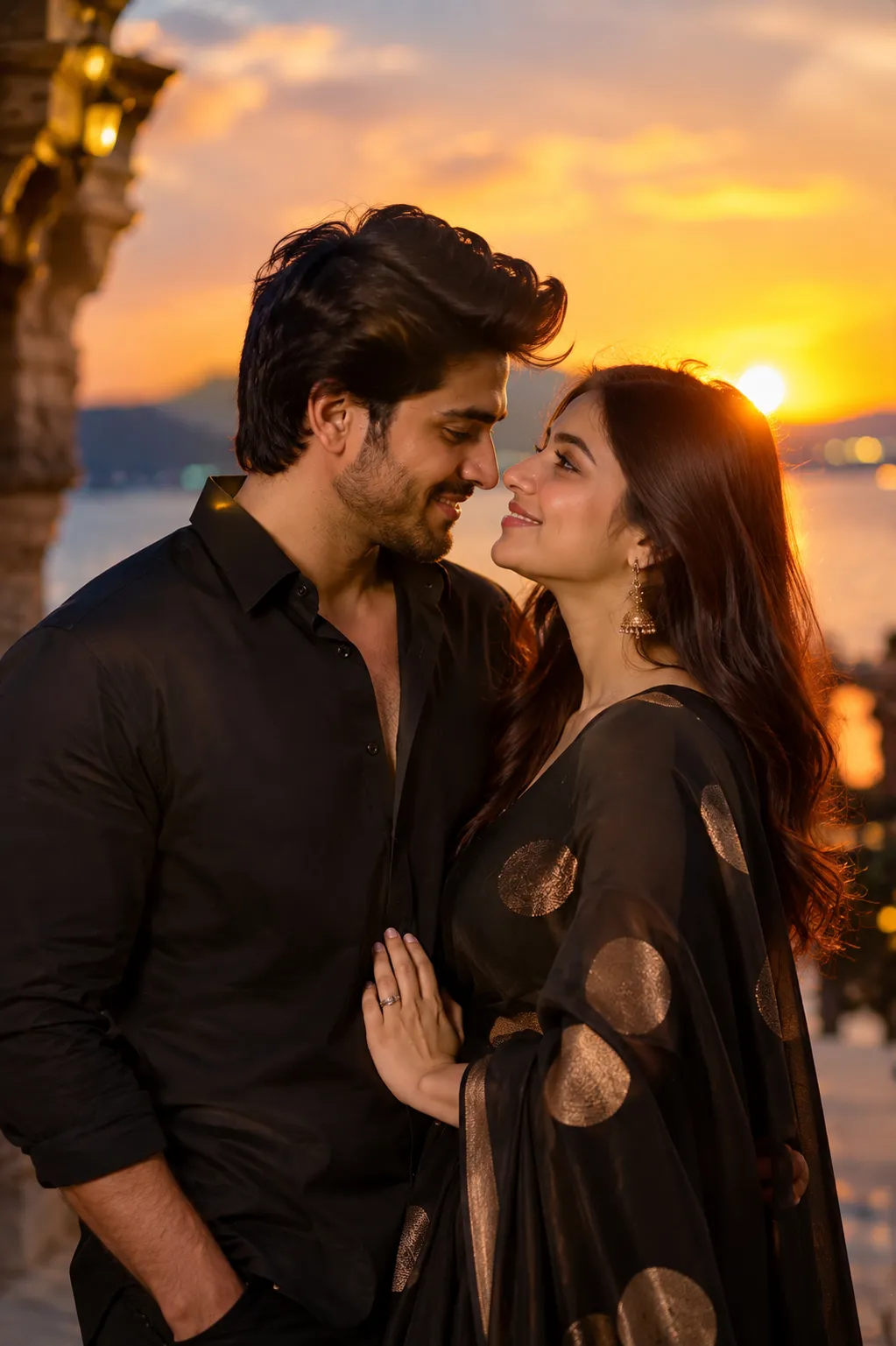
Golden-hour glow, dreamy bokeh, two portraits turned into one scene 🌇
A golden-hour sunset, two people standing close together, a natural smile instead of a posed one, this is the couple photo format that keeps showing up on Instagram feeds right now. It looks like a real evening shoot, but most versions start from two portraits and one carefully written prompt.
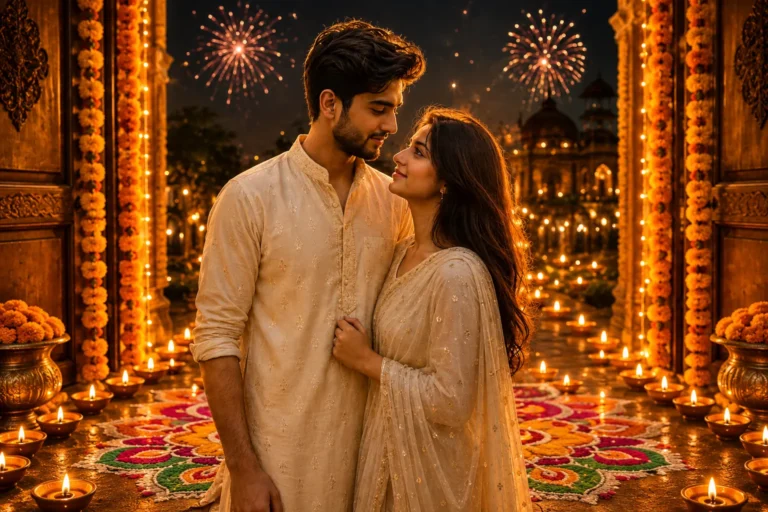
This post shares that prompt: a romantic couple scene built around warm sunset lighting, dreamy background bokeh, and natural, unposed expressions. Paste it into ChatGPT or Gemini along with a clear photo of each partner.
Romantic Couple AI Prompt
A stylish couple standing close in golden-hour sunset light, natural smiles, gentle eye contact, dreamy bokeh, cinematic composition.
How to Use This Prompt
1. Pick one clear, front-facing photo of each partner with good, even lighting, this is the reference the sunset scene is built from.
2. Copy the prompt above and paste it into ChatGPT or Gemini along with both photos.
3. Want a specific outfit color or setting, beach, city rooftop, garden? Add that in one short line at the end of the prompt.
4. If a face or expression doesn’t come out right, regenerate, small wording tweaks usually work faster than rewriting the whole prompt.
Tips for Better Results
Clear, front-facing lighting on both faces keeps the identity match strong when two people are in the same frame. If either face starts to drift, add a line like “keep both faces exactly as shown in the uploaded photos, do not alter or morph them.” For the outfits, one or two colors and one style is usually enough, long, stacked descriptions tend to compete with the golden-hour lighting instead of complementing it.
Conclusion
A good romantic couple photo doesn’t need an actual sunset shoot, just warm light, natural expressions, and a background that feels dreamy instead of busy. Start with two clear photos, paste in the prompt above, and adjust the outfit or setting line to fit your own idea instead of writing a new prompt from scratch.
FAQ
Does this romantic couple prompt work with both ChatGPT and Gemini?
Yes. The prompt is written in plain language on Prompt Seen, so it runs on both ChatGPT and Gemini without any extra edits.
Do I need a real sunset photo, or just two portraits?
Just two clear, front-facing portraits, one of each partner. The prompt already describes the sunset lighting and background, so the AI builds the scene around your photos.
Can I change the outfits or setting in this prompt?
Yes. Every detail is just text, so you can swap the outfit description or the setting to match your own idea before pasting it in.
Will both faces stay accurate in the same frame?
Yes, as long as both source photos are clear and front-facing. If either face starts to drift, add a line asking the AI to keep both faces exactly as shown in the uploaded photos.
If you enjoyed this prompt, explore more trending AI photo prompts on Prompt Seen and keep creating high-quality images with ease.
← Back to All Prompts